
Perfect Bound vs Case Laminate for IngramSpark Covers
If you are comparing Perfect Bound vs Case Laminate in IngramSpark, the most important difference is not visual style.
It is cover geometry.
Many creators treat both bindings as if they only change the spine thickness. In practice, the editing logic changes too. The outer zones, wrap behavior, and gutter handling are not the same, so the safest workflow is to lock the binding first and then work inside the matching template.
That is exactly what IngramSpark Cover Creator is built to help with.
Quick answer
Use Perfect Bound when you are building a standard softcover wrap.
Use Case Laminate when the hardcover structure adds:
- outer wrap
- gutter logic
- different risk zones around the boards
If you are still editing as though both files are just “front + spine + back,” the final export becomes much easier to break.
What stays the same
Both bindings still require:
- the correct official IngramSpark template
- a single finished cover file
- careful barcode area handling
- export discipline after the interior specs are locked
So the baseline rule does not change: always start from the official template and avoid rebuilding the canvas by hand. If you need the full template workflow, begin in How to Use an IngramSpark Cover Template before you compare the bindings in detail.
What changes with Perfect Bound
Perfect Bound is the simpler workflow.
You are mainly working with:
- back cover
- spine
- front cover
That still requires precision, but the logic is more familiar to authors who already know the paperback side of KDP.
This makes Perfect Bound the easier place to start if your goal is to move a finished front-cover concept into a standard full wrap.
What changes with Case Laminate
Case Laminate introduces more outer geometry.
That usually means you need to pay closer attention to:
- wrap areas
- gutter areas
- how far artwork and text can travel toward the outer edges
So even if the front cover concept is already approved, the hardcover version is not just a bigger export. It often needs a second pass to make sure the artwork still behaves correctly once the outer zones change.
Why this matters before design, not after export
The biggest mistake is waiting until export to remember the binding difference.
Once you have:
- centered the title
- placed the barcode region
- stretched the background
- aligned the spine text
changing the template late becomes expensive.
That is why the safer order is:
- lock the binding
- import the matching template
- place the visuals and text
- export the final cover PDF
If you need a visual concept first, generate it in AI Book Cover Generator, but do the final wrap work in IngramSpark Cover Creator only after the binding is confirmed.
A practical comparison
Perfect Bound is usually easier when:
- the project is a standard softcover
- the concept already fits a familiar full-wrap structure
- you want fewer moving parts in the first export pass
Case Laminate needs more caution when:
- the hardcover outer zones are still new to you
- the design uses edge-sensitive artwork
- the title, logo, or imagery sits close to the risk areas
That does not make Case Laminate harder in theory. It makes it less forgiving if you skip the template-first workflow.
What to check before export
Before exporting either binding, review:
- did you download the correct template for the selected binding?
- is the barcode area still clear?
- does the spine text still sit safely?
- if it is Case Laminate, did the outer wrap and gutter areas stay clean?
Then export the cover PDF separately from the interior PDF.
If the interior is still unstable, fix that first. For coloring books and other low-content projects, that step often runs through AI Coloring Pages to KDP PDF before the final wrap should be trusted.
FAQ
Is Case Laminate just the hardcover version of Perfect Bound?
Not exactly. It changes the outer geometry and therefore the safe editing behavior too.
Can I use the same cover layout for both bindings?
You can often reuse the concept, but the final placement still needs to be checked inside the correct template for each binding.
What is the safest way to handle both bindings?
Keep the official template as the geometry source and finish each wrap in IngramSpark Cover Creator.
Related Resources
IngramSpark Cover Creator
Use the correct template workflow for Perfect Bound and Case Laminate instead of rebuilding the canvas by hand.
Open the IngramSpark workflow
How to Use an IngramSpark Cover Template
See the exact template-first process before you choose the final binding workflow.
Read the template guide
Book Mockup Generator
Create listing and ad mockups after the IngramSpark wrap has been approved.
Create mockups
Author

Categories
More Posts
Best KDP Cover Creator Alternative Tool for Print-Ready Covers
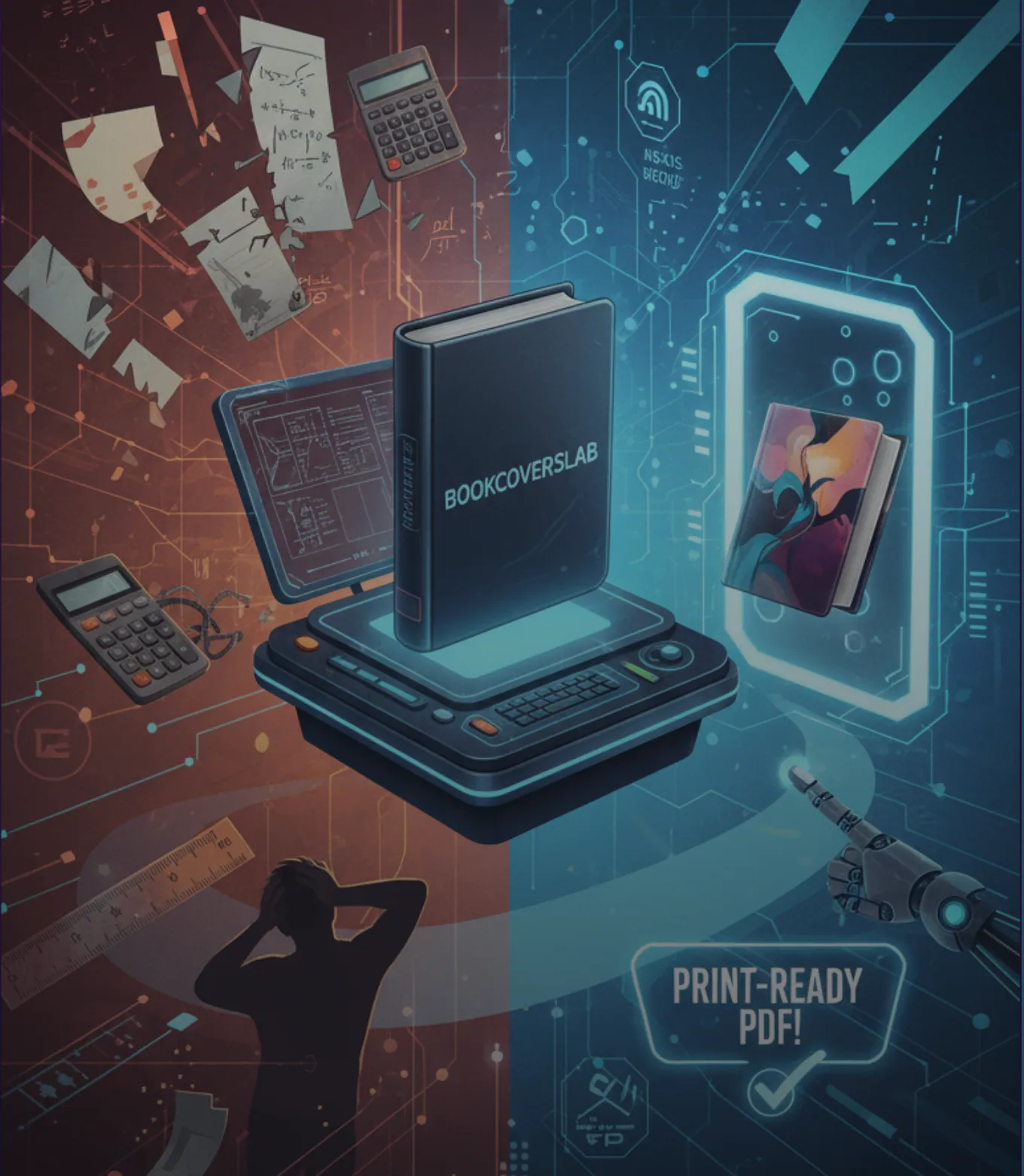
Looking for a better KDP Cover Creator alternative? See how BookCoversLab helps you build print-ready 300 DPI covers with exact spine, bleed, and preflight checks.
Book Cover Pixelated Font on KDP? Here’s the Real Fix
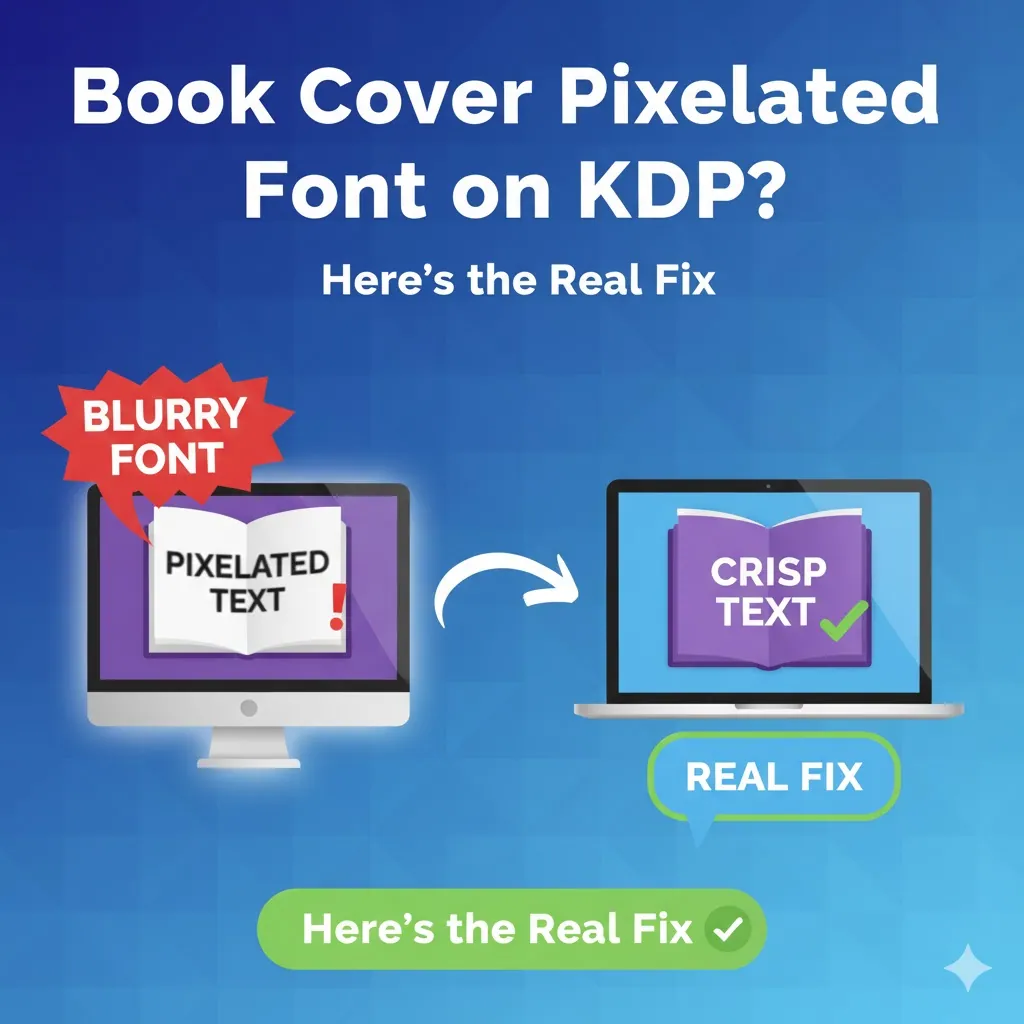
Seeing blurry, jagged, or pixelated fonts on your KDP cover? This guide diagnoses the root causes (DPI & rasterization) and provides the ultimate error-proof solution.

Low-Competition KDP Niches for 2026 (Coloring Book Stacks)
Find low-competition KDP niches in 2026 by stacking coloring book audience, theme, and line weight. Use Amazon autocomplete and print specs, not invented title counts.
Newsletter
Join the community
Subscribe to our newsletter for the latest news and updates