
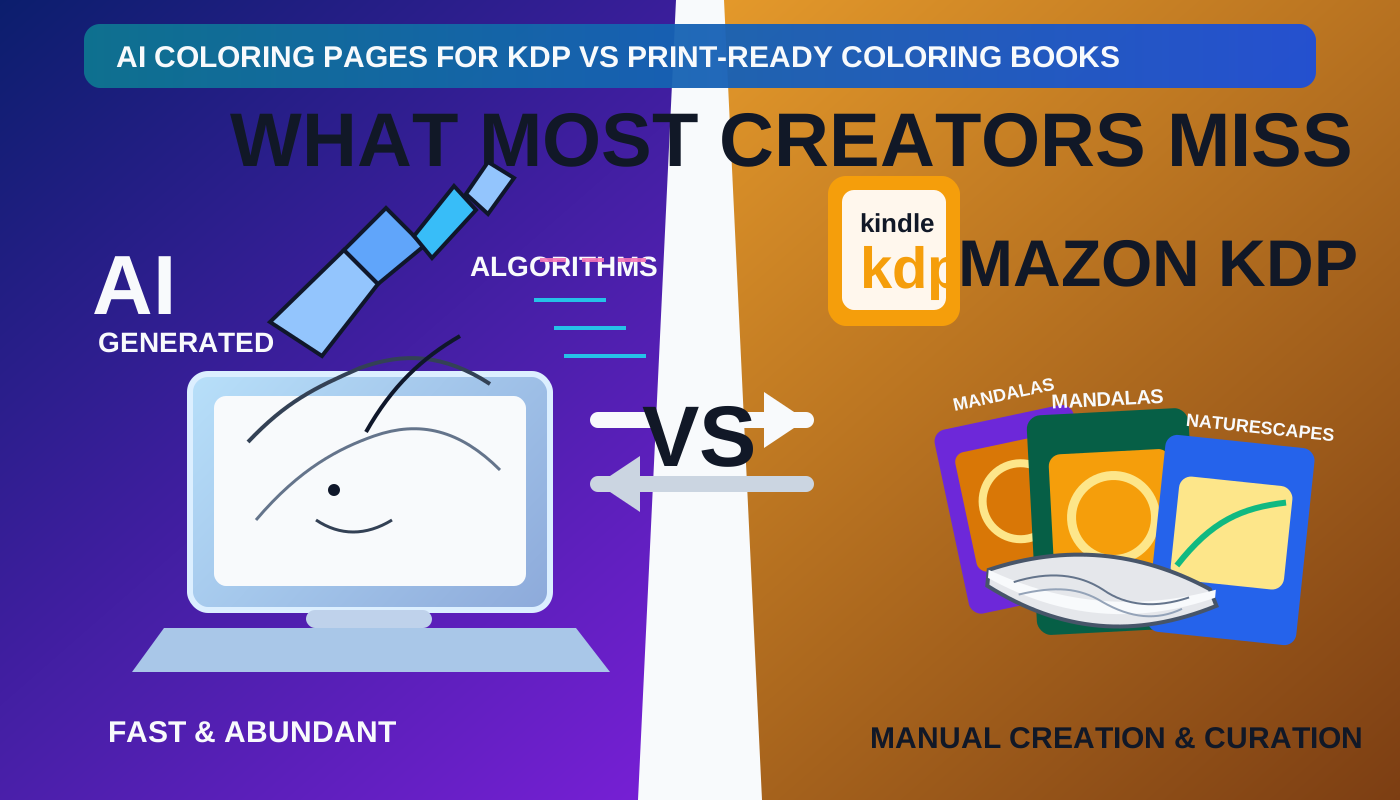
AI Coloring Pages for KDP vs Print-Ready Coloring Books: What Most Creators Miss
Many creators think they are almost done the moment they have 30 or 50 AI-generated coloring pages.
In reality, that is often the halfway point.
There is a big difference between AI coloring pages for KDP and a print-ready coloring book:
- one is a set of assets
- the other is a finished publishing package
If you are comparing tools right now, start with the broader breakdown in Best AI Coloring Book Generator in 2026. If you already want the production sequence, use How to Make a Coloring Book for KDP with AI. This article focuses on the gap that listicles usually skip.
What an AI coloring page generator actually gives you
A generator usually gives you one or more of these:
- page concepts
- line-art variations
- style exploration
- fast volume
That is useful. It saves time and can expand idea generation dramatically.
But it does not automatically give you:
- final trim discipline
- blank-back logic
- page pacing
- a stable interior PDF
- a matching cover wrap
- final upload validation
That is why the right question is not “Can this tool make coloring pages?”
It is “Can this workflow help me publish a book?”
If the pages already exist and you are stuck on layout decisions, start with Coloring Book Bleed and Margins for KDP so you fix the print geometry before you keep generating more art.
What makes a coloring book print-ready
A print-ready coloring book is more than page art. It is a coordinated package with:
- a chosen trim size
- a coherent page order
- interior cleanup and formatting
- a matching cover package
- final checks before submission
In BookCoversLab, these jobs are intentionally split:
- AI Coloring Book Generator for planning and structure
- AI Coloring Pages to KDP PDF for interior cleanup and export
- Coloring Book Cover Maker for front, spine, and back wrap work
- KDP Cover Preflight for final upload-risk review
This separation is a strength, not a weakness. It keeps the workflow honest.
The four places creators lose time
1. They keep generating instead of formatting
Once the page set is “good enough,” the next bottleneck is often the interior PDF, not ideation.
That is the moment to stop opening another generator and move into AI Coloring Pages to KDP PDF.
2. They plan the cover before the interior stabilizes
Your final cover package depends on the interior trim and page count. If those are still moving, your wrap keeps moving too.
That is why the safest sequence is:
- plan the book
- stabilize the interior
- finish the cover
3. They confuse page quantity with product readiness
More pages do not automatically create a better book. A tighter 32-page set with better pacing, cleaner printing, and a stronger wrap is often more publishable than a rushed 60-page set.
4. They skip the final risk check
Even when the interior and cover look finished, upload friction still happens. That is why a last pass through KDP Cover Preflight is useful before you submit.
When you should use a generator and when you should not
Use a generator when:
- the concept is still loose
- you need motif exploration
- the audience and complexity level are not settled
Stop generating and switch workflows when:
- you already have a usable page set
- trim and page count are becoming real constraints
- you need a stable PDF, not more assets
That handoff point is where AI Coloring Book Generator and AI Coloring Pages to KDP PDF work together better than a single “do everything” promise.
For marker-friendly books, that handoff often includes a second question: should the book stay single-sided? If that is still unclear, check Do Coloring Books Need Blank Backs? before you lock the final export.
The shortest path from pages to a real book
If you want the cleanest KDP path, do this:
- plan the structure in AI Coloring Book Generator
- finalize the interior in AI Coloring Pages to KDP PDF
- build the wrap in Coloring Book Cover Maker
- run the last check in KDP Cover Preflight
That sequence is less exciting than endlessly generating pages, but it is much closer to shipping.
FAQ
Are AI coloring pages enough for KDP?
Not by themselves. They are the raw material for a book, not the full publishing package.
What should I do after I generate coloring pages?
If the concepts are stable, move into planning and formatting instead of continuing to generate. That is where AI Coloring Pages to KDP PDF becomes more valuable than another prompt session.
Why do print-ready coloring books take longer than page generation?
Because a book needs order, trim consistency, export discipline, and final checks. That is production work, not just ideation.
Related Resources
Best AI Coloring Book Generator in 2026
Compare tools by workflow stage instead of treating them like interchangeable generators.
Read the comparison
AI Coloring Book Generator
Generate AI coloring pages, add blank backs, and export a print-ready KDP interior PDF.
Open the generator
AI Coloring Pages to KDP PDF
Turn finished pages into a real interior PDF instead of a folder of loose assets.
Format the interior
Coloring Book Bleed and Margins for KDP
Set a safer printable area before you export the interior PDF.
Read the bleed guide
Do Coloring Books Need Blank Backs?
Decide when blank backs improve the marker experience and when they are worth the extra pages.
Read the blank-back guide
KDP Cover Preflight
Run a final check before upload if you want fewer last-minute surprises.
Run the final check
Author

Categories
More Posts
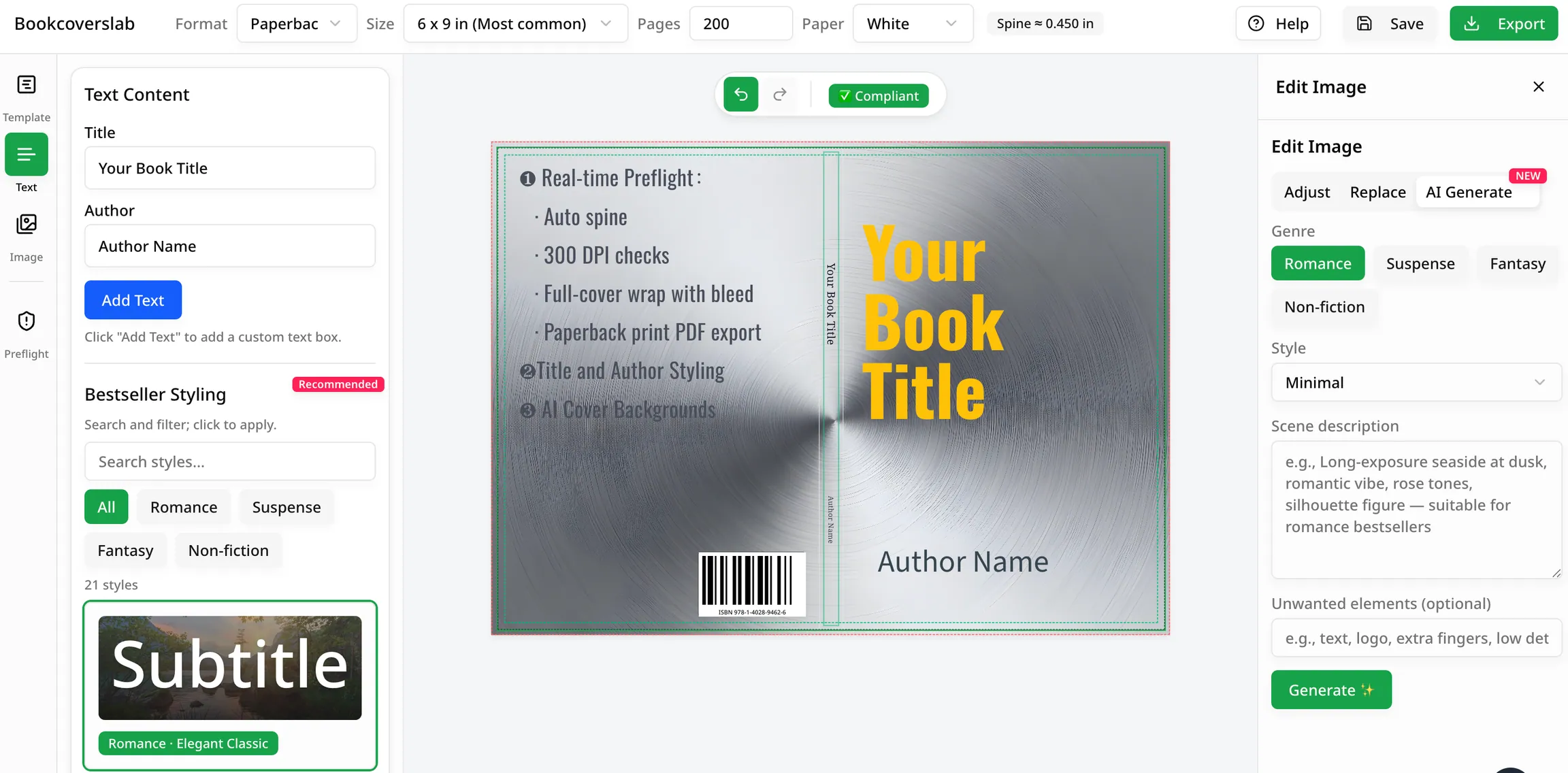
How to Use an IngramSpark Cover Template Without Breaking the Wrap
Learn how to use an IngramSpark cover template step by step. Keep the outer size intact, place artwork inside the safe geometry, and export a cleaner cover PDF for Perfect Bound or Case Laminate.
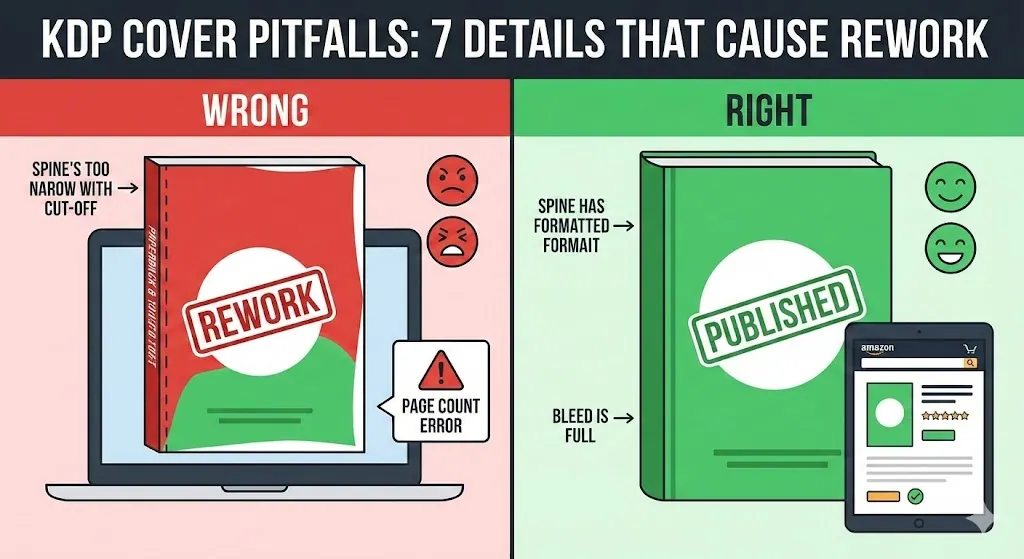
7 KDP Cover Mistakes That Cause Rework (Page Count, Spine, Bleed)
Avoid the most common KDP cover mistakes: page count changes, spine width inputs, bleed and safe zones, barcode space, PDF export, and resolution issues.
7 Best Photo to Coloring Page Converters in 2026
Compare the best photo to coloring page converters in 2026 for printable line art, pet and family keepers, and the path into a KDP coloring book.
Newsletter
Join the community
Subscribe to our newsletter for the latest news and updates