
Blog
Latest news and updates from our team
Design a KDP‑Ready Book Cover
Open the free KDP Cover Creator and export a print‑ready PDF.

7 Best AI Coloring Page Generators in 2026 (Printable PNG First)
Compare the best AI coloring page generators in 2026 for printable line-art PNGs, KDP trim sizes, and the handoff into a full coloring book workflow.

7 Best Name Coloring Page Generators in 2026
Compare the best name coloring page generators in 2026 for bubble-letter printables, classroom sets, gift pages, and KDP personalized coloring books.
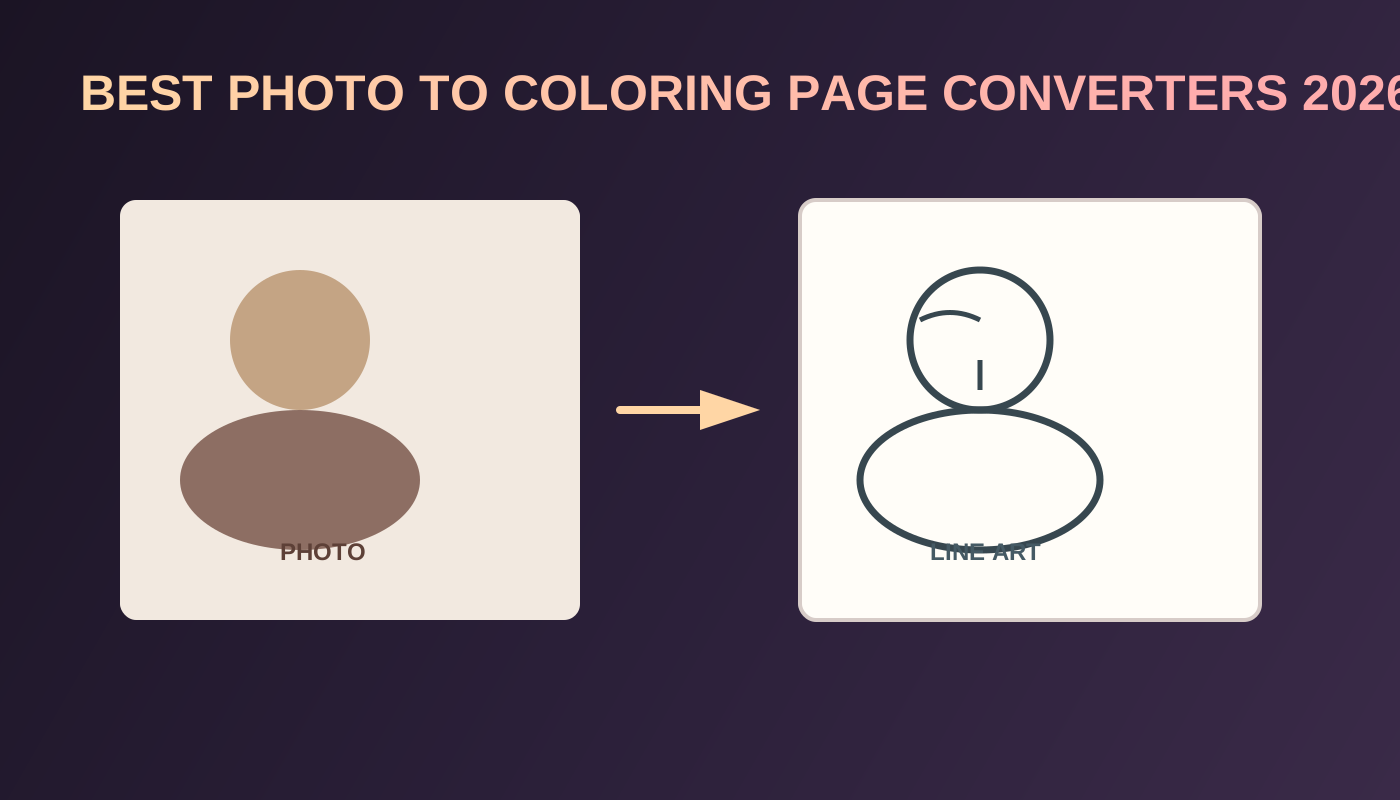
7 Best Photo to Coloring Page Converters in 2026
Compare the best photo to coloring page converters in 2026 for printable line art, pet and family keepers, and the path into a KDP coloring book.

9 Best KDP Niches for 2026 (Print-Ready Coloring Books)
Rank the best KDP niches for 2026 by print-ready coloring books: 300 DPI interiors, blank backs, and a cover wrap, with Circana, Census, and KDP specs.

Low-Competition KDP Niches for 2026 (Coloring Book Stacks)
Find low-competition KDP niches in 2026 by stacking coloring book audience, theme, and line weight. Use Amazon autocomplete and print specs, not invented title counts.
Best AI Coloring Book Generator in 2026: Which Tools Actually Help You Publish on KDP?
Compare the best AI coloring book generator tools in 2026. See which ones stop at PNG pages and which help you export a print-ready KDP interior PDF.