
Free KDP Cover Templates: 6x9, 5x8, Paperback & Hardcover
Download or open KDP cover templates by trim size. Compare spine, bleed, paperback, hardcover, and Canva-ready layout options.
No design skills needed. 100+ pre-made templates inside.
Free KDP cover templates by trim size
Pick the template by binding, trim size, and final page count. A KDP cover template is useful when you want a visual guide layer; the calculator is useful when you need the exact spine, bleed, and full-wrap dimensions first.
| Format | Trim | Example setup | Spine | File type | Template |
|---|---|---|---|---|---|
| Paperback | 6 × 9 in | 300 pages, B&W white paper | 0.6756 in | Full-wrap PDF or PNG guide layer | Open 6x9 paperback template |
| Paperback | 5 × 8 in | 200 pages, B&W cream paper | 0.5 in | Full-wrap PDF or PNG guide layer | Open 5x8 paperback template |
| Paperback | 8.5 × 11 in | 120 pages, color white paper | 0.2816 in | Workbook cover layout | Open 8.5x11 template |
| Hardcover | 6 × 9 in | Case laminate, page-count based spine | Calculated per book | Hardcover wrap with hinge and turn-in | Open 6x9 hardcover template |
Which KDP cover template should I use?
| Situation | Best choice | Next step |
|---|---|---|
| You know the trim size and page count | Open a trim-specific cover template | Use the template as the guide layer in your editor. |
| The manuscript page count may still change | Use the KDP Cover Size Calculator first | Recalculate spine width before choosing the final template. |
| You are designing in Canva | Use the full cover width and height from the calculator | Create a custom-size design, then import the template guide. |
| You are switching paperback to hardcover | Use a hardcover-specific template | Do not reuse the paperback canvas; hardcover needs hinge and wrap. |
KDP template vs KDP cover size calculator
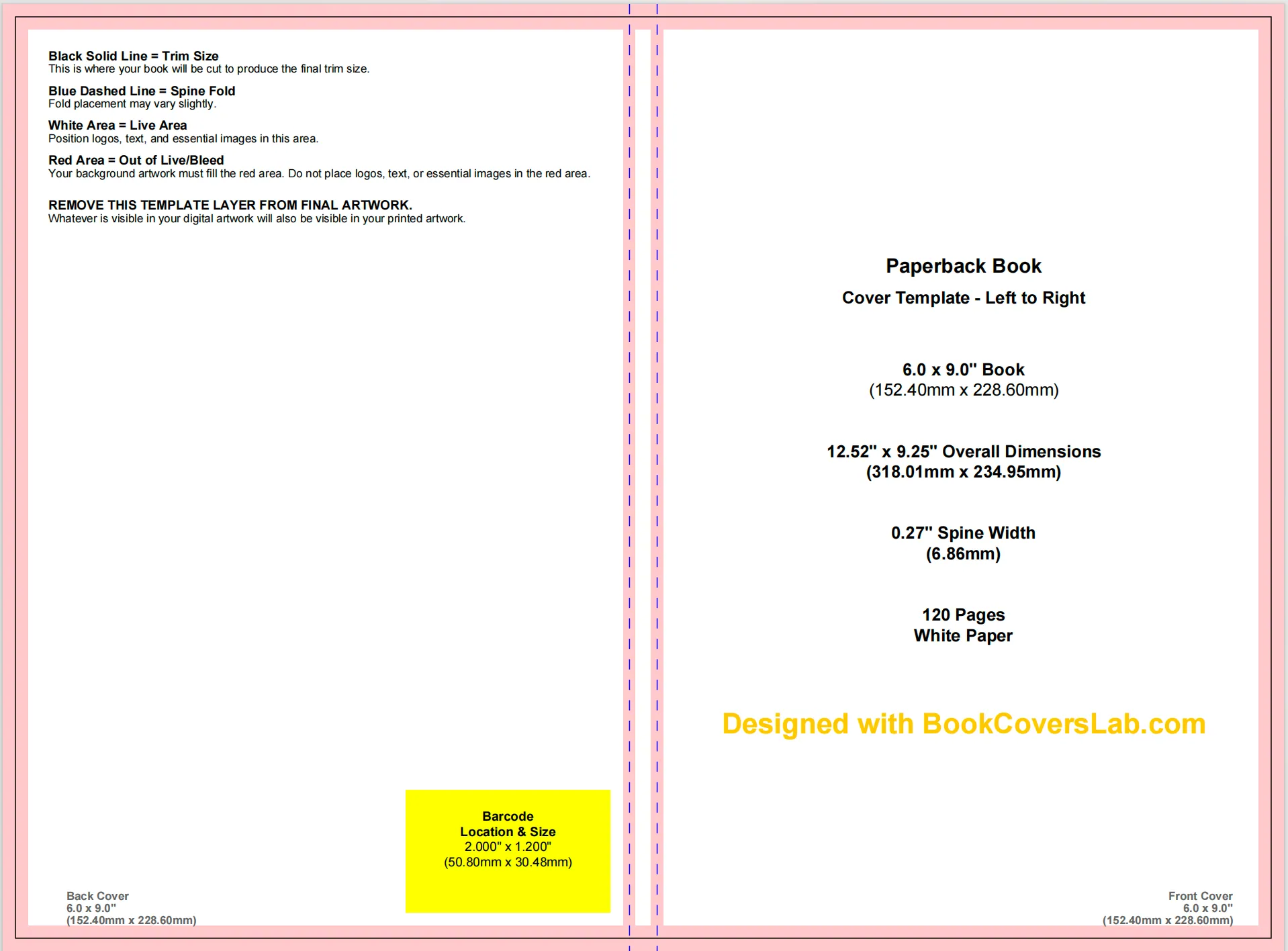
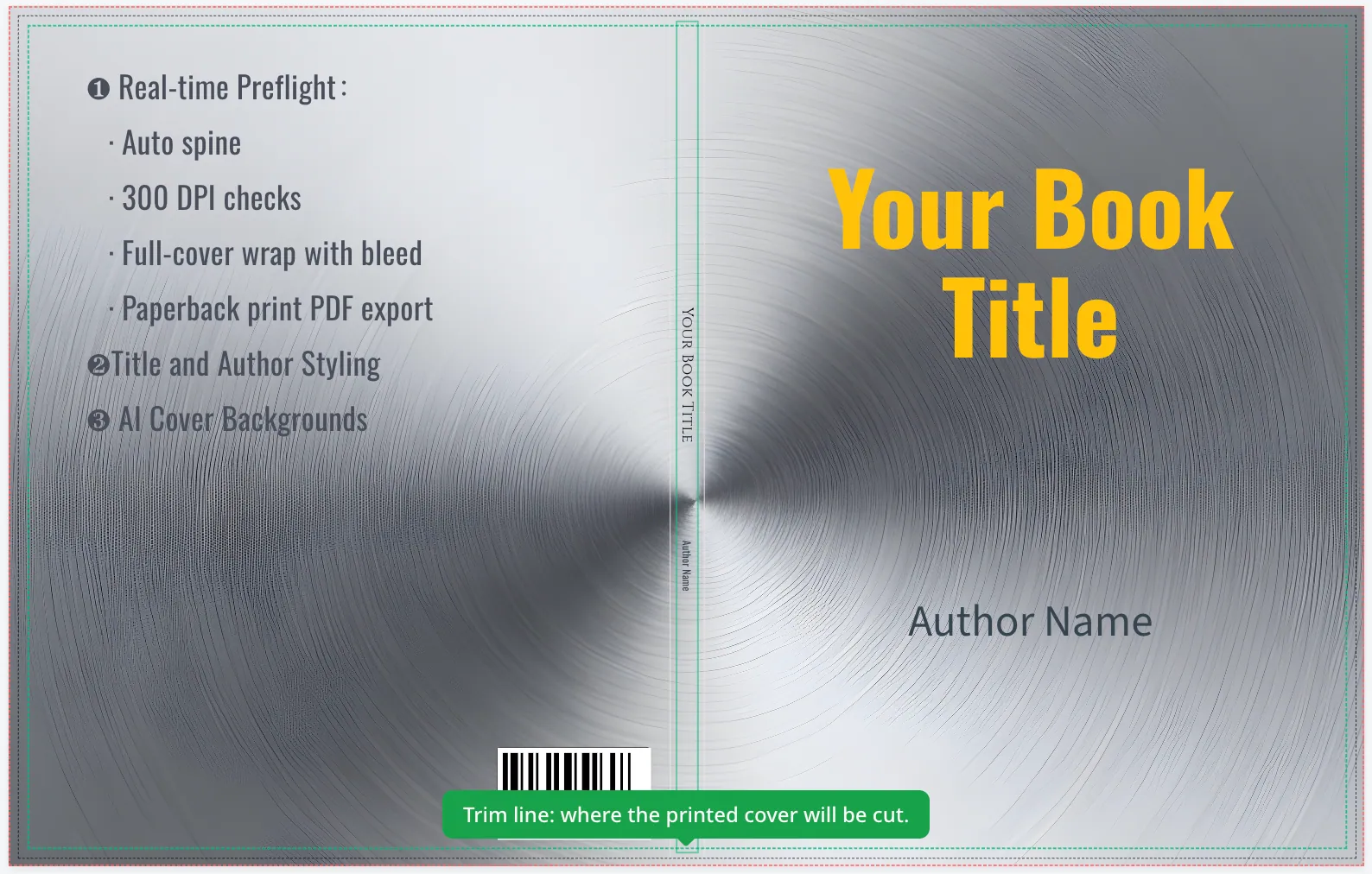
Use a KDP cover template when you need visible guides for trim lines, bleed, spine, safe zones, and barcode space. Use the KDP cover size calculator when any source value is still changing: page count, paper type, binding, or trim size.
- Calculate the exact full cover width, height, and spine width.
- Open the matching KDP cover template for the final trim and binding.
- In Canva, create a custom-size design with the full cover width and height, then place the template as a guide layer.
- Lock or hide the guide layer before exporting your print-ready PDF.
Why Use Accurate KDP Templates?
Instead of guessing dimensions and risking rejection, use our precise templates to ensure a smooth publishing process:
- Avoid Auto-Rejection: Amazon’s automated review system instantly rejects files with incorrect bleed settings or dimensions. These templates are pre-validated to pass.
- Protect Your Content: Visual guides clearly mark the “Safe Zone”, ensuring your title and author name are never cut off during the physical trimming process.
- Perfect Spine Alignment: Spine width varies strictly by page count. A precise template prevents your spine text from wrapping onto the front or back cover.
- Print-Ready Format: Download files that are already set to the correct 300 DPI and colour profile required for high-quality printing.
Explore Different KDP Template Types
KDP Templates by Book Type (Paperback vs Hardcover)
KDP templates by book type group your files into paperbacks and hardcovers so you can choose the right binding first.
Paperback templates
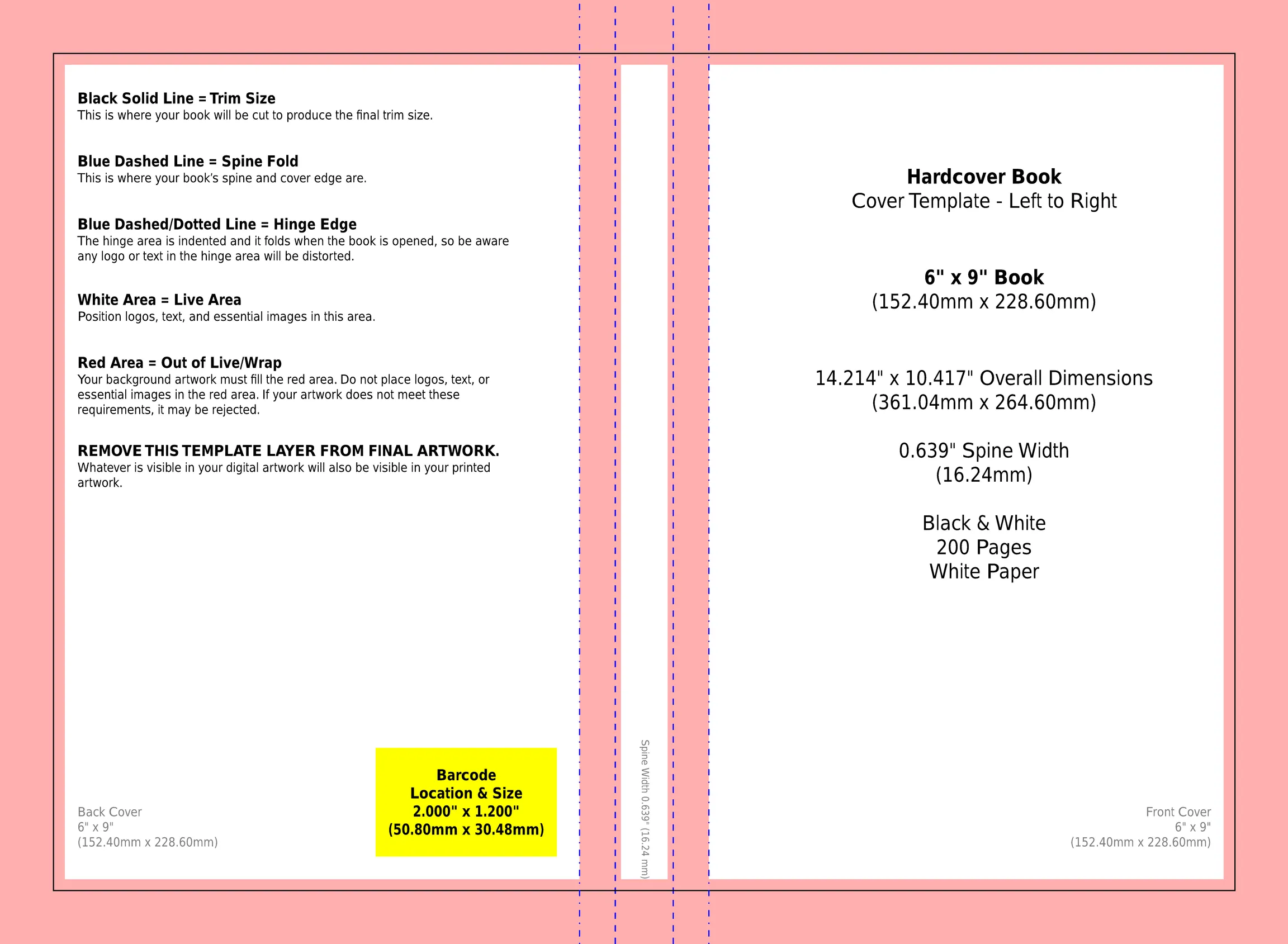
Ideal for most KDP books: novels, journals, planners, workbooks and low‑content titles. These KDP templates are optimised for flexible covers and standard bleed settings.
- Support the most common trim sizes, like 6 × 9 and 8.5 × 11.
- Include both bleed and no‑bleed interior options.
- Provide full‑wrap cover layouts with safe zones for title, author name and back‑cover blurb.
Hardcover templates
Designed for premium editions where durability and perceived value matter. These templates account for hinge, wrap and extra height on the case laminate board.
- Great for colour interiors, photo books, or collectible fiction.
- Use different cover dimensions from paperbacks, even at the same trim size.
- Include room for barcode placement, series branding and jacket‑style layouts.
KDP Templates by Popular Trim Size
KDP templates by trim size group everything around the final width and height of your book so you can follow category norms and KDP print rules.
6 × 9 in templates
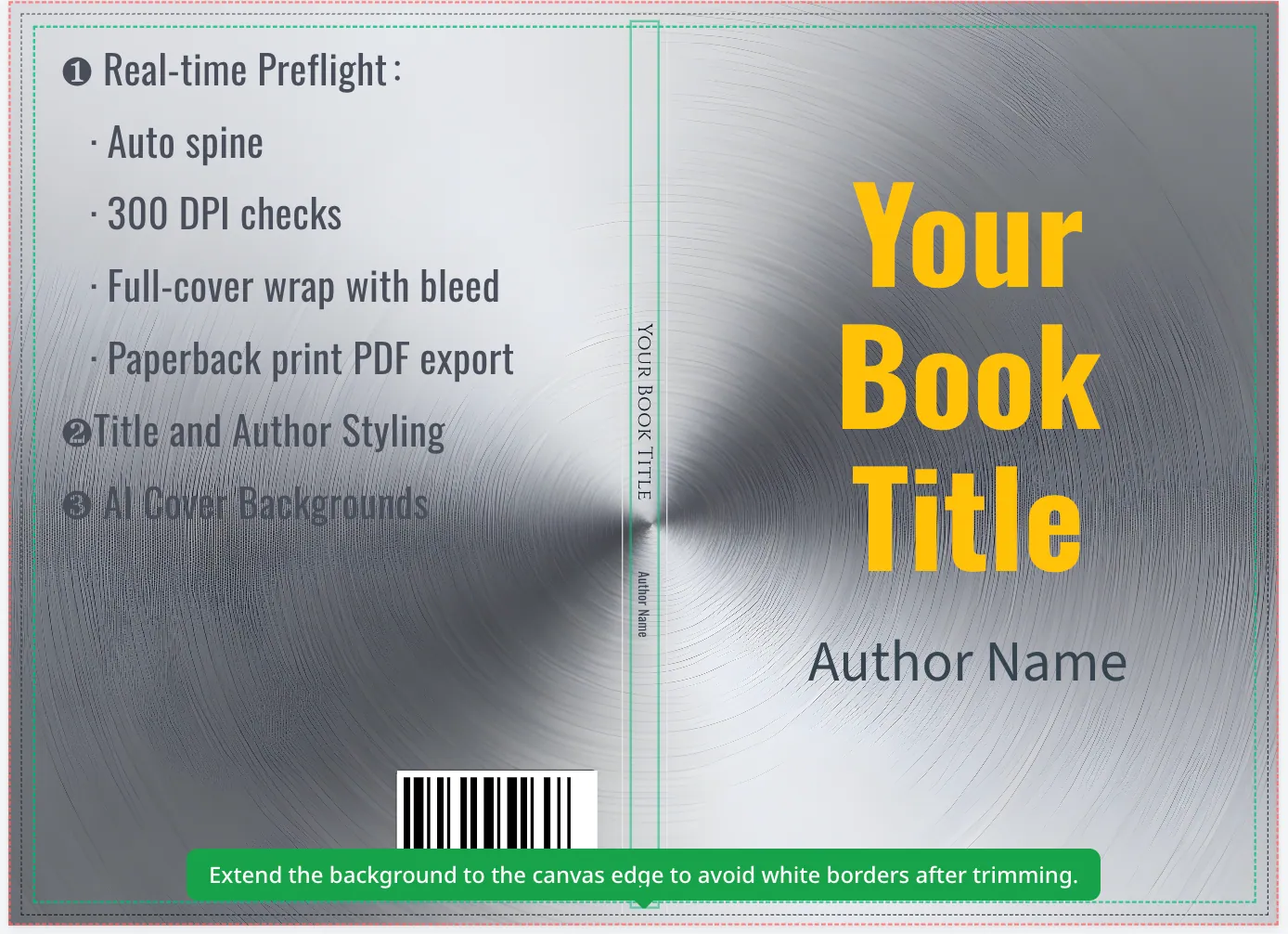
Standard trade paperback for most nonfiction and fiction. Includes matching 6×9 paperback and 6×9 hardcover templates.
5 × 8 in templates
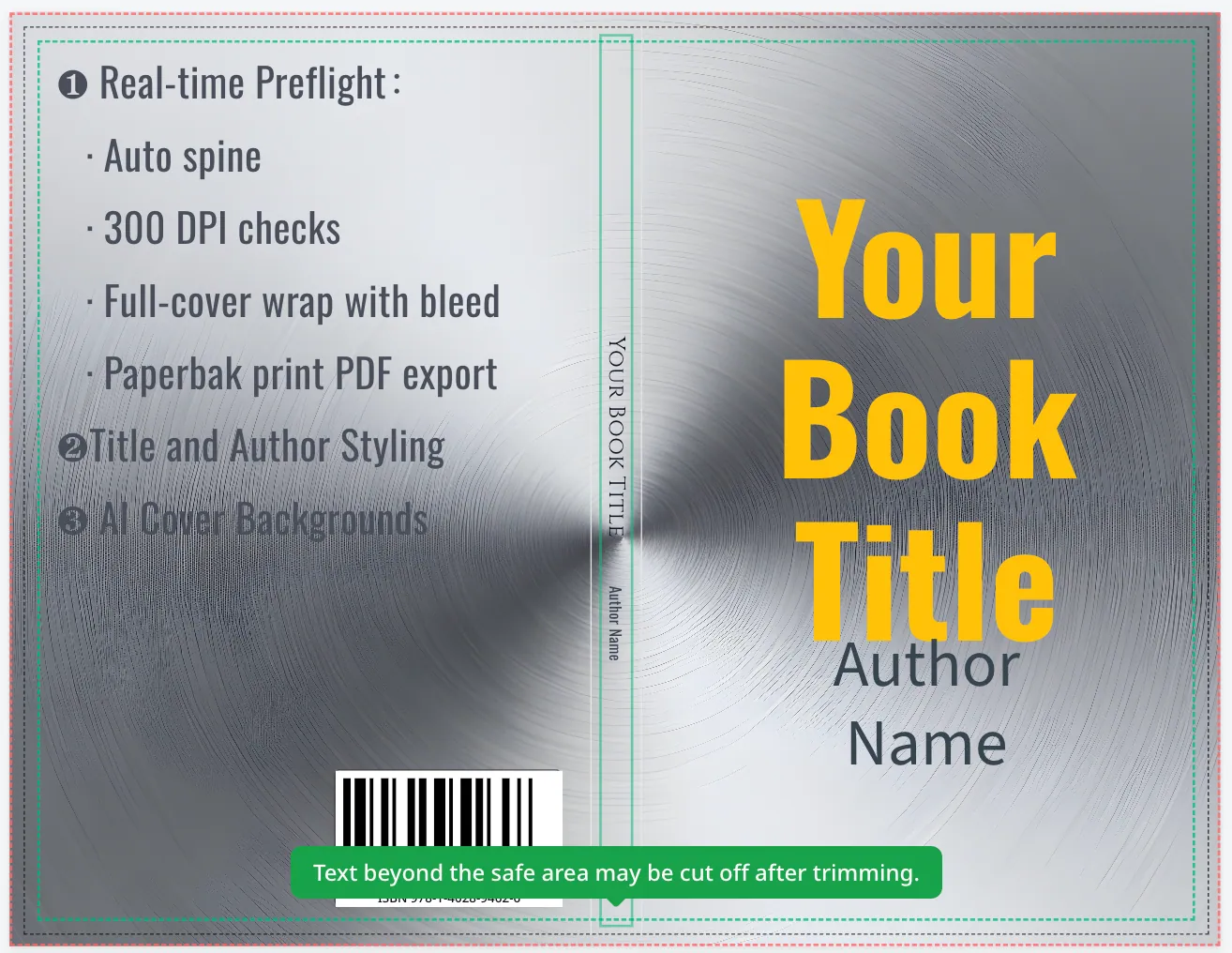
Compact paperbacks for pocketable novels, novellas and travel guides where portability matters most.
8.5 × 11 in templates
Large-format workbooks, activity books and education titles, ideal for worksheets and colouring pages.
KDP Templates by Interior Type (Black & White vs Colour)
KDP templates by interior type separate black‑and‑white and colour layouts so you can match print cost, paper choice and design needs.
Black & white interior templates
Perfect for text‑heavy books such as novels, memoirs, non‑fiction and many journals. These templates emphasise readability and clean typography.
- Margin and line‑spacing presets tuned for long‑form reading.
- Layouts optimised for cream or white paper.
- Ideal for low‑content books like lined journals and planners.
Colour interior templates
Best for children's books, cookbooks, how‑to guides, photo books and highly visual content. These KDP templates are built with bleed and image‑friendly spacing in mind.
- Large image areas and caption zones for photos and diagrams.
- Support for full‑bleed illustrations without accidental white edges.
- Compatible with both paperback and hardcover bindings.
How to Choose the Right KDP Book Template in 4 Steps
Use this simple sequence whenever you start a new KDP project so your cover and interior templates match KDP print specifications.
Choose size — pick your KDP trim size, such as 6 × 9 in for trade nonfiction or 8.5 × 11 in for workbooks and activity books.
Select binding — decide whether you need a paperback or hardcover based on durability and perceived value.
Choose interior & paper — black‑and‑white or colour on cream or white stock, depending on print cost and reading experience.
Generate exact template — use the KDP Cover Size Calculator or a trim‑specific guide to create a precise KDP book cover template and matching interior template you can download or open in the KDP Cover Creator.
KDP Common Book & Cover Templates Quick Reference
| Type | Trim Size | Template | Example Use Cases |
|---|---|---|---|
| Paperback | 6 × 9 in | Get 6x9 Paperback Template | Trade nonfiction, self‑help, most novels and low‑content journals |
| Paperback | 8.5 × 11 in | Get 8.5x11 Template | Workbooks, activity books, colouring books, education titles |
| Hardcover | 6 × 9 in | Get 6x9 Hardcover Template | Premium fiction, gift editions, compact memoirs and keepsake books |
For exact pixel/mm dimensions and spine width based on your page count, use the KDP Cover Size Calculator or open the detailed trim size guides linked at the top of this page.
KDP Template FAQs: Common Questions Answered
What are the most common mistakes people make with KDP templates?
The most common KDP template errors are mismatched trim sizes between cover and interior, using no‑bleed files for full‑bleed artwork, incorrect spine width for the page count and paper type, and placing important text outside the safe area. All of these problems are avoidable if you start from a correct KDP template that matches your trim size, page count and paper choice.
How do I calculate the correct spine width for my KDP book?
To calculate KDP spine width, combine your final page count with your interior paper type and then use a KDP spine calculator or the official KDP cover template generator to get the exact value. A simple rule of thumb for paperbacks is spine width ≈ page count × paper factor (about 0.0025 in per page for cream paper). The KDP Cover Size Calculator on BookCoversLab automates this and outputs full cover width and height so your template always matches KDP's specs.
What’s the difference between bleed and no‑bleed, and which should I choose?
The key difference between bleed and no‑bleed KDP templates is whether artwork runs past the trim line or stays inside a white border. Bleed means your artwork or background extends past the trim line, so after trimming you get clean colour all the way to the edge. No‑bleed keeps everything inside a safe margin so a white border appears at the edge. Visual and illustration‑heavy books usually need bleed, while most text‑only books are simpler and safer with no‑bleed.
Do I have to use Amazon's official KDP templates?
You do not have to use Amazon's official KDP templates as long as your files follow the same specifications for trim size, bleed, spine width, safe zones and 300 DPI print‑ready PDFs. You can design in tools like Canva, Photoshop or Affinity and still pass review. BookCoversLab KDP templates mirror KDP's requirements so you get the benefits of a guided layout without being locked into a single design tool.
Where can I download all of your KDP cover and interior templates?
You can download BookCoversLab KDP cover and interior templates by starting with the trim‑size cards at the top of this KDP book template hub. Open the dedicated guides for 6 × 9, 8.5 × 11 and 5 × 8 books, including both paperback and hardcover. Each guide lists free KDP cover templates, matching interior layouts and direct links to open the KDP Cover Creator with your trim, pages and paper type prefilled. You'll also find links to free KDP template bundles on the Free KDP Templates hub.
Can I reuse the same KDP template across multiple books?
You can reuse the same KDP template across multiple books if core specs stay the same. If trim size, interior type and paper type are identical and your page counts are close, you can safely reuse a template across a series. When the page count changes significantly, regenerate the cover template so the spine width remains accurate and your book continues to pass KDP review.
Where can I download free KDP cover templates?
Start with the trim-size cards above, then open the dedicated 6x9, 5x8, 8.5x11, or hardcover template guide. Each guide points to a matching cover template and the exact calculator setup for that format.
Can I use a KDP cover template in Canva?
Yes. Create a custom-size Canva design using the full cover width and height, upload the template as a guide layer, align artwork to the bleed and safe zones, then export as PDF Print.
Do I need a new KDP cover template when page count changes?
Yes, when the page count changes enough to move the spine width. Recalculate the cover size after final formatting, then regenerate or reopen the matching KDP template before upload. If the mismatch is small, follow the page-count template size repair guide.
Turn These Specs into a KDP‑Ready Book Today
You now know how KDP templates, trim sizes, bleed and spine width fit together. Next, open a trim‑specific guide to download a free KDP cover template and matching interior template, or use the KDP Cover Size Calculator to generate a precise template for your own book.
After choosing the right cover template, you can plan the rest of the book with this AI ebook publishing workflow, from outline and chapter structure to metadata and EPUB/PDF export.