
Kindle eBook Cover Generator
Create a Kindle-ready AI front cover, check KDP eBook size and thumbnail readability, then export the concept or send it into KDP Cover Creator for print.


What this page is for
Use this Kindle eBook cover generator when you need a vertical KDP front-cover concept, not a paperback wrap. Check the 1.6:1 eBook ratio, keep title text readable at thumbnail size, and export a JPEG/TIFF-friendly asset or convert the winning concept to paperback later.
| Need | Choose | Next step |
|---|---|---|
| Kindle / KDP eBook front cover | AI Book Cover Generator front mode | Generate a vertical concept, then check 1.6:1 ratio and Kindle thumbnail readability. |
| Final title and author typography | KDP Cover Creator front layout | Keep AI art text-light, add editable title type, and export a clean JPEG/TIFF front asset. |
| Paperback after the eBook wins | KDP Cover Creator paperback setup | Convert the front panel into a cover with spine, back cover, and bleed. |
| KDP upload checks | Kindle eBook cover requirements | Confirm file type, pixel size, color mode, and that no spine, barcode, or back cover is included. |
eBook Cover vs Paperback Cover Format
Choose the format by upload job, not by design taste. Kindle eBooks need one front image. Paperback covers need a full wrap with production geometry.
| Format | Best for | Geometry | Final file |
|---|---|---|---|
| Kindle eBook front cover | Digital Kindle listing, launch graphics, front-panel testing | One portrait image, usually 1.6:1 height-to-width ratio | JPEG or TIFF front-cover image |
| Paperback full wrap | KDP paperback print upload and print-ready cover export | Back cover, calculated spine, front cover, bleed, safe zones, barcode space | Print-ready PDF after KDP Cover Creator setup |
| eBook-to-paperback handoff | Authors who want to test Kindle art before print | Use the eBook image as the front panel, then add spine and back cover | Front image first, full-wrap PDF later |
How to Choose the Right eBook Cover Workflow
A Kindle eBook cover is a single front image, but the best workflow still separates idea generation, readable typography, and KDP upload checks.
| Situation | Risk | What to do |
|---|---|---|
| You want quick AI cover ideas. | Fast cover art can look good but still miss Kindle ratio, file type, or thumbnail readability. | Generate the concept here, then check the 1.6:1 ratio, title area, and JPEG/TIFF export needs. |
| You need polished title and author text. | AI-rendered words often contain artifacts or become hard to read at Kindle thumbnail size. | Keep the image prompt text-light, then add editable title and author typography after the art is chosen. |
| You may turn the eBook cover into a paperback later. | A paperback wrap is not the same file as a Kindle front cover. | Start in Front cover mode, then move the winning art into KDP Cover Creator when you need back cover, spine, bleed, and barcode space. |
Where the eBook cover rules come from
These references explain why the workflow separates front-cover art, editable typography, and KDP-specific upload checks.
Amazon KDP Cover Creator
KDP explains that Cover Creator can create or customize eBook, paperback, and hardcover covers with layout and image controls.
Open referenceCanva AI Book Cover Generator
Canva shows how editable design tools handle title layout and final visual polishing after the first cover idea.
Open referenceVenngage AI Book Cover Generator
Venngage shows a prompt-to-cover workflow, while this page adds Kindle-specific ratio and upload checks.
Open referenceBest Use Cases for a Kindle eBook Cover Generator
Use the eBook workflow when the deliverable is a single portrait image for Kindle, a launch test, or a front panel that may become a paperback later.
Kindle-first launches
Generate several genre-aware front covers before you commit to final typography or paperback production.
Rapid thumbnail tests
Compare focal point, contrast, title area, and reader promise at small Amazon search-result sizes.
Series direction planning
Keep the same palette, typography space, and focal style across multiple eBook concepts.
Paperback later
Start with the eBook front cover, then reuse the winning concept as the front panel in KDP Cover Creator.
Kindle Cover Checks Before You Publish
An AI image is only a cover direction until it passes the practical Kindle checks below.
| Check | Rule | Why it matters |
|---|---|---|
| Ratio | Use a 1.6:1 height-to-width eBook cover ratio. | A wrong crop can look stretched or awkward in Kindle listings. |
| Pixel target | Use 2560 x 1600 px when possible; avoid files below KDP minimums. | Enough pixels keep the cover crisp on high-density screens. |
| Thumbnail readability | Shrink the cover and confirm the focal point and title area still read. | Most shoppers judge the cover before opening the product page. |
| File format | Prepare a clean JPEG or TIFF front-cover image. | eBook upload is not a paperback PDF workflow. |
| Print-only elements | Do not include spine, barcode, or back-cover copy. | Those belong to paperback or hardcover covers, not Kindle eBooks. |
What This eBook Generator Adds
Front-only default
The embedded generator starts in Front cover mode so the user does not accidentally create a paperback wrap.
Genre-aware prompts
Scene, genre, and style inputs help create covers that fit romance, thriller, fantasy, nonfiction, and other shelves.
Typography-first handoff
The workflow separates AI art from final title and author typography, which keeps the final cover editable.
Print upgrade path
When a front cover wins, KDP Cover Creator can turn it into a full paperback layout with spine and back cover.
Prompt Examples for eBook Covers
| Use case | Prompt example | Quality check |
|---|---|---|
| Romance Kindle cover | A coastal lighthouse at sunset, warm emotional romance mood, two small figures on a pier, clear upper title area, cinematic lighting, no text. | Does it still feel romantic at thumbnail size? |
| Thriller eBook cover | A single red door in a foggy street, high contrast noir mood, one strong focal point, dark negative space for title, no text. | Can the danger signal be understood in one glance? |
| Business nonfiction | One bold geometric symbol, clean navy background, premium editorial design, strong empty area for large title, no text. | Does the cover look credible rather than generic? |
| Memoir Kindle cover | A quiet handwritten letter on a wooden table, soft window light, reflective memoir mood, one clear symbolic object, open title space, no text. | Does the image suggest a personal story without becoming too literal? |
| Children chapter book | Whimsical treehouse adventure cover, friendly character silhouette, bright readable shapes, playful color palette, clear top title area, no text. | Does the cover stay simple enough for parents to read in a small listing? |
How it works
- 1
Start with the title and reader promise
Enter the title, author name, genre, and the promise the Kindle thumbnail should communicate.
- 2
Generate a vertical front cover
Use the AI Book Cover Generator to create a single front image without spine, barcode, or back-cover constraints.
- 3
Check Kindle size and thumbnail readability
Confirm the 1.6:1 eBook ratio, keep the main focal point simple, and reject concepts that fail at small Kindle store sizes.
- 4
Add final typography outside the image prompt
Use editable title, subtitle, and author text instead of relying on AI-rendered words baked into the image.
- 5
Convert to paperback only when needed
If print is part of the launch, use KDP Cover Creator to add trim size, page count, spine, back cover, bleed, and barcode space.
eBook Cover Mistakes to Avoid
Letting AI write the final title
AI-rendered text often contains artifacts. Add title, subtitle, and author name as editable typography.
Using a paperback wrap as an eBook cover
A Kindle cover is one front image. Crop out back cover, spine, and barcode content.
Choosing detail over clarity
A crowded image can look impressive large but fail as a small Kindle thumbnail.
FAQ
Is this a Kindle cover generator for KDP eBooks?
Yes. This page works as a Kindle cover generator and AI eBook cover generator for KDP front-cover concepts. It creates one digital cover direction before you add final typography or convert the artwork into a paperback wrap.
What size should a KDP eBook cover be?
KDP recommends a 1.6:1 height-to-width ratio for eBook covers. A common ideal file is 2560 x 1600 pixels, with JPEG or TIFF as the upload format.
Is an eBook cover different from a paperback cover?
Yes. An eBook cover is a single front image, while a paperback cover needs back cover, spine, front cover, bleed, and safe-zone handling in one full-wrap file.
Can I use the AI eBook cover as a paperback front panel?
Yes. The safest workflow is to generate the front-cover direction first, then finish the paperback geometry inside KDP Cover Creator.
Should I add title text inside the AI prompt?
Usually no. Keep AI art mostly text-free, then add editable title and author typography in the Creator so the final cover stays readable and correct.
What is the fastest path from eBook front cover to paperback cover?
Generate and choose the strongest eBook front cover first, then open KDP Cover Creator to add trim size, page count, spine width, back cover, barcode space, bleed, and final PDF export.
Related AI book cover generator pages
AI book cover examples by genre
Browse romance, thriller, fantasy, sci-fi, nonfiction, comic, horror, drama, and novel cover templates.
Browse genre templatesKindle eBook cover generator
Generate Kindle and KDP eBook front-cover concepts, check thumbnail readability, then move the winner into print when needed.
Open Kindle eBook cover generatorAI paperback cover generator
Start a KDP paperback full-wrap concept with front, spine, and back-cover production in mind.
Generate paperback wrap ideasRomance book cover generator
Generate romance-specific cover ideas by subgenre, heat level, palette, and reader promise.
Open romance generatorComic book cover generator
Generate comic and graphic novel cover concepts by focal subject, illustrated style, action, palette, and format.
Open comic generatorHorror book cover generator
Generate horror-specific cover concepts by threat, setting, subgenre, atmosphere, and format.
Open horror generatorSci-fi book cover generator
Generate science fiction cover concepts for space opera, cyberpunk, dystopian, retro, and hard sci-fi stories.
Open sci-fi generatorFantasy book cover generator
Generate fantasy cover concepts for epic fantasy, romantasy, dark fantasy, urban fantasy, and cozy stories.
Open fantasy generatorStart from a related book cover template
Browse all templates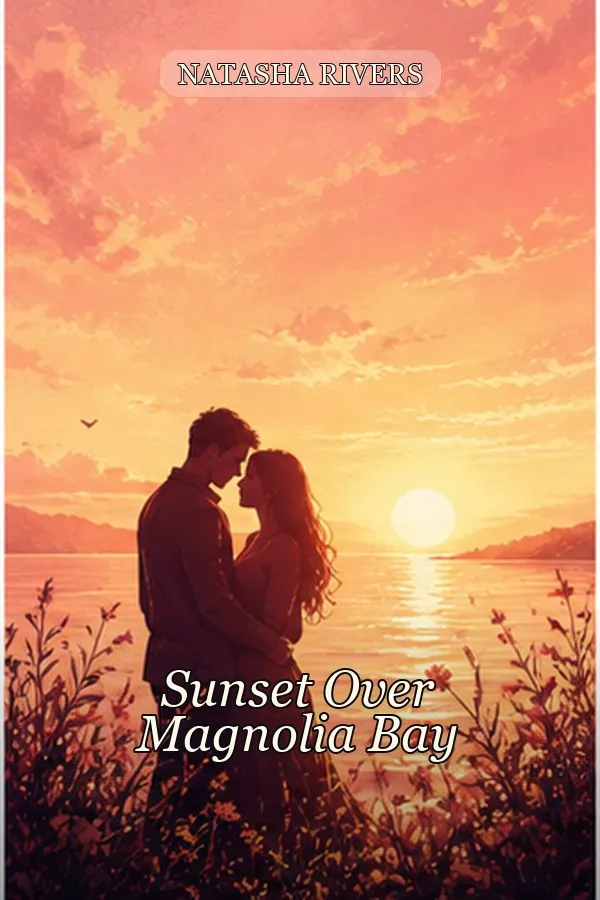
Dreamy Seaside Romance Book Cover Template
A soft coastal romance cover direction for second-chance, beach town, and emotional contemporary romance stories.
View template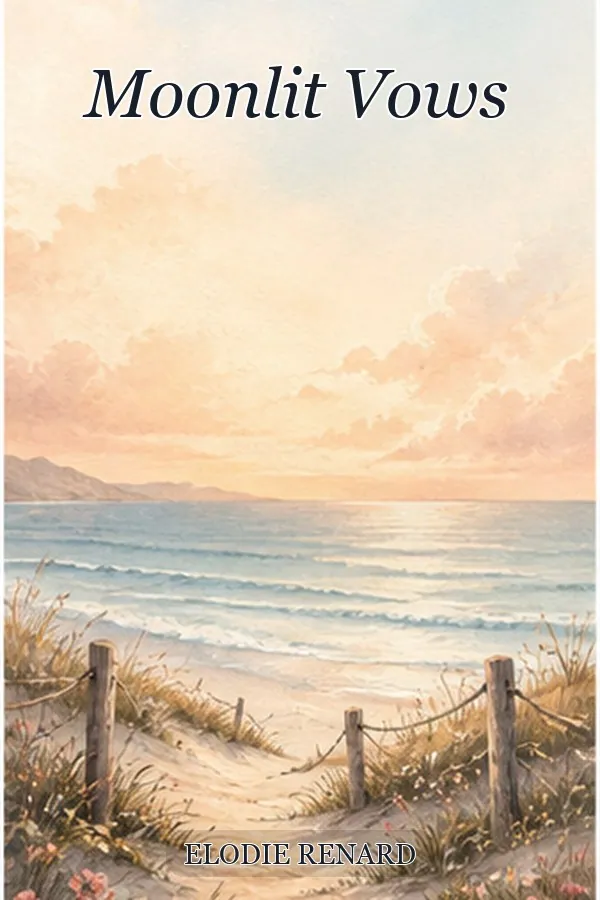
Dark Billionaire Romance Book Cover Template
A high-contrast romance template for darker, luxury-driven stories that need a more intense Amazon thumbnail.
View template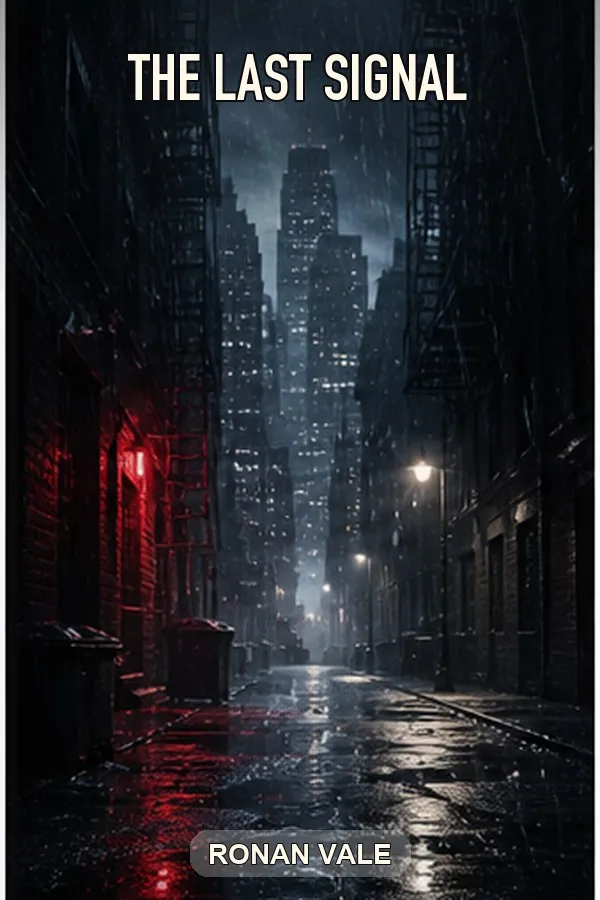
Rainy Noir Thriller Book Cover Template
A moody thriller cover template for detective fiction, crime novels, and suspense books that need fast genre recognition.
View template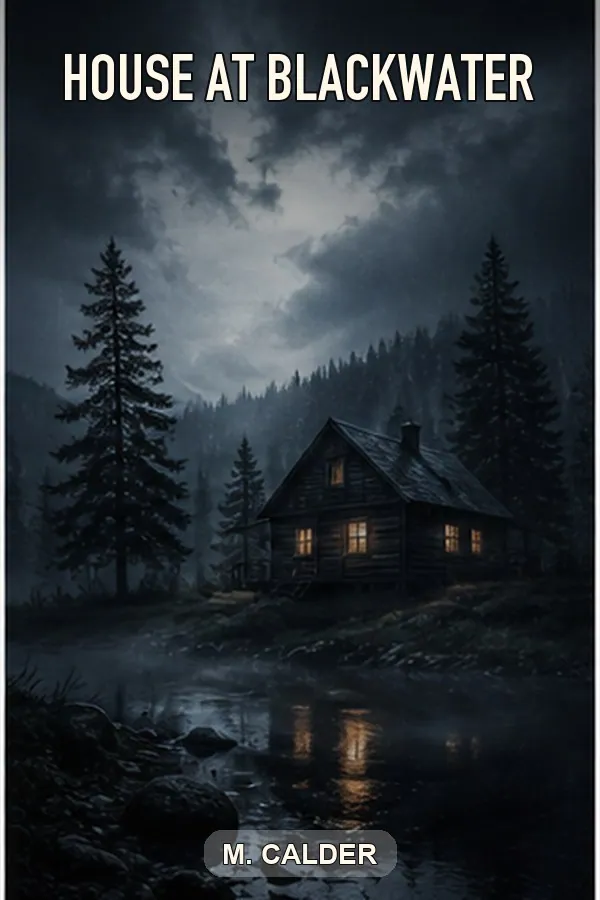
Missing Girl Psychological Thriller Cover Template
A suspense-forward template for domestic thrillers, missing-person stories, and twist-heavy psychological fiction.
View template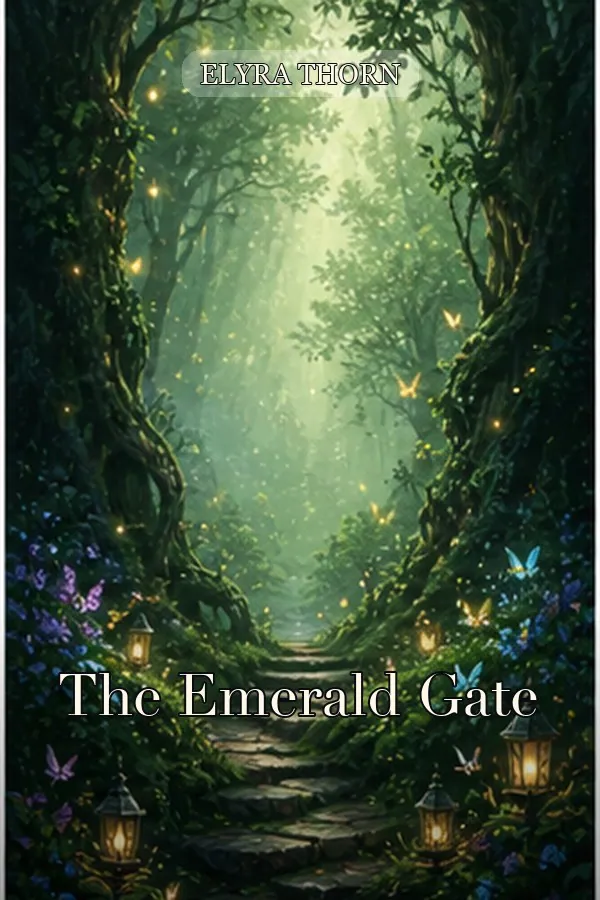
Enchanted Forest Fantasy Book Cover Template
A fantasy book cover template for portal fantasy, magical quests, and epic series starters.
View template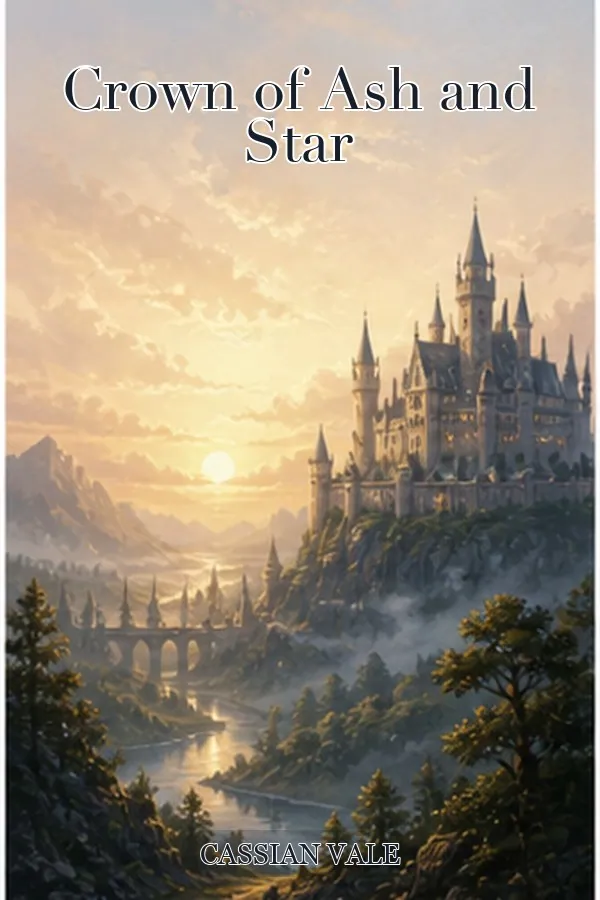
Dragon Quest Fantasy Book Cover Template
A high-drama fantasy cover for dragon quests, heroic adventure, and action-forward fantasy books.
View template