
Horror Book Cover Generator
Generate horror book cover concepts with a clear threat, setting, and mood, from haunted houses and folk horror to supernatural suspense and quiet dread.
Start with the threat, setting, and mood. Use the KDP Cover Creator after the concept works at thumbnail size.
Horror Book Cover Generator
1 free preview available
Advanced options
Author name (optional)
Subtitle (optional)
Cover format
Best for ebook art or a front image you will finish later.
Genre
Style
Unwanted elements (optional)
BookCoversLab does not allow prompts for sexually explicit, pornographic, nude, fetish, or other NSFW imagery. See our Acceptable Use Policy.
Generated horror cover art
What this horror book cover generator does
This horror book cover generator turns a short brief into a visual direction for an eBook front cover or a paperback full wrap. Lock the category to Horror, describe a specific threat and setting, and compare the result against real horror examples before committing to typography.
The output is a concept image, not a finished KDP file. When a direction wins, move it into the KDP Cover Creator to add editable title and author text, calculate the spine, reserve barcode space, and export the final cover.
Horror book cover examples to compare
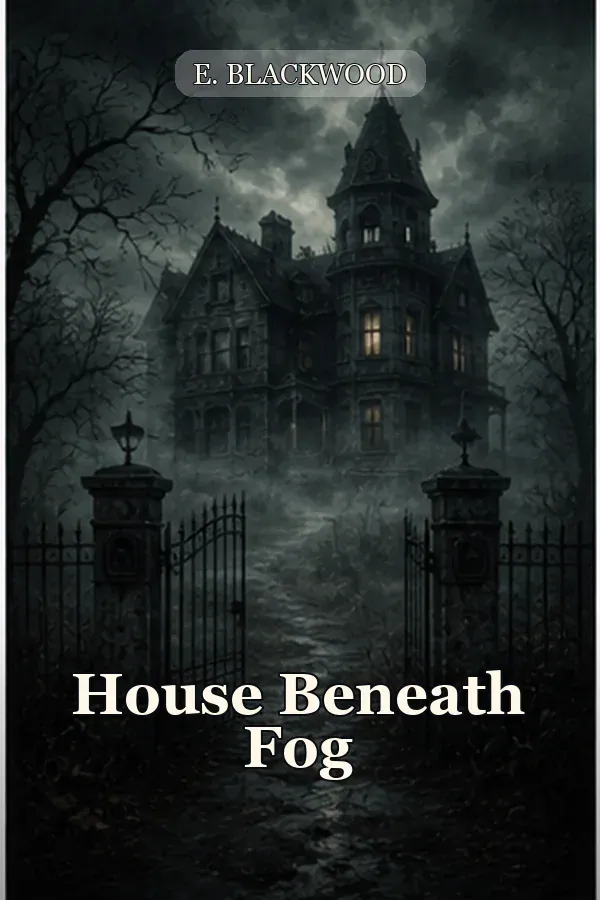
The horror book cover generator gallery shows six real directions for comparing threat, lighting, and negative space. Use each example as a visual reference, then write your own scene instead of copying its title treatment.
House Beneath Fog
Haunted-house direction with one lit window and quiet threat.
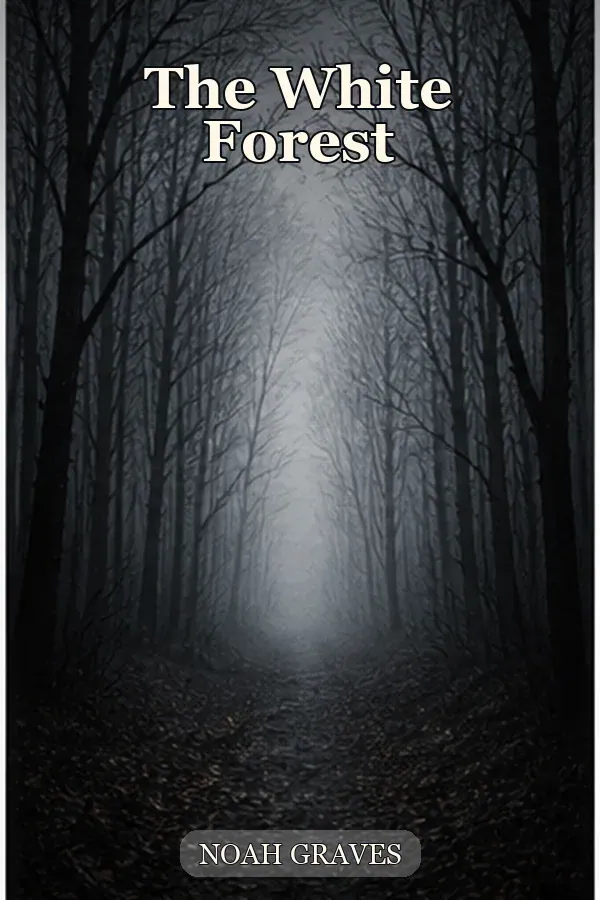
The White Forest
Isolation horror built around pale negative space and a distant focal point.
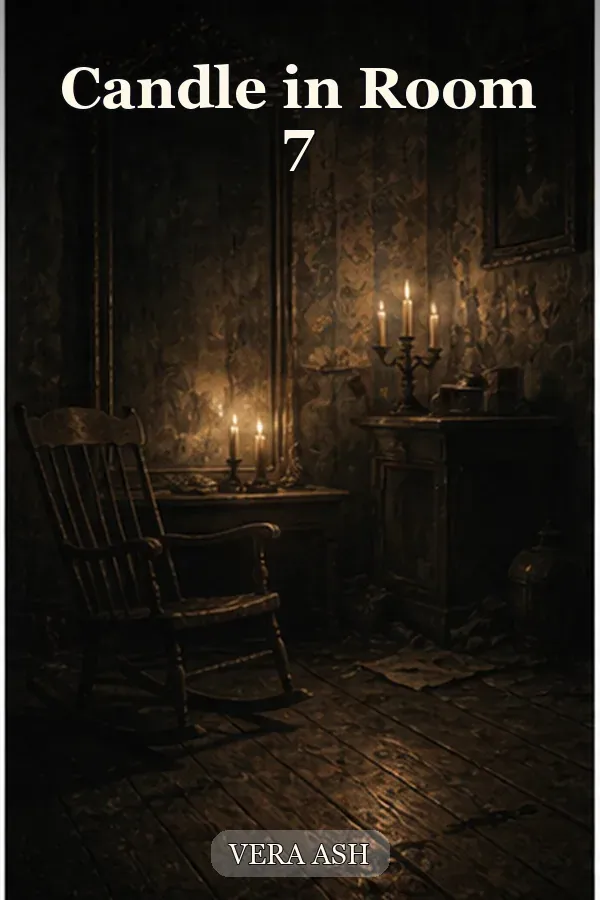
Candle in Room 7
Supernatural suspense using a warm clue inside a cold environment.
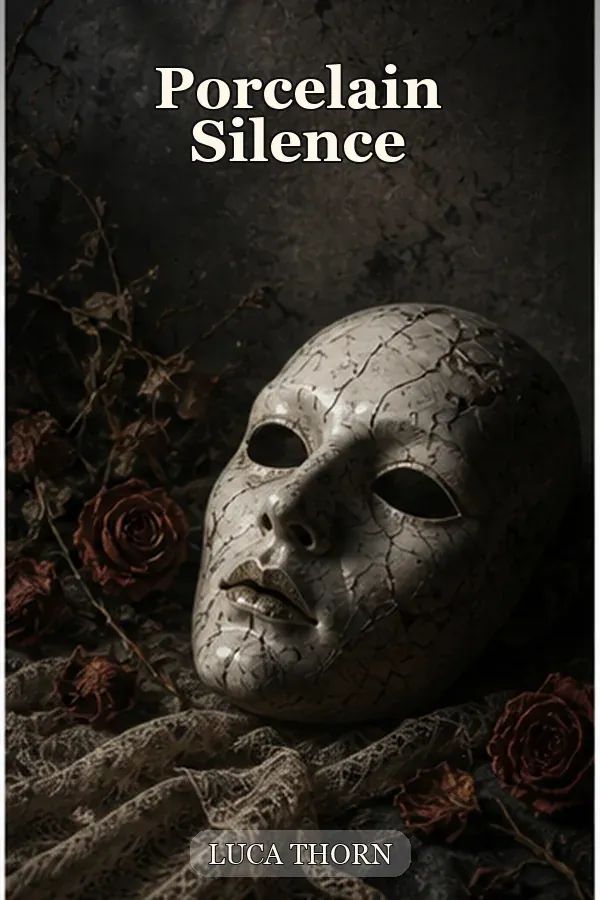
Porcelain Silence
Psychological horror with a close object, restrained palette, and ambiguity.
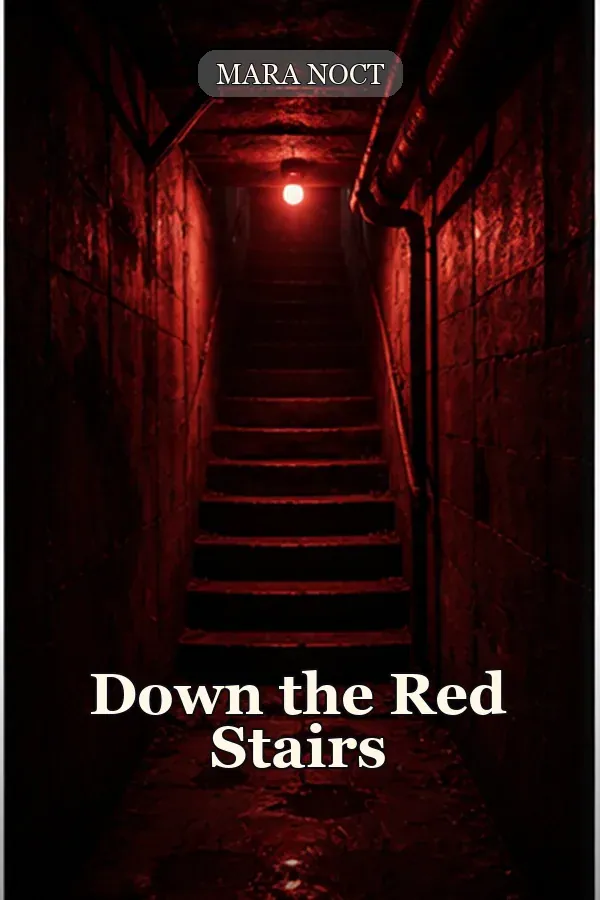
Down the Red Stairs
High-contrast domestic dread with a single controlled accent color.
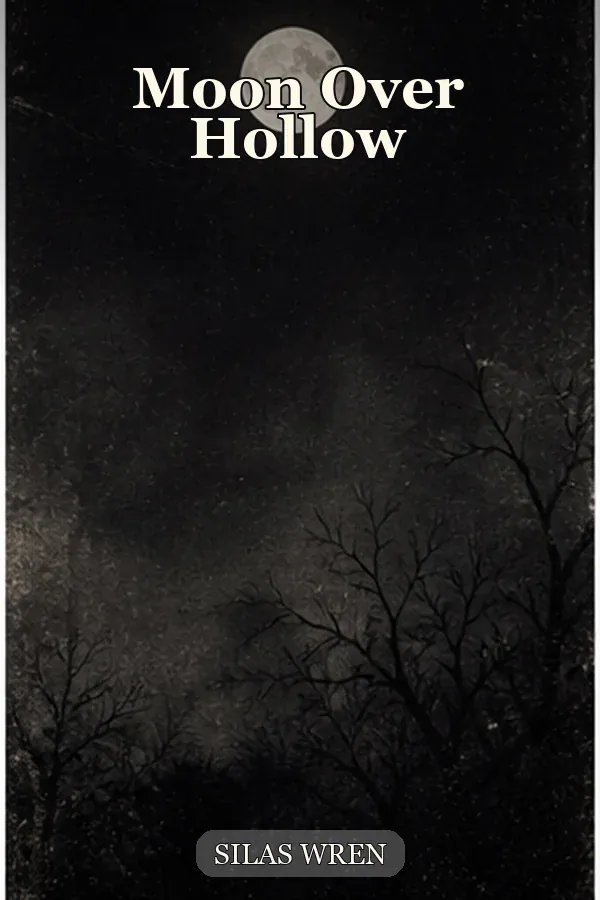
Moon Over Hollow
Folk horror using landscape, ritual atmosphere, and readable sky space.
Build a stronger horror cover concept
Threat-led scene direction
Describe the one object, place, or presence that makes the story unsettling. The horror book cover generator keeps the category stable while your details shape the image.
Subgenre-aware mood
Use the horror book cover generator to combine folk symbols, supernatural light, psychological stillness, creature scale, or quiet dread with a clear shelf signal.
Front or full-wrap starting point
Generate a front cover for digital testing or a paperback wrap concept with a clean spine area before the final print geometry is known.
KDP handoff
Carry the chosen concept into KDP Cover Creator for editable typography, trim size, page-count-aware spine width, bleed, and export checks.
How to use this horror book cover generator
A focused brief makes the result easier to judge. Use the horror book cover generator from the reader promise outward, then switch to production tools once the art direction is clear.
- Step 1
Choose Front cover for an eBook concept or Full wrap cover for a paperback direction.
- Step 2
Write the subgenre, threat, setting, palette, lighting, and where the title should remain readable.
- Step 3
Generate a direction and inspect it at the small size where readers will first see it in a store grid.
- Step 4
Regenerate with one controlled change, such as a quieter palette or a closer focal object, instead of changing everything at once.
- Step 5
Finish the selected cover in KDP Cover Creator after trim size, page count, and paper type are known.
Choose a horror cover direction by subgenre
A horror book cover works when its visual signal matches the reading experience. Use this horror book cover generator table to choose the right starting language before you write the scene.
| Subgenre | Visual signals | Best for |
|---|---|---|
| Haunted house | Architecture, one impossible window, cold shadows, restrained human scale | Ghost stories, gothic suspense, inherited-house plots |
| Folk horror | Ritual objects, fields, masks, seasonal color, distant community threat | Rural dread, cult stories, historical or modern folklore |
| Psychological horror | Mirrors, repetition, altered portraits, tight framing, ambiguous clues | Unreliable narrators, domestic tension, identity horror |
| Supernatural horror | Unnatural light, silhouettes, thresholds, weather, a visible rule being broken | Possession, cursed objects, ghosts, and otherworldly threats |
| Creature horror | Scale contrast, partial reveal, evidence of movement, strong foreground texture | Monster, survival, science, and wilderness horror |
Horror cover use cases
The horror book cover generator is most useful when you have a story direction but need to see which visual promise is strongest before doing final cover production.
Self-publishing a horror eBook
Start in the horror book cover generator with a vertical front-cover concept, compare thumbnail contrast, and reserve a calm area for the title before exporting a digital-ready direction.
Launching a paperback series
Test a repeatable motif across books, then move the selected concept into a full-wrap workflow where spine, back-cover hierarchy, and barcode space can stay consistent.
Refreshing a weak existing concept
Keep the core threat but try a different camera distance, palette, or negative-space plan so the new cover feels more specific without losing the series promise.
Quality checks before you publish
The horror book cover generator helps you explore art direction quickly, but the final cover still needs editorial judgment and production checks.
AI art is a direction, not final typography
Generated lettering can be inconsistent. After using the horror book cover generator, add the exact title, author, and series treatment in the Creator so the cover stays readable and editable.
A scary image can still miss the shelf
Check the promise at thumbnail size. Too much gore, clutter, or generic darkness can hide the subgenre and reduce the reason to click.
Print geometry comes later
A concept image does not know your page count, trim size, paper type, or barcode requirements. Complete those checks in the KDP workflow before upload.
Horror Book Cover Generator FAQ
A horror book cover generator creates fast visual cover directions from a title, scene, style, and mood. BookCoversLab uses those concepts as a starting point, then lets you finish typography, spine, and print geometry in KDP Cover Creator.
Yes. Generate a front-cover concept for an eBook or choose full wrap mode for a paperback starting point. Always finish the final cover in the KDP Cover Creator so trim size, bleed, spine width, barcode space, and export checks match your book.
The horror book cover generator supports haunted house, supernatural, folk horror, psychological horror, creature, and quiet-dread directions through the scene field. The locked Horror prompt keeps the category stable while your setting and visual details guide the result.
Start with one specific threat, one location, and one memorable visual motif. A fogged window, a family portrait with one changed face, or a red door in a familiar hallway gives the cover a stronger promise than a list of random scary objects.
Treat generated art as the visual direction, not the final typography file. Leave title-safe space in the scene prompt and add the exact title and author treatment in the KDP Cover Creator for reliable readability.
Yes. Select Full wrap cover in the tool for a front, clean spine, and back-cover direction. The KDP Cover Creator then uses your trim size and page count to calculate the production geometry and add editable text.
You can start with the available preview flow. Additional generations and clean exports use the account credit and payment rules shown in the tool, so the page does not promise unlimited free output.
Check thumbnail contrast, title hierarchy, genre promise, safe zones, resolution, bleed, spine width, barcode clearance, and the final KDP previewer result. A strong horror concept still needs production checks before upload.
Turn a horror concept into a KDP-ready cover
Once the horror book cover generator produces a clear visual direction, continue in the KDP Cover Creator for title hierarchy, spine and back-cover layout, print-safe spacing, and export. Keep the horror book cover generator as your concept pass and the Creator as your production pass.
Start with the Horror Book Cover Generator
Use the horror book cover generator to define one memorable threat, then carry the strongest direction into a print-ready KDP workflow.
Generate a horror coverLast updated: 2026-08-24