
Do Coloring Books Need Blank Backs? When to Add Them for KDP
If you are asking do coloring books need blank backs, you are really asking a production question:
Is this book supposed to behave like a single-sided coloring experience?
Blank backs are not mandatory in every coloring book, but they often become the right choice when:
- marker users matter
- the paper or line density increases bleed-through risk
- you want the interior to feel more intentional
That decision is easiest to manage before export in AI Coloring Pages to KDP PDF, where blank backs can be handled as part of the interior workflow instead of as scattered manual edits.
Quick answer
Coloring books do not always need blank backs, but they are often worth adding when:
- the book is meant to be single-sided
- markers are a common use case
- artwork on the reverse side would be ruined by bleed-through
- you want the page turns to feel cleaner and less crowded
If your pages already exist, decide this before the final export. If the whole book structure is still moving, lock that first in AI Coloring Book Generator.
Why creators add blank backs
Blank backs usually solve three problems at once:
- they protect the reverse side from heavy bleed-through
- they make the reading and coloring rhythm feel calmer
- they help the book feel like a finished product instead of a stack of loose pages
That matters even more in coloring books than in many text-first books because the user interacts with each page as a surface, not just as a sequence of paragraphs.
When blank backs are usually worth it
Blank backs are often the better choice when:
- the book is designed for markers
- page art is dense or dark
- the audience is likely to tear out or display pages
- you want every illustration to feel self-contained
They are less critical when:
- the book is clearly built for pencils only
- the reverse side artwork is still usable
- page count must stay extremely lean and every added blank page has a cost
The hidden tradeoff: page count
Blank backs can change the final page count.
That matters because page count affects:
- the final interior PDF
- spine width later in the cover workflow
- overall production cost
So the right order is:
- decide whether the book needs blank backs
- insert them consistently
- review the final page count
- only then continue into the full cover workflow
That is another reason this step belongs in AI Coloring Pages to KDP PDF, where the export logic and the final interior sequence live together.
Blank backs are not just “empty pages”
Creators sometimes think blank backs are wasted space.
In practice, they can improve:
- marker usability
- page focus
- visual pacing
- the feeling that one page belongs to one coloring moment
If your bigger problem is not blank backs but the layout itself, first read Coloring Book Bleed and Margins for KDP so you do not solve the wrong issue.
The easiest workflow
If the page art already exists:
- import the interior pages
- decide whether the book should be single-sided
- insert blank backs where needed
- export one print-ready interior PDF
That is much cleaner than trying to patch blank pages into the file after everything else is supposedly “done.”
FAQ
Do all KDP coloring books need blank backs?
No. But many creators use them because they improve the marker-friendly experience and make the book feel more deliberate.
Do blank backs increase page count?
Yes, they can. That is why the final page count should be reviewed before the cover workflow is treated as final.
Where should I handle blank backs?
Inside the interior workflow, ideally in AI Coloring Pages to KDP PDF, not as an afterthought in a separate editor.
Related Resources
AI Coloring Pages to KDP PDF
Insert blank backs, normalize the interior flow, and export one print-ready PDF.
Format the interior PDF
Coloring Book Bleed and Margins for KDP
Review how bleed and printable margins shape the page before the export is finalized.
Read the bleed guide
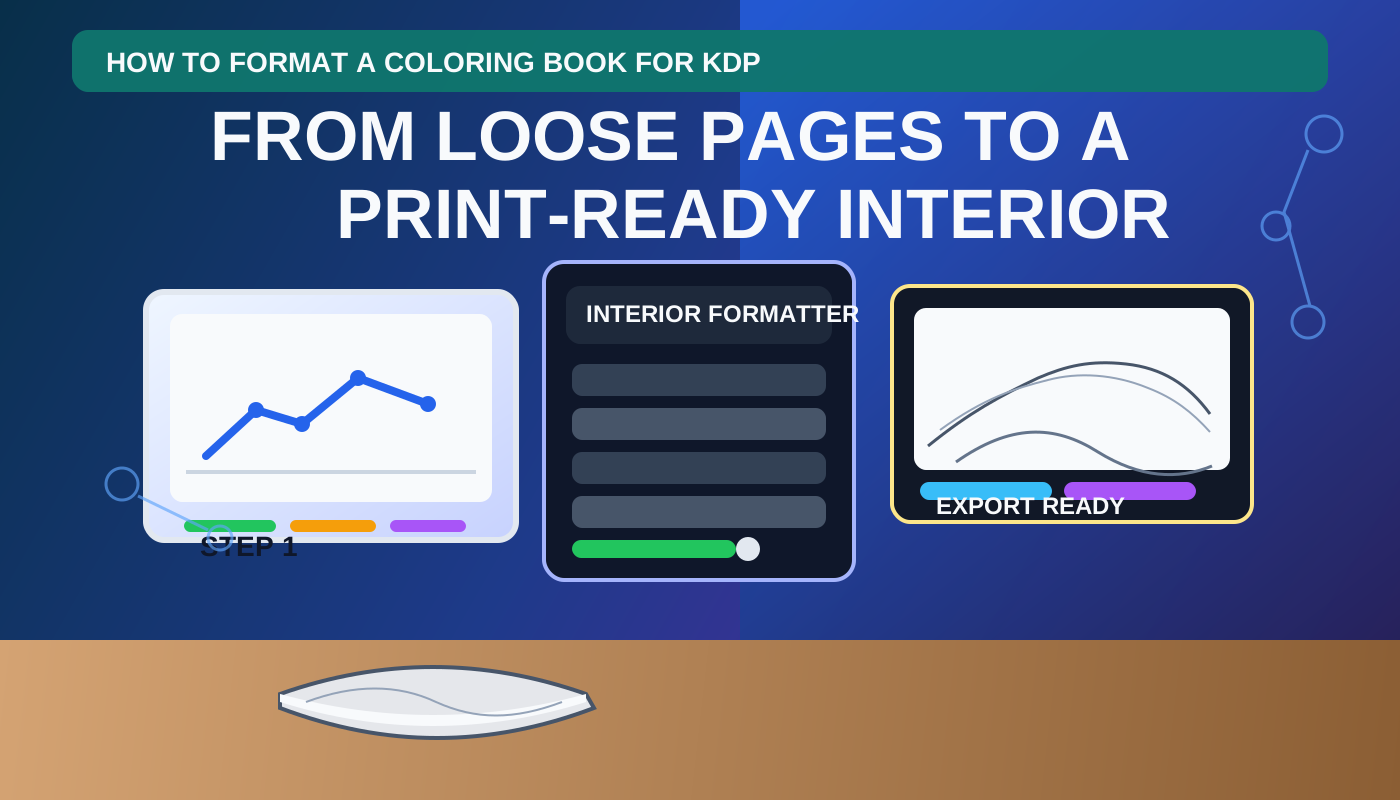
How to Format a Coloring Book for KDP
Follow the full interior workflow from loose pages to one print-ready PDF.
Read the full formatting walkthrough
Author

Categories
More Posts

7 Best AI Coloring Page Generators in 2026 (Printable PNG First)
Compare the best AI coloring page generators in 2026 for printable line-art PNGs, KDP trim sizes, and the handoff into a full coloring book workflow.
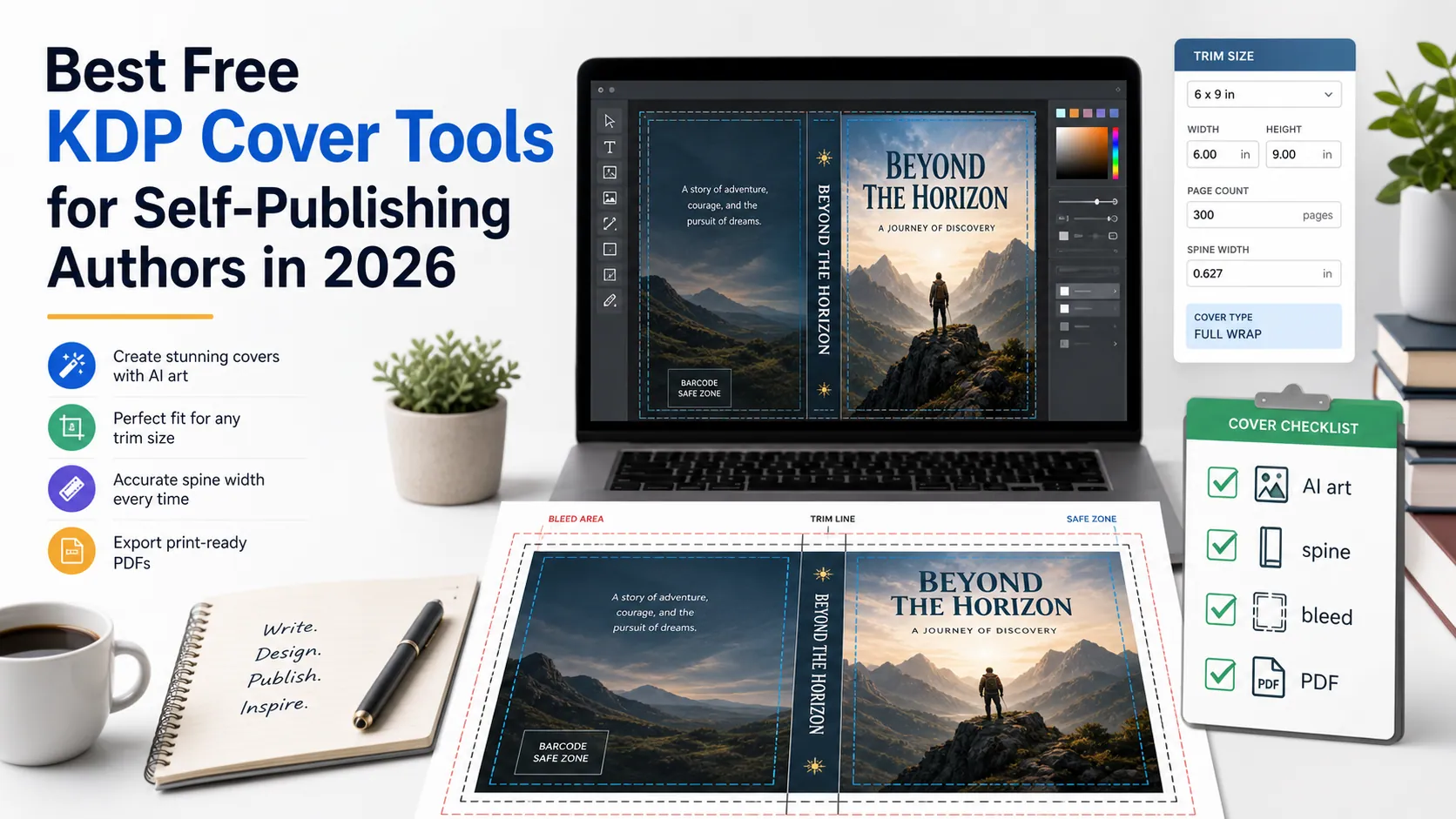
Best Free KDP Cover Tools for Self-Publishing Authors in 2026
Compare free KDP cover tools for AI cover ideas, Canva design, cover templates, spine width, bleed, barcode space, mockups, and print-ready PDF checks.

Low-Competition KDP Niches for 2026 (Coloring Book Stacks)
Find low-competition KDP niches in 2026 by stacking coloring book audience, theme, and line weight. Use Amazon autocomplete and print specs, not invented title counts.
Newsletter
Join the community
Subscribe to our newsletter for the latest news and updates