
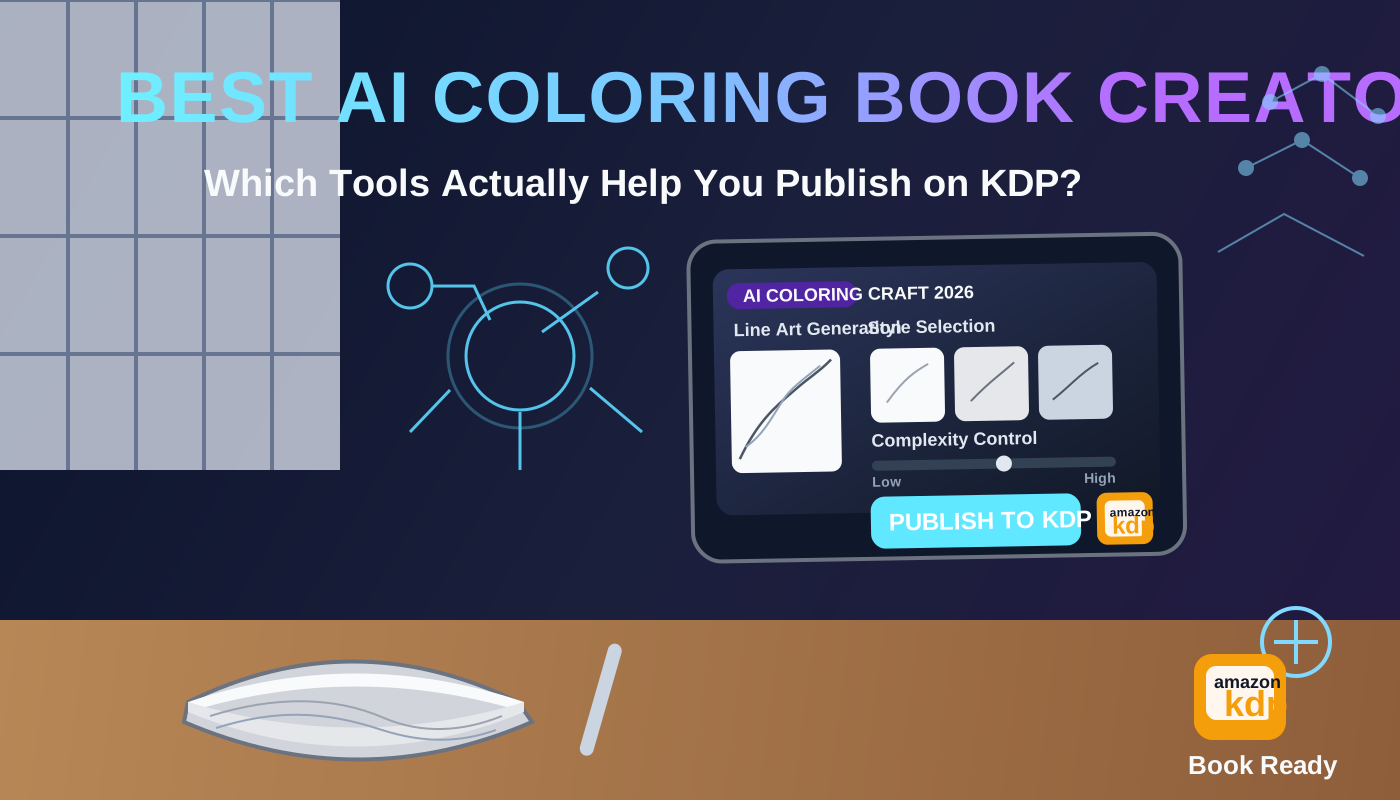
Best AI Coloring Book Generator in 2026: Which Tools Actually Help You Publish on KDP?
If you want the short answer, the best AI coloring book generator in 2026 depends on whether you need a coloring page or a KDP book.
Some tools are good at generating individual coloring pages. Some are better for fast prompt experiments. Very few help you turn those pages into a real KDP book with interior structure, trim decisions, a matching cover, and a file that is ready to upload.
That difference matters. A pile of printable PNGs is not the same thing as a publishable coloring book.
Reviewed on September 17, 2026: tool positioning, free tiers, and feature menus can change quickly. Always confirm current limits on each official product page before you commit to a workflow.
Quick answer: the best AI coloring book generator by use case
- Best for publishing a full KDP interior: BookCoversLab AI Coloring Book Generator
- Best Colorify alternative when you need a KDP book, not PNG pages: Colorify alternative for KDP coloring books
- Best KDP Builder alternative when you need a reviewable interior, not a ZIP: KDP Builder alternative for coloring books
- Best iColoring alternative when a free page is not a KDP upload: iColoring alternative for KDP coloring books
- Best Colorin alternative when batch + character lock still needs print checks: Colorin alternative for KDP coloring books
- Best for turning finished pages into a printable interior: AI Coloring Pages to KDP PDF
- Best for building the matching wrap after the interior is locked: Coloring Book Cover Maker
- Best for fast printable page generation from prompts or photos: ColorBliss (ColorBliss alternative)
- Best for a prompt-first page generator with coloring-book positioning: iColoring and Colorify
- Best for KDP sellers who already live inside a broader low-content workflow: Book Bolt
If your goal is publishing on Amazon KDP, my top pick is BookCoversLab because it is built around the interior PDF instead of only the first image-generation step.
What most AI coloring page tools still miss for KDP
Most AI coloring tools solve one problem well: they help you generate ideas or page art faster.
What they usually do not solve is the sequence that comes after page generation:
- choosing trim size and page count
- planning the full book structure
- cleaning line art for print
- inserting blank backs for single-sided coloring books
- exporting a print-ready interior PDF
- building a matching front, spine, and back cover
- checking upload risk before submission
That is why the right workflow is usually not “pick one perfect generator.” It is “pick the right tool for the right stage.”
If you want generation plus KDP interior export, start with the AI Coloring Book Generator. If you already have the page art and need to get the interior over the line, switch to AI Coloring Pages to KDP PDF instead of generating more pages.
How we evaluated the best AI coloring book generator tools
For this review, I focused on five questions:
- Can the tool help you generate usable coloring-page concepts quickly?
- Does it stay useful once you need a full book, not just isolated pages?
- Can it support a KDP-friendly workflow with trim, page count, and export decisions?
- Does it help you move into cover creation and final packaging?
- Does it reduce rework, or just create more assets for you to clean up later?
That last question is the one most listicles ignore.
Best tools by workflow stage
1. BookCoversLab
Best for: authors who want an AI coloring book generator that exports a print-ready KDP interior.
BookCoversLab is the strongest option here because it treats the coloring book as a publishing project, not just an image-generation prompt. The AI Coloring Book Generator helps you generate line-art pages, then keep going into:
- AI Coloring Pages to KDP PDF for interior cleanup and PDF export
- Coloring Book Cover Maker for front, spine, and back wrap work
- KDP Cover Size Calculator for trim, bleed, and spine checks
- KDP Cover Preflight for final upload-risk review
That “workflow continuity” is what makes it the best AI coloring book generator for KDP authors, not just another generator for loose page art.
2. Colorify, iColoring, Inkfluence, and MyColoring
Best for: fast PNG coloring pages from a prompt, photo, or style preset.
These are the tools that currently occupy the AI coloring book generator SERP. They are attractive when you want a page to download and color. Based on their current product positioning, they are strongest at the page generation stage.
The tradeoff is the same across this group: you still assemble trim, blank backs, page numbers, 300 DPI checks, and a KDP interior PDF elsewhere. Brand-by-brand pages:
- Colorify alternative for KDP coloring books
- iColoring alternative for KDP coloring books
- Inkfluence alternative for KDP coloring books
- MyColoring alternative for KDP coloring books
- ColoringBook.ai alternative for KDP coloring books
3. ColorBliss
Best for: fast creation of printable coloring pages from prompts or photos.
ColorBliss is useful for ideation and volume. It is not a substitute for KDP interior production. Use it when you want page experiments. Move the keepers into a formatting workflow before you upload. Full comparison: ColorBliss alternative for KDP coloring books.
4. ColorCraft AI
Best for: creators who want an AI-first page workflow with coloring-book-specific positioning.
ColorCraft AI markets itself directly around coloring-page generation, which already makes it more relevant than a generic image generator. The more serious your KDP workflow becomes, the more you still need interior and export discipline around it.
5. Book Bolt
Best for: low-content publishers who already work inside a KDP seller toolkit.
Book Bolt remains relevant because many KDP creators already use it for broader low-content and publishing workflows. If you are already in that ecosystem, it can be convenient. But if your main goal is reducing upload friction for a coloring book, you still need a stricter workflow for page planning, cover math, and final QA than “generate a lot of assets quickly.”
6. KDP Builder
Best for: a guided coloring-book ZIP (interior + wrap + metadata) when you do not need to import or audit pages.
KDP Builder is the closest studio competitor on this list. It already claims unique line art, blank backs, a print-ready interior PDF, and a paperback wrap. The remaining gap is control: review, import, and DPI checks after generation. Read KDP Builder alternative for coloring books. For wraps from the same studio, see KDP Builder alternative for KDP covers.
7. Colorin
Best for: batch pages and character lock with KDP trim presets.
Colorin is stronger than a hobby PNG site. It still needs an explicit blank-back and 300 DPI pass before Amazon. Read Colorin alternative for KDP coloring books.
If you already have pages, use a formatting workflow instead of another generator
This is the biggest mistake I see.
Creators get 20 or 50 decent-looking pages, notice some line-weight inconsistency or page-order friction, and then open another AI generator instead of fixing the actual production problem.
If your pages already exist, the best next step is usually not “generate more.” It is to:
- lock the trim size
- clean the page set
- insert blank backs if needed
- export one print-ready interior PDF
That is exactly what AI Coloring Pages to KDP PDF is for. It is the right move when your bottleneck has shifted from ideation to production. If you are still unsure about the print geometry, start with Coloring Book Bleed and Margins for KDP. If the real issue is single-sided marker logic, review Do Coloring Books Need Blank Backs? before you export the final PDF.
How to turn AI coloring pages into a real KDP book
If you already picked a tool and need the production sequence, follow How to Make a Coloring Book for KDP with AI.
The shortest practical path looks like this:
- Use an AI coloring book generator to define the theme, audience, style direction, and target page count.
- Generate or assemble the page set.
- Format the interior as one coherent book, not a folder of disconnected files.
- Build the matching cover wrap.
- Check trim, bleed, spine width, and final upload risk.
- Create launch visuals after the book package is approved.
In BookCoversLab, that path maps to:
- AI Coloring Book Generator
- AI Coloring Pages to KDP PDF
- Coloring Book Cover Maker
- KDP Cover Size Calculator
- KDP Cover Preflight
- Book Mockup Generator
That is the clearest example I have found of the difference between “generate pages” and “publish the book.”
FAQ
What is the best AI coloring book generator in 2026?
If you only care about generating individual pages, several tools can work. If you care about publishing a full KDP workflow, BookCoversLab is the strongest option because it connects generation, interior formatting, cover building, and final checks.
Is an AI coloring page generator enough for Amazon KDP?
Usually no. An AI coloring page generator can help you create page art faster, but KDP still requires real production decisions around trim, page count, single-sided layout, interior export, and cover packaging.
What should I use after generating coloring pages?
If the pages are done, stop generating and switch into an interior production workflow. That is where AI Coloring Pages to KDP PDF becomes more useful than another generator.
Do I need a separate cover workflow for an AI coloring book?
Yes, in most cases. Coloring books still need a strong front, spine, and back wrap that matches the interior. That is why a dedicated Coloring Book Cover Maker is more useful than hoping a page generator will solve the whole package.
Related Resources
AI Coloring Book Generator
Generate AI coloring pages, add blank backs, check 300 DPI, and export a print-ready KDP interior PDF.
Open the generator
Colorify alternative for KDP coloring books
See why a PNG coloring-page tool is not the same as a KDP interior workflow.
Compare Colorify vs BookCoversLab
KDP Builder alternative for coloring books
Compare a one-shot coloring ZIP with a reviewable KDP interior workbench.
Compare KDP Builder vs BookCoversLab
AI Coloring Pages to KDP PDF
Import finished pages, normalize trim, add blank backs, and export a print-ready interior PDF.
Format the interior PDF
Coloring Book Bleed and Margins for KDP
Decide when full bleed helps, how much breathing room line art needs, and how to keep the printable area consistent.
Read the bleed guide
Do Coloring Books Need Blank Backs?
Learn when blank backs improve marker-friendly books and how they affect the final page count.
Read the blank-back guide
Coloring Book Cover Maker
Build the matching front, spine, and back wrap after your interior file is locked.
Build the cover wrap
KDP Cover Size Calculator
Check trim, bleed, and spine width before export or before you rebuild the final wrap.
Check trim and spine
KDP Cover Preflight
Run a final risk check for likely size, bleed, and upload issues before submission.
Run the preflight
Book Mockup Generator
Create launch-ready visuals after the final coloring book package is approved.
Create mockups
Conclusion
The best AI coloring book generator in 2026 is not simply the tool that generates the prettiest pages.
It is the tool or workflow that gets you from concept to upload with the fewest fragile handoffs.
That is why my recommendation is simple:
- start with AI Coloring Book Generator when you need to generate pages and export a KDP interior
- switch to AI Coloring Pages to KDP PDF when the bottleneck is the interior PDF
- finish with Coloring Book Cover Maker and the final KDP checks when the package is ready
Most tools generate pages. BookCoversLab helps you publish the book.
If you have not chosen a theme yet, use 9 Best KDP Niches for 2026 and Low-Competition KDP Niches for 2026 before you generate a full interior.
Author

Categories
More Posts
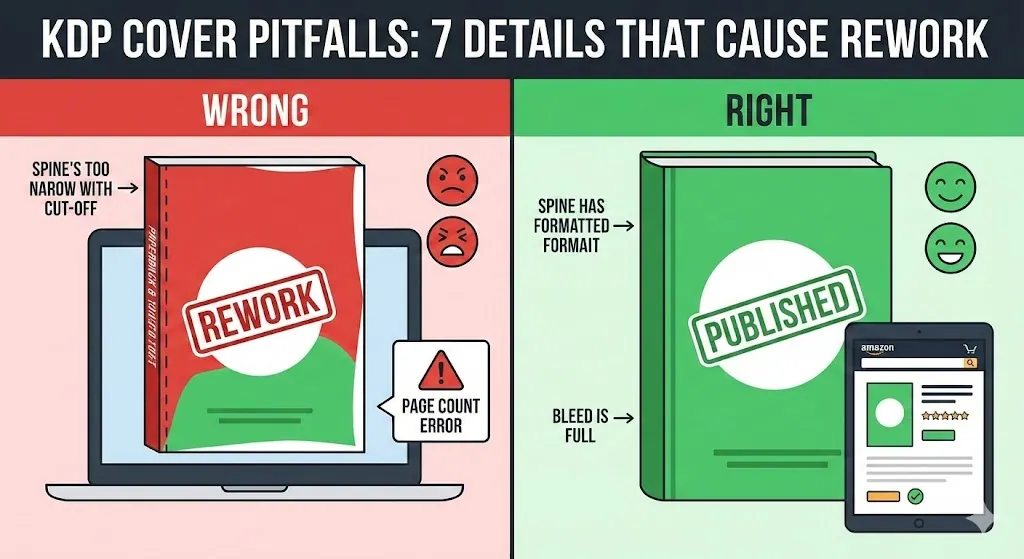
7 KDP Cover Mistakes That Cause Rework (Page Count, Spine, Bleed)
Avoid the most common KDP cover mistakes: page count changes, spine width inputs, bleed and safe zones, barcode space, PDF export, and resolution issues.
7 Best Name Coloring Page Generators in 2026
Compare the best name coloring page generators in 2026 for bubble-letter printables, classroom sets, gift pages, and KDP personalized coloring books.
KDP Cover Wrong Size in Canva? Here’s the Easy Fix
KDP rejection errors? Learn why your Canva book cover keeps coming in wrong size for KDP (it's the spine and bleed!) and discover the easy, error-proof fix.
Newsletter
Join the community
Subscribe to our newsletter for the latest news and updates