
Is this a recipe binder cover?
No. A recipe binder cover is a single printed sheet that slides into a clear binder sleeve. This tool makes the cover of a bound cookbook you publish, with the front, spine, and back in one KDP print file.
Describe one dish, see a cookbook cover preview free, then turn it into a print-ready wrap with spine and back.
Cookbook cover brief
1 free preview available
Author name (optional)
Subtitle (optional)
Cover format
Best for ebook art or a front image you will finish later.
Genre
Style
Unwanted elements (optional)
BookCoversLab does not allow prompts for sexually explicit, pornographic, nude, fetish, or other NSFW imagery. See our Acceptable Use Policy.
Cookbook cover preview
This maker designs the printed cookbook cover for a recipe book you publish, front art first, then the spine and back around it. It does not make a printable cover sheet for a three-ring recipe binder.
A cookbook cover has one job at thumbnail size: show food someone wants to eat and a title they can read. Type the title, choose Photography, Watercolor, or Vintage, describe one dish, and the generator returns a front cover preview built around that dish with quiet space for the title.
Family recipe collections, baking books, and diet cookbooks all start the same way here. When the cookbook cover works, continue to KDP Cover Creator to set the trim, page count, spine, bleed, and barcode area, and export the print PDF.
Each cover below came from this generator's image model with the brief shown under it. The title was drawn inside the image here; for print you set the title and spine text in KDP Cover Creator so they stay sharp.
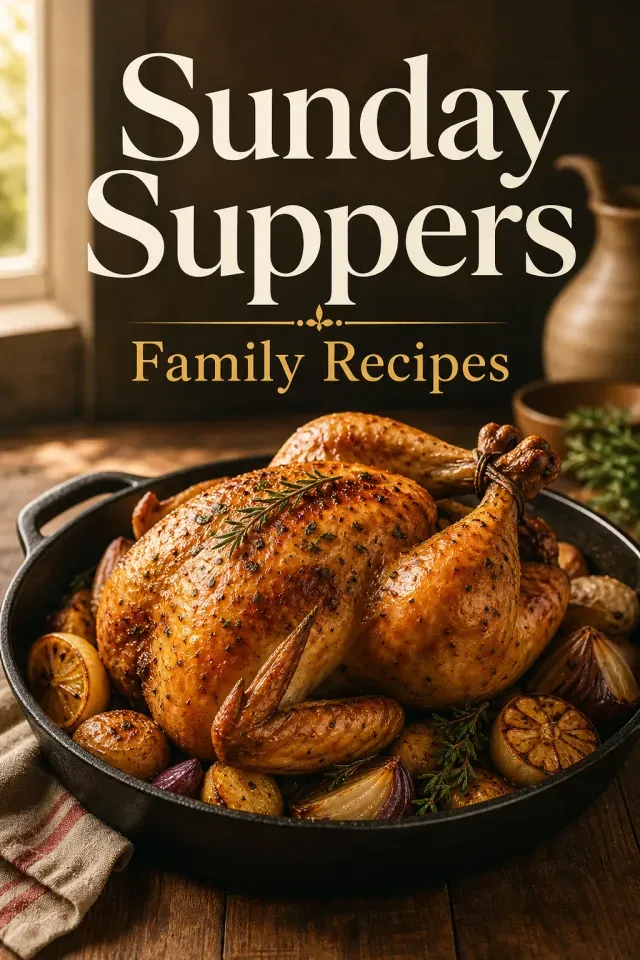
Photography style. Roast chicken in a cast iron pan.
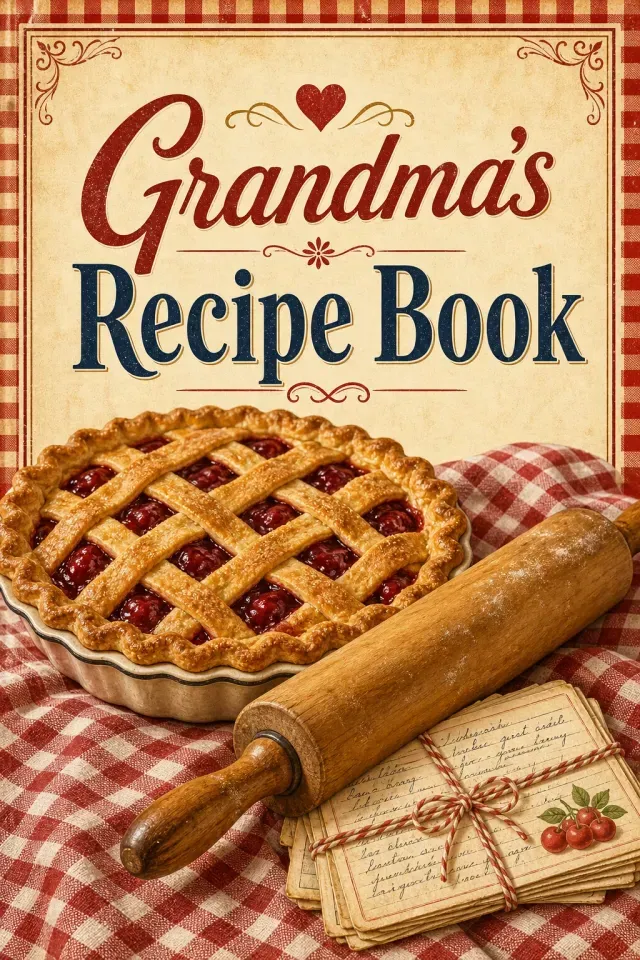
Vintage style. Rolling pin, pie, and recipe cards.
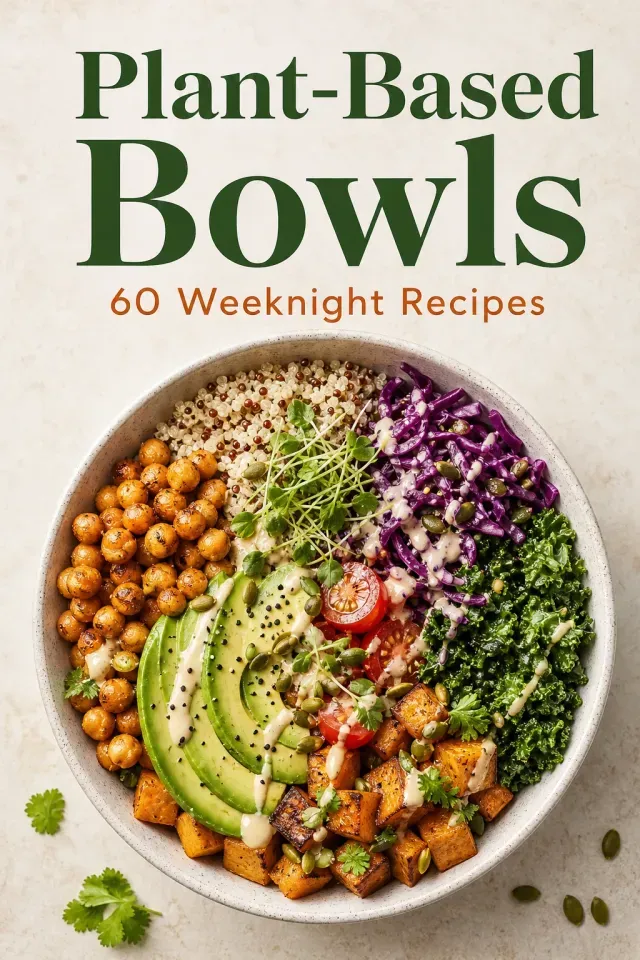
Photography style. One grain bowl from above.
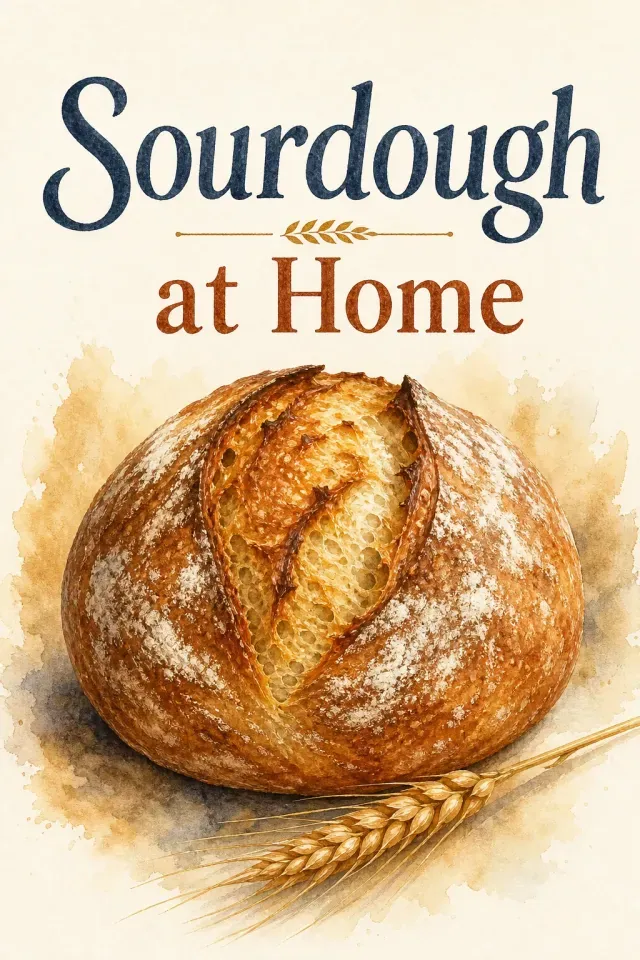
Watercolor style. One loaf and a wheat stalk.
Most recipe book cover templates are built for a binder sleeve or a single printed page. A published cookbook needs one wrap file with the back, spine, and front, plus 0.125 inch of bleed, sized to its exact page count.
Food photos are the second problem. A table with ten dishes turns into noise at 160 pixels wide. One plated dish, shot close with warm light, reads as a cookbook cover; a collage reads as a menu.
The third is the trim. Many cookbooks print at 8 x 10 or 8.5 x 11 so recipes are easier to follow, which makes the full cover much wider than a 6 x 9 template and changes where the title should sit.
The generator stays on the Cookbooks, Food & Wine category, which keeps the dish recognizable and steers away from posed people and abstract clutter.
Generate one cookbook cover preview without paying. More generations use AI credits.
KDP Cover Creator handles trims including 8 x 10 and 8.5 x 11 and calculates the spine from your page count and paper.
Title, subtitle, and author are set as text in Cover Creator, so they print sharp and can be fixed without redrawing the image.
Amazon shows a cookbook cover at stamp size in search. One dish, one surface, and one light source survive that shrink; a spread of plates does not.
Put the dish that best represents what is inside on the cookbook cover, a roast for a Sunday supper book or a loaf for a bread book, so buyers know what kind of cooking they are getting.
Four fields shape each cookbook cover preview. Describe the food, not the whole kitchen.
Five steps take a cookbook cover from one dish to a file KDP accepts.
Type the cookbook title and choose a food-friendly style.
Describe one dish and the surface it sits on, then generate the free preview.
Regenerate until the food is clear and the title area is clean.
Click Make This Cover Print-Ready, then set the trim, page count, and paper in KDP Cover Creator.
Add the title, spine, back blurb, and barcode space, run the checks, and export the PDF.
Start with a Vintage style and a title like "Grandma's Recipe Book". A rolling pin and a pie on a checkered cloth signal home cooking without needing a family photo.
Plant-based, keto, or air-fryer books need the diet to be obvious. Put the defining ingredient in the scene and the diet word in the subtitle of the cookbook cover.
A single loaf or tart in watercolor gives a softer recipe book cover that still reads as food and suits a cream-paper interior.
Pick the starting point by what you already have.
| You have | Start here | Why |
|---|---|---|
| Only a cookbook idea | This cookbook cover maker | Generates front art around one dish; the first preview is free. |
| A food photo you took | KDP Cover Creator | Upload the photo as the front of the cookbook cover, then build the spine and back to KDP size. |
| A recipe binder that needs a front sheet | A word processor or print shop | A binder insert is one printed page, not a KDP wrap with a spine. |
| A cover, but no idea of the full size | KDP cover size calculator | Shows the full wrap width and spine for your trim and page count. |
The preview is web-resolution artwork at a 2:3 front-cover ratio, good for judging the dish and layout of the cookbook cover but not for print. Download Preview Image saves that version.
Make This Cover Print-Ready upscales the artwork and opens it in KDP Cover Creator. The PDF you upload to KDP comes from there, sized to your trim, page count, and paper at 300 DPI. Color interiors use slightly thicker paper, so the spine comes out a little wider than on white paper.
No. A recipe binder cover is a single printed sheet that slides into a clear binder sleeve. This tool makes the cover of a bound cookbook you publish, with the front, spine, and back in one KDP print file.
It depends on the trim and page count. An 8 x 10 cookbook with 150 white pages needs a full cover of about 16.59 x 10.25 inches: two 8-inch panels, a 0.34-inch spine, and 0.125 inch of bleed on each outside edge. KDP Cover Creator works this out from your numbers.
Yes. Open KDP Cover Creator, upload the photo as the front image, and it builds the spine and back to size. Use a photo large enough for 300 DPI at your trim so it prints sharp.
Use the preview to judge where the title fits, then set the final title and author as text in KDP Cover Creator. Letters drawn by an image model can blur at print size, and a text layer is easy to correct.
Type the title, describe one dish, and see your first cookbook cover preview free. Finish the full wrap in KDP Cover Creator when it looks right.
Generate a cookbook coverLast updated: 2026-10-21