
Does this make coloring pages?
No. A children's book cover generator on this page makes picture-book and middle-grade covers. Use the coloring book tools when you need line-art interiors.
Cover brief
1 free preview available
Author name (optional)
Subtitle (optional)
Cover format
Best for ebook art or a front image you will finish later.
Genre
One friendly character or moment.
Style
Unwanted elements (optional)
BookCoversLab does not allow prompts for sexually explicit, pornographic, nude, fetish, or other NSFW imagery. See our Acceptable Use Policy.
Cover preview

A children's book cover generator makes a picture-book or middle-grade cover with one friendly character or object and a short title area. It is not a coloring-page tool.
The workbench starts on Picture Book. Switch to Middle Grade when the readers are older and the title can be longer. Activity books, coloring books, and early-learning workbooks stay on their own tools.
Use the children's book cover generator to test a character at thumbnail size, then move the winner into KDP Cover Creator for real type and print size.
These flat symbol studies show the children's book cover generator standard: one big shape, few colors, and a title band. They are direction studies, not screenshots of a finished generation.
One child, one kite, open sky for a two-word title.

A single animal and a large moon, picture-book scale.

One boat and one child, simple enough for a series icon.
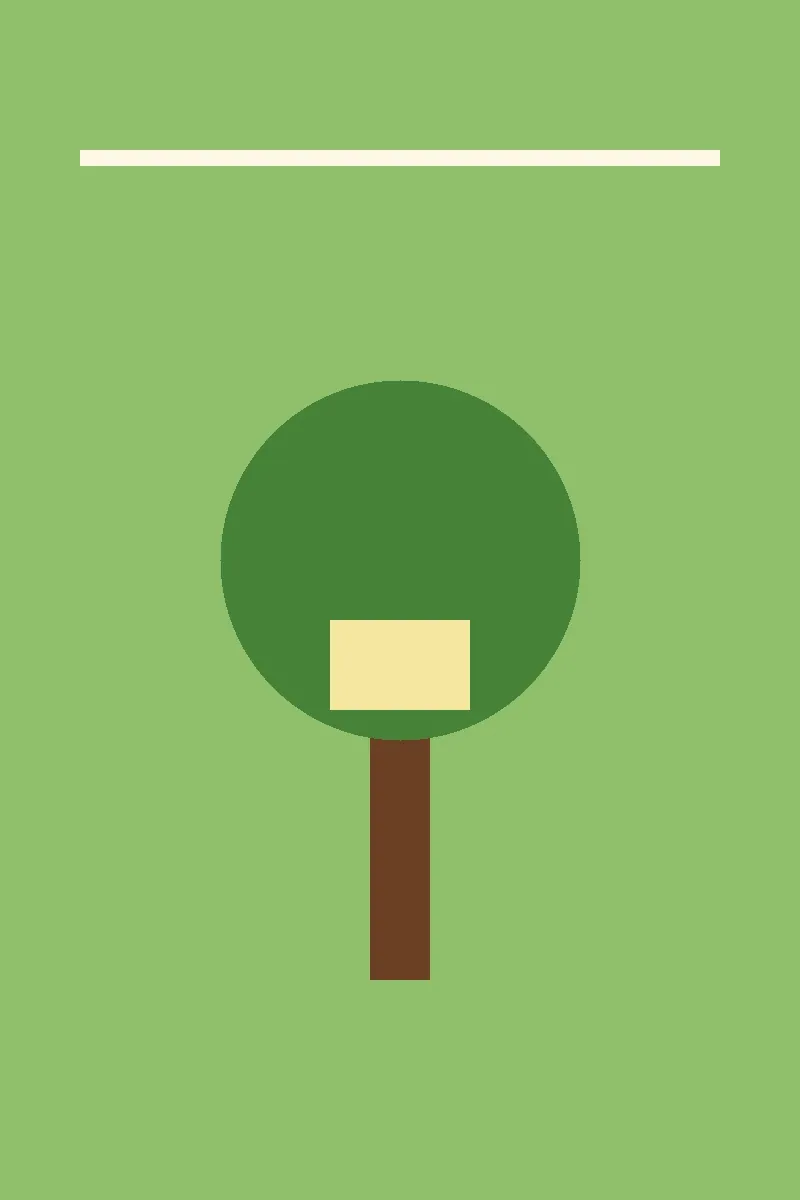
Middle-grade adventure with one treehouse, not a battle map.
The children's book cover generator offers those two switches only. Picture Book keeps shapes huge. Middle Grade allows a slightly older hero and a longer title.
A second crowd of friends usually turns to mud at thumbnail size. Name one child, animal, or vehicle.
This page does not output black-and-white line art for interiors. Coloring pages have a separate creator.
Picture books often use a different trim from novels. Set that trim in KDP Cover Creator after the character direction is chosen.
Keep the children's book cover generator brief shorter than an adult novel prompt.
Choose Picture Book or Middle Grade before you describe the scene.
Name one character and one action.
Limit the palette to a few colors and leave sky or wall for the title.
Check the image small, then set the real title in the cover editor.
The children's book cover generator should refuse jobs that only sound related.
| Job | Switch | Signal | Do not use |
|---|---|---|---|
| Ages 3 to 7 story | Picture Book | Huge character, short title | Line art interiors |
| Ages 8 to 12 novel | Middle Grade | One adventure symbol | Adult romantasy |
| Coloring interior | Separate tool | Black outlines on white | This page |
| Early learning workbook | Workbook tools | One letter or number | A cinematic scene |
Parents, teachers, and indie authors use a children's book cover generator for different shelves.
An author tests a fox, a kite, and a boat. The children's book cover generator shows which character still has a readable face when the cover is tiny.
The author switches to Middle Grade, keeps the same hill and sky, and changes the object in the treehouse for book two.
A teacher generates a simple character for a class story, then finishes names as editable text instead of asking the model to spell them.
No. A children's book cover generator on this page makes picture-book and middle-grade covers. Use the coloring book tools when you need line-art interiors.
Yes. The two chips are in the workbench. Picture Book is the default. Middle Grade is for older readers and slightly more detail.
Do not rely on it. Leave title space and set the name as editable text.
You can use the art as a starting point. You still need the right trim, bleed, and an accurate AI-content disclosure when you publish.
If you need interiors instead of a cover, leave the children's book cover generator.
Use the children's book cover generator on a picture book or middle-grade scene, then keep the character that reads clearly when small.
Generate a children's coverLast updated: 2026-10-08