
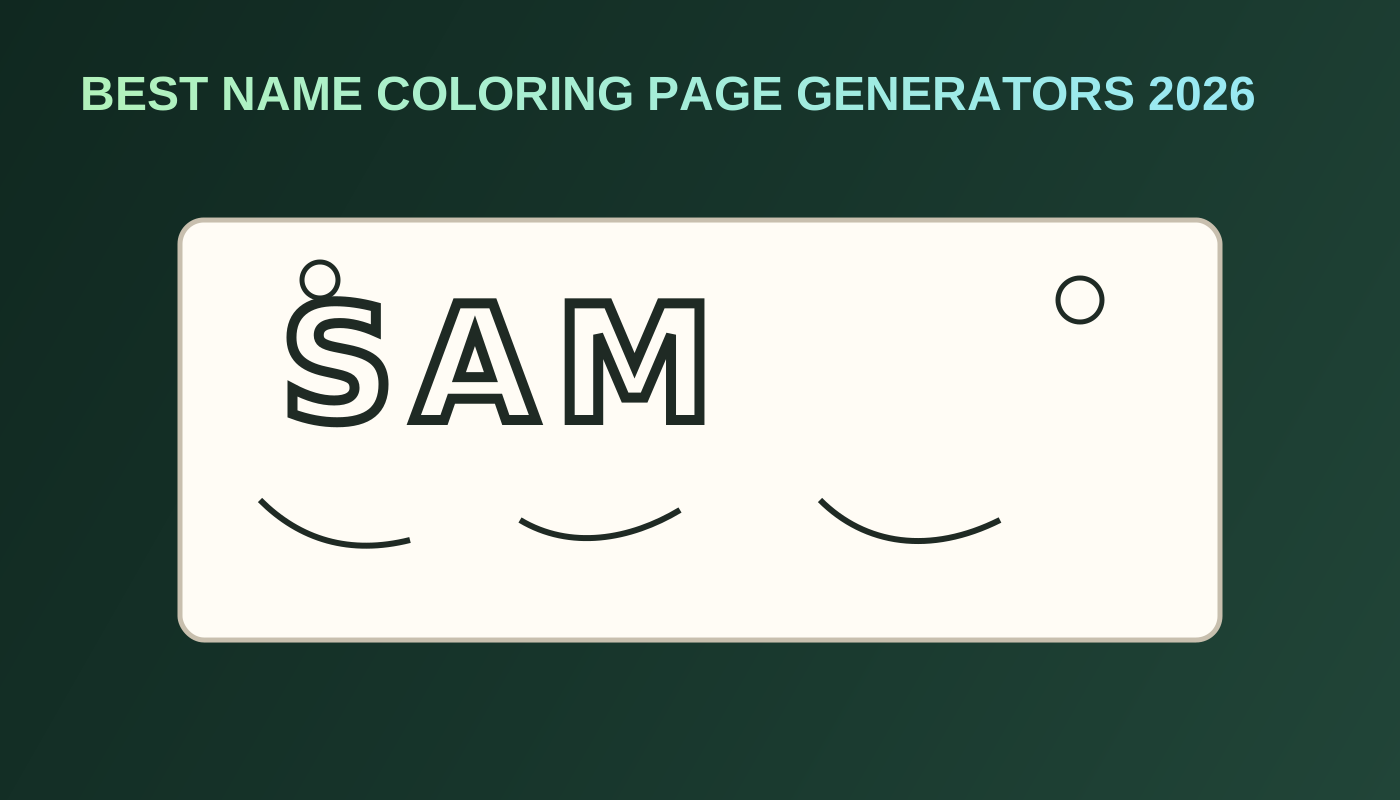
7 Best Name Coloring Page Generators in 2026
The best name coloring page generator in 2026 makes letters big enough to color, clean enough to print, and flexible enough to drop into a real book.
Name pages win because they feel personal in a category that is otherwise easy to copy. Activity books keep growing: Circana BookScan figures reported by Publishers Weekly show 16.7 million U.S. children’s activity-book units in 2025, +18% year over year (Publishers Weekly, Aug 14, 2026). At the same time, Bowker data shows self-published Games and activities output at 354,684 titles in 2025 (Publishers Weekly, Mar 17, 2026). Personalization is one practical way to stand out without inventing a new genre.
This list ranks name and letter-page tools for printable quality, size control, classroom or gift usefulness, and the handoff into a KDP interior. Competitor tools are named only, with no outbound competitor links.
Key Takeaways
- Best overall for printable bubble-letter PNGs in the BookCoversLab cluster: Name Coloring Page Generator
- Best next step for a personalized paperback: AI Coloring Book Generator
- Name pages work best as openers or gift inserts, not as the entire book
- Pair letters with prompt scenes and optional photo pages for a complete interior
- Price KDP paperbacks with the June 2025 royalty thresholds in mind (50% below common list-price cutoffs such as $9.99 USD, 60% at or above) (Amazon KDP)
Quick answer: best name coloring page tool by job
| Job | Best pick | Why |
|---|---|---|
| One printable name sheet | Name Coloring Page Generator | Type a name, pick a size, download bubble-letter line art |
| Personalized KDP interior | AI Coloring Book Generator | Combine name sheets with themed pages and export PDF |
| Scene pages around the name | AI Coloring Page Generator | Add animals, hobbies, or classroom motifs |
| Photo keepsake beside the name | Photo to Coloring Page | Convert a portrait or pet photo |
| Import finished letter PNGs | Coloring Book Formatting | Trim, blank backs, interior export |
| Cover after page count locks | Coloring Book Cover Maker | Matching wrap for the finished book |
What “good” means for a name coloring page
A strong name page should:
- Keep letters as closed bubble shapes kids can fill
- Leave enough interior space inside each letter
- Avoid hairline strokes that disappear in print
- Fit a chosen trim such as 8.5×11 or another coloring size
- Invite a next step into a multi-page product when needed
Google reported more than 50 billion images generated with Nano Banana models in its I/O 2026 remarks (Google Blog, May 19, 2026). Letter pages are easy to generate at that scale. Readable, printable bubble letters with a book handoff are the differentiator.
1. BookCoversLab Name Coloring Page Generator — Best overall for printable name sheets
Best for: birthday pages, classroom name tags, party favors, and personalized book openers.
The Name Coloring Page Generator turns a typed name into printable bubble-letter line art. You choose a coloring-book size, generate, and download a PNG. That is the right unit of work for gifts and lead magnets.
Why it ranks first here: it connects to the rest of the coloring cluster. After you approve a name sheet, you can continue into the AI Coloring Book Generator instead of starting over in a disconnected design file.
Pricing pattern: login unlocks a free coloring PNG path; extra pages use AI credits. Confirm the live rule on the tool page before generating a class set.
2. BookCoversLab AI Coloring Book Generator — Best for personalized KDP books
Best for: “name + theme” paperbacks, gift books, and classroom-style interiors.
This is the primary recommendation when the name page is only the first sheet. The AI Coloring Book Generator helps you build the rest of the interior, add blank backs, number pages, and export a print-ready PDF. A name page becomes a product when it sits in a planned sequence.
If you want the broader book-tool comparison, read Best AI Coloring Book Creator in 2026.
3. Color4U — Best for quick online name-sheet experiments
Best for: fast browser experiments when you need a draft letter page immediately.
Color4U is a common name-sheet option for quick previews. Use it for ideation if you want another look. For BookCoversLab publishing work, bring final keepers into Coloring Book Formatting or rebuild the opener in the Name Coloring Page Generator so sizes stay consistent with the rest of your stack.
4. UltraTextGen and ColorKo — Best for letter-style exploration
Best for: trying alternate bubble or outline letter treatments before you lock a series style.
UltraTextGen and ColorKo often appear in name-and-text coloring searches. They can help you decide whether you want thick bubbles, outlined block letters, or decorated initials. Once the style is chosen, standardize on one generator for the whole project so letter weight does not drift page to page.
5. OpenColor and Inkbloom — Best for decorative name pages
Best for: gift pages where flourishes matter as much as the letters.
OpenColor and Inkbloom lean toward decorated or stylized letter pages. Decoration look special. They can also become too busy for younger colorists. Match decoration level to audience before you scale a classroom set or KDP interior.
6. ColoringMaker and MagicTellers — Best for simple printable name packs
Best for: one-off printables and small digital packs.
These tools are useful when you need a handful of name sheets quickly. They are weaker as complete KDP systems. If Amazon upload is the goal, treat them as optional draft sources, then finish production in BookCoversLab.
7. MockoFUN and Canva — Best for manual letter layout control
Best for: designers who want to place bubble fonts themselves and control every margin.
MockoFUN and Canva help when you already know the font treatment and want precise layout. Manual control is powerful and slower. For most KDP creators, generating the name sheet in the Name Coloring Page Generator and assembling the book in the AI Coloring Book Generator is the shorter path.
Name page use cases that actually convert
| Use case | Page mix that works | Avoid |
|---|---|---|
| Birthday party favor | 1 name sheet + 3 theme pages | Only the name, printed tiny |
| Classroom set | Roster of name sheets + shared theme pages | Inconsistent letter styles across students |
| Gift paperback | Name opener + photo page + themed interior | Repeating the same name 30 times |
| Etsy digital pack | Editable or high-demand names with clear license notes | Trademarked character names |
| KDP niche test | Name opener + niche scenes | Generic alphabet with no audience hook |
How to build a personalized coloring book from a name page
- Generate the opener in the Name Coloring Page Generator.
- Add themed scenes with the AI Coloring Page Generator.
- Optional: convert a photo keepsake in Photo to Coloring Page.
- Assemble everything in the AI Coloring Book Generator.
- Decide blank backs with Do Coloring Books Need Blank Backs?.
- Confirm margins with Coloring Book Bleed and Margins for KDP.
- Build the wrap in the Coloring Book Cover Maker.
- Validate size and upload risk with the KDP Cover Size Calculator and KDP Cover Preflight.
If you already have the PNGs and only need packaging, skip generation and use Coloring Book Formatting.
Need a bubble-letter sheet today and a personalized paperback tomorrow? Generate the name page, then finish in the AI Coloring Book Generator.
FAQ
What is the best name coloring page generator in 2026?
For a printable bubble-letter PNG with coloring-book sizes and a path into a full interior, BookCoversLab’s Name Coloring Page Generator is the best starting point. For a sellable paperback, continue in the AI Coloring Book Generator.
Can I sell name coloring pages on KDP?
Yes, if the pages are original enough, the production files meet KDP specs, and you avoid trademarked names or brand lettering styles you do not have rights to use. Personalized gift books and classroom-style interiors work best when name pages sit beside themed art. Start from the Coloring Books hub if you need the full path.
Should a whole coloring book be only name pages?
Rarely. One or two name sheets make a strong opener. The rest of the book usually needs scenes, objects, or theme pages so buyers get more than repeated letter outlines.
How do I keep letter style consistent across a class set?
Generate every name in the same tool with the same size setting. Mixing Color4U drafts with Canva fonts and AI bubble letters in one PDF usually looks uneven in print.
What if Print Previewer fails after I add name pages?
Name pages do not change the core KDP geometry rules. Fix trim, bleed, and page-box issues with Fix KDP Print Previewer Errors for Coloring Books, then re-export.
Related Resources
AI Coloring Book Generator
Turn name sheets and themed pages into a print-ready KDP interior.
Open the book generator
Name Coloring Page Generator
Create printable bubble-letter name pages in common coloring sizes.
Make a name page
AI Coloring Page Generator
Add themed scene pages around the personalized opener.
Generate a scene page
Coloring Book Cover Maker
Build the matching wrap after the interior page count is locked.
Build the cover
How to Format a Coloring Book for KDP
Follow the production checklist before you upload.
Read the guide
Conclusion
The best name coloring page generator in 2026 creates a letter sheet people want to print and a path into a book people might buy.
Use the Name Coloring Page Generator for the personalized opener. Treat Color4U, UltraTextGen, ColorKo, OpenColor, Inkbloom, ColoringMaker, MagicTellers, MockoFUN, and Canva as named alternatives when you are still exploring letter styles. Then finish the product in the AI Coloring Book Generator, where name pages, scene pages, and optional photo pages become one interior.
A name on a page is a gift. A name inside a finished coloring book is a product.
Autor

Kategorien
KDP Coverrechner (mm)
Sie suchen „KDP Umschlag‑Maße“, einen „Buchrücken Rechner“ oder „Beschnitt mm“? Nutzen Sie den KDP Coverrechner für exakte Maße in mm.
Weitere Beiträge
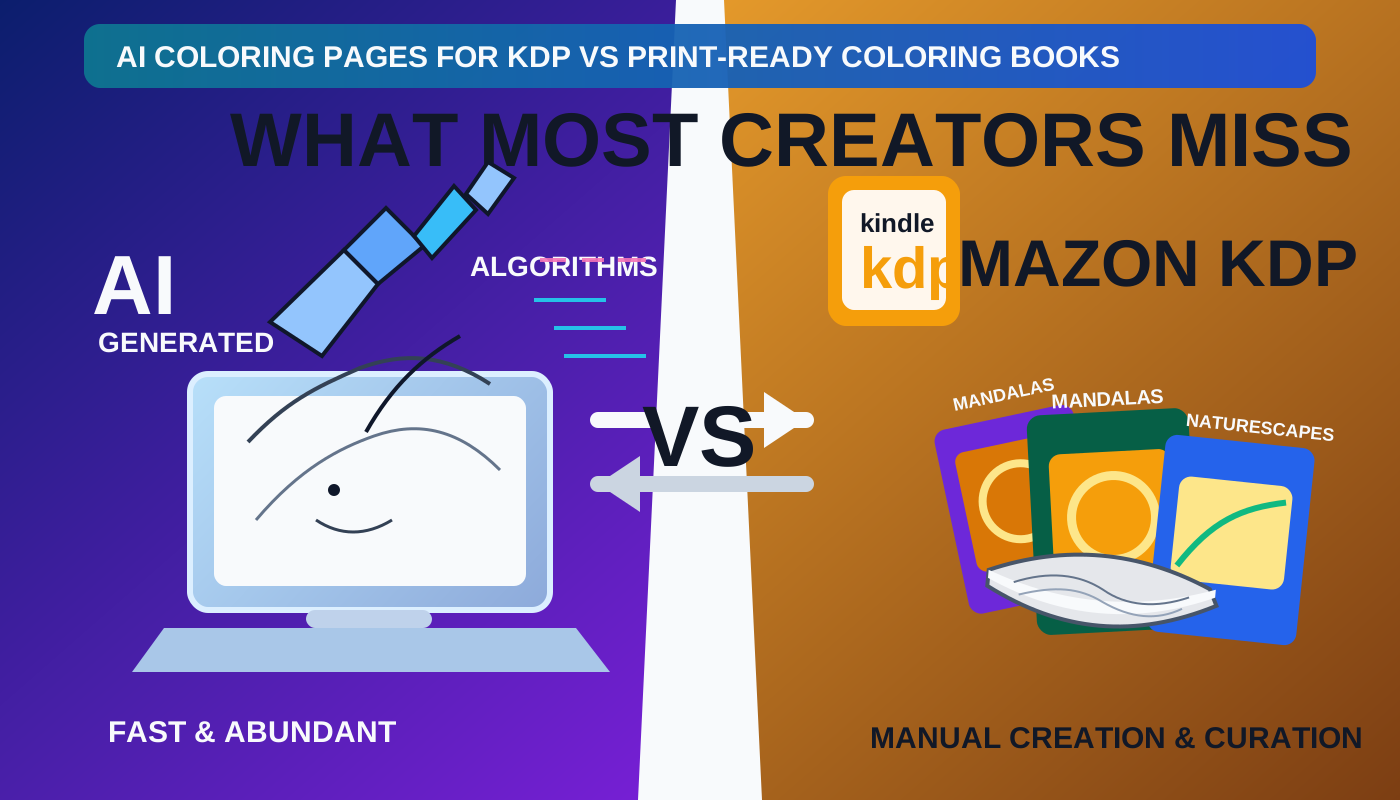
AI Coloring Pages fuer KDP vs. druckreife Coloring Books: Was die meisten Creator uebersehen
AI Coloring Pages sind nicht dasselbe wie ein druckreifes KDP-Coloring-Book. Lerne den Unterschied zwischen Seitengenerierung und einem vollstaendigen, uploadfaehigen Buchpaket.
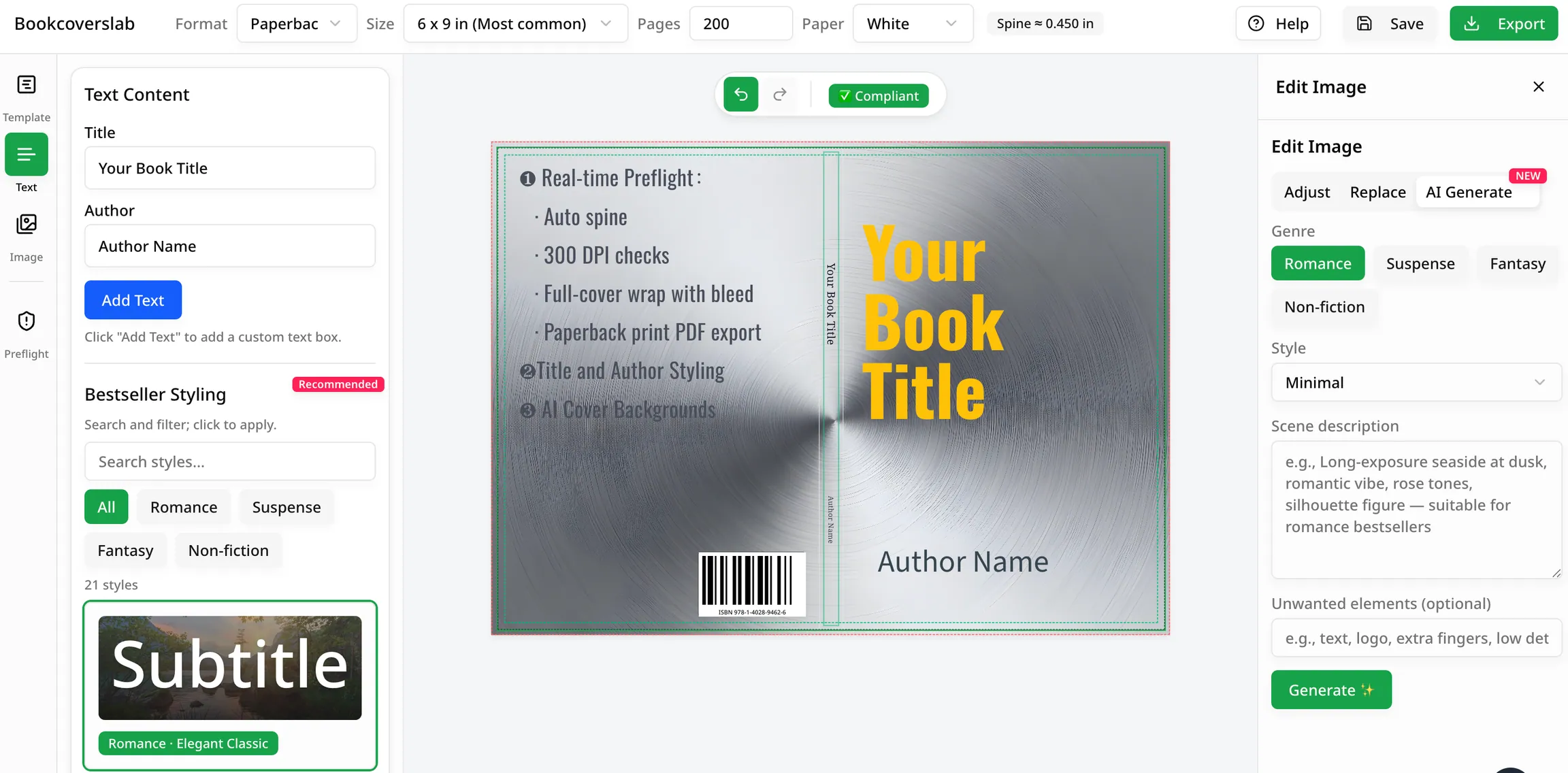
Beste kostenlose KI-Buchcover-Generatoren im Jahr 2026
Vergleichen Sie die besten kostenlosen KI-Buchcover-Generatoren für Autoren im Jahr 2026. Sehen Sie, welche Tools sich am besten für Ideen, Genre-Passung und KDP-fähige Arbeitsabläufe eignen, einschließlich BookCoversLab.
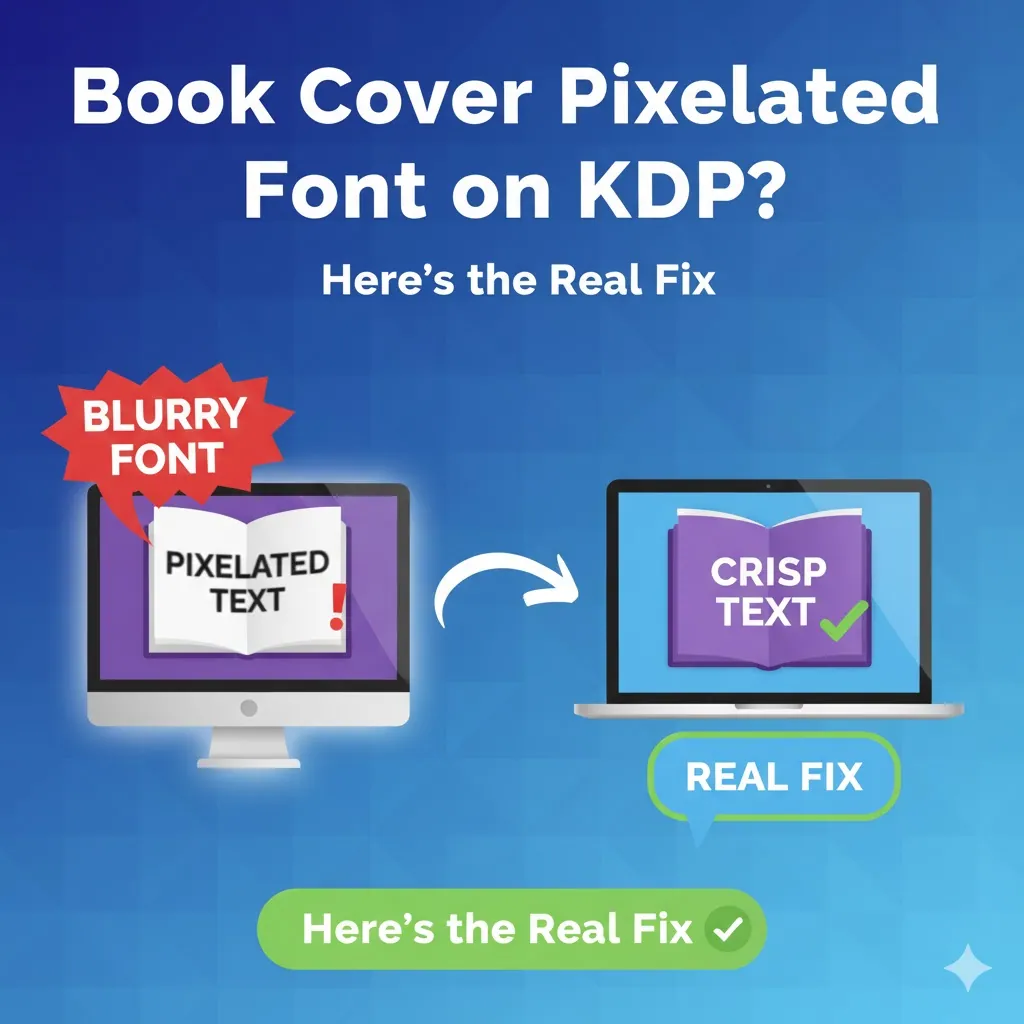
Verpixelte Schriftart des Buchcovers auf KDP? Hier ist die echte Lösung
Sehen Sie verschwommene, gezackte oder verpixelte Schriftarten auf Ihrem KDP-Cover? Dieser Leitfaden diagnostiziert die Grundursachen (DPI und Rasterung) und bietet die ultimative fehlersichere Lösung.
Newsletter
Werden Sie Teil der Community
Abonnieren Sie unseren Newsletter für Neuigkeiten zu KDP‑Cover‑Strategien, Tools und Updates.