Photo to Coloring Page Converter for Printable Line Art

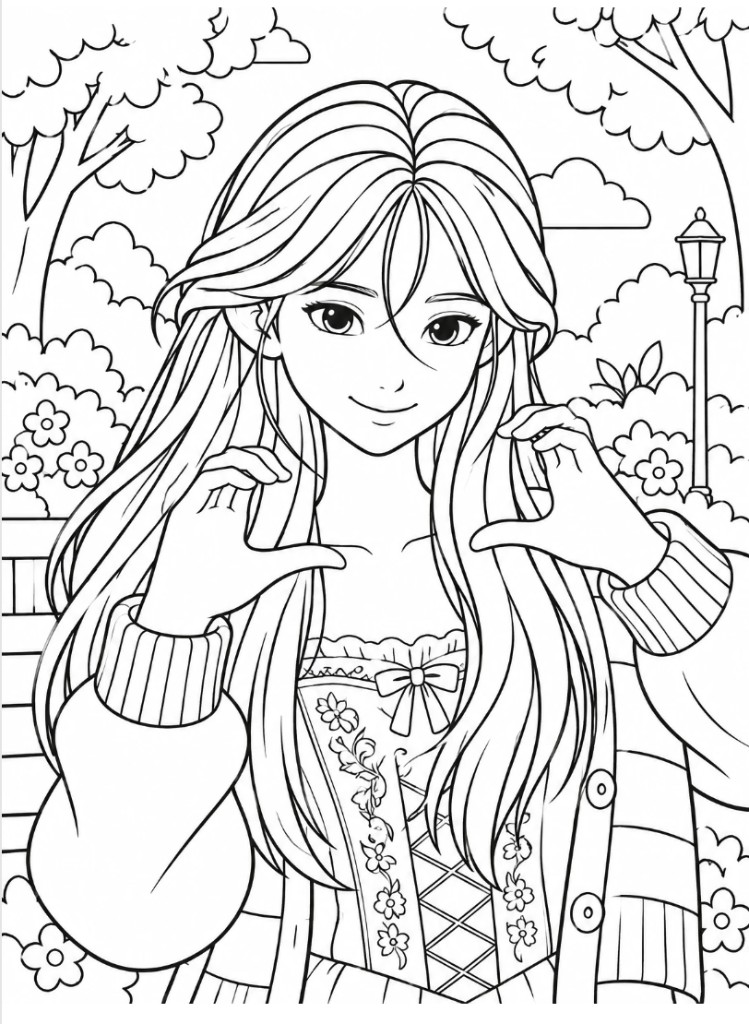
The photo to coloring page converter turns one uploaded photo into a black-and-white coloring page you can print or drop into a KDP interior.

Large fill areas, chunky outlines, and easy coloring wins.

8.5 x 11 preview

Photo
Photo
Coloring page
Coloring page

Upload one photo to the photo to coloring page converter to get one black-and-white PNG coloring page at 8.5 x 11, 8 x 10, square, or 6 x 9.

Use the photo to coloring page converter when you already have a pet portrait, family photo, holiday snapshot, or object photo and want one clean coloring page instead of a full book.

The result is a PNG line-art page. It is not a KDP interior PDF and not a cover wrap. If you need a book, send the pages into the AI coloring book generator or the formatting tool next.

One photo in. One printable coloring page out.

Generation uses the same GPT Image 2.5 path as the coloring book generator. Edits consume AI credits and keep the photo as a reference, not as a traced photocopy.

Photo to coloring page examples

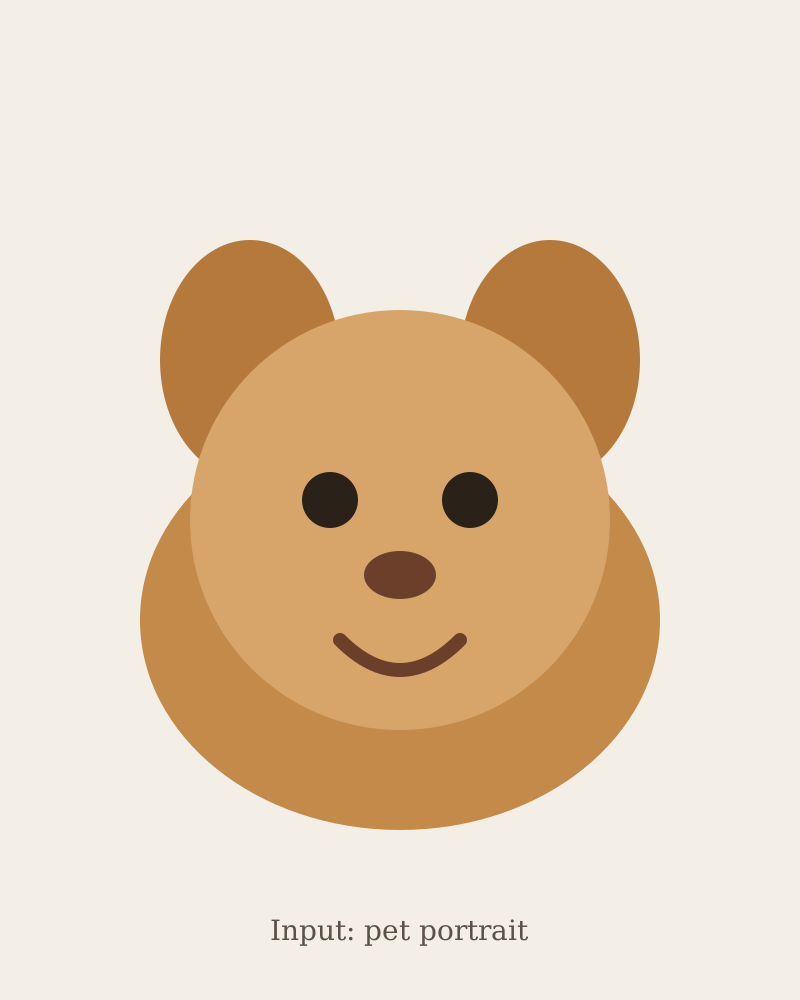
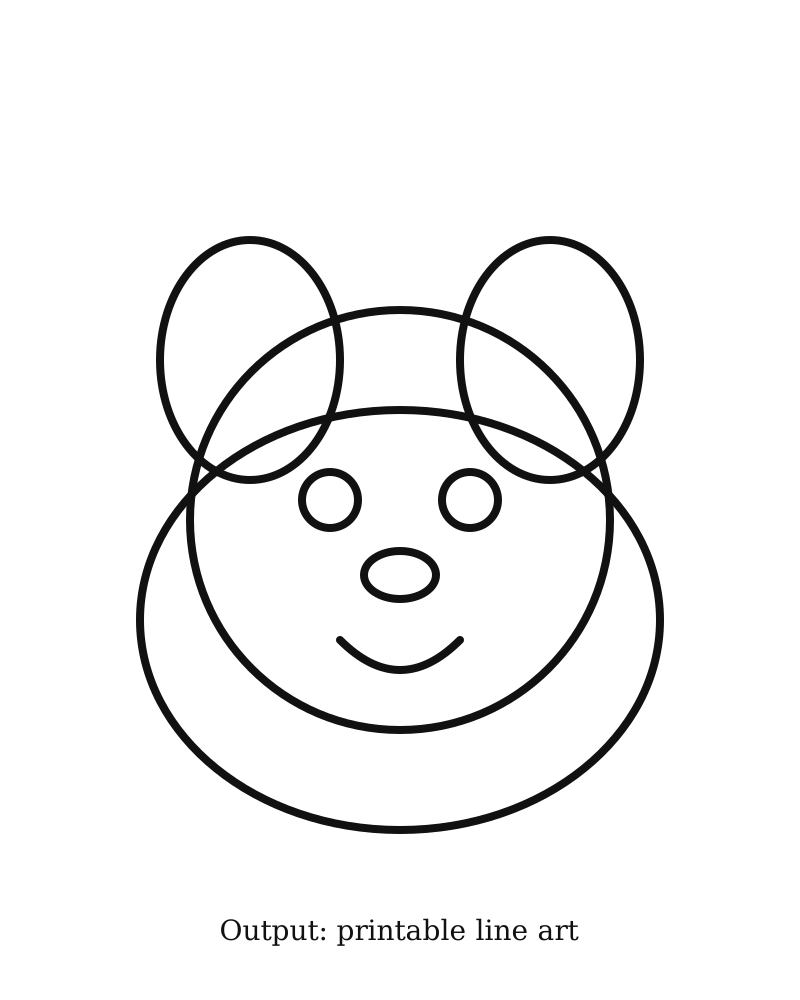
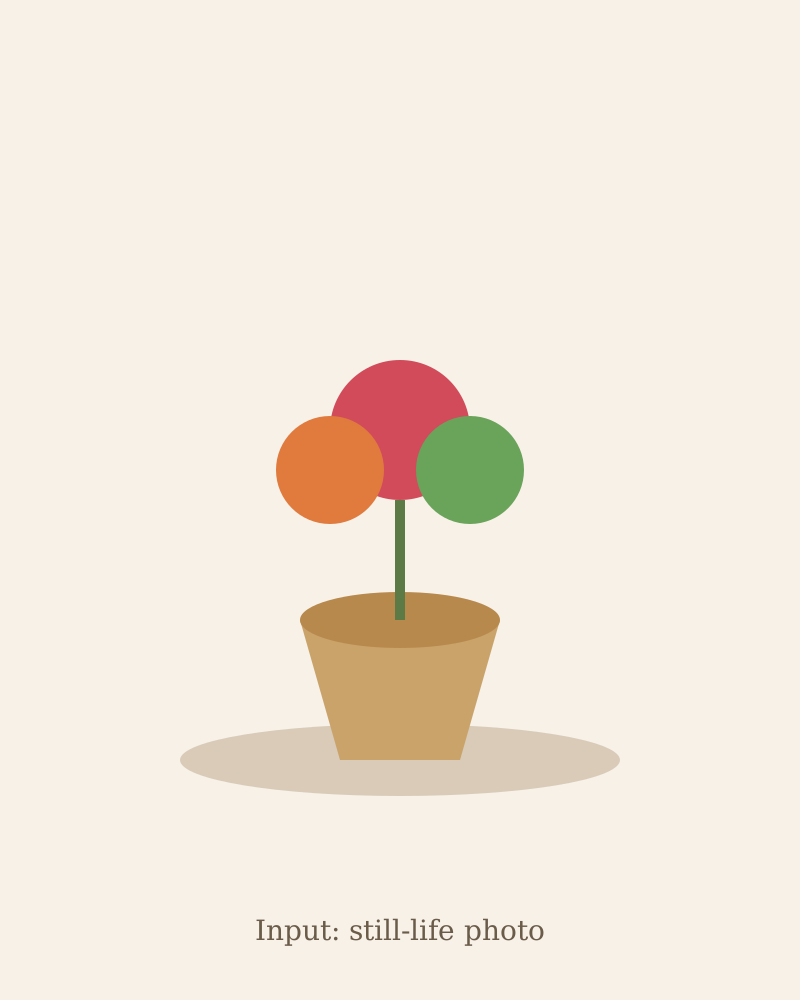
These illustrated photo to coloring page examples show the expected input and output. The left image is the kind of photo to upload. The right image is the closed line art the converter is built to return.

Illustrated pet portrait used as photo to coloring page input
Input: one pet portrait
Illustrated printable line art from a pet portrait conversion
Output: 8.5 x 11 easy line art

Pet portrait to an easy coloring page

A pet portrait is the cleanest photo to coloring page test: upload a face-forward shot with an uncluttered background. Choose Big Shapes & Simple Lines so the fur becomes closed cells. Keep 8.5 x 11 if the page will later sit in a standard coloring book.

Illustrated family snapshot used as converter input
Input: a readable family snapshot
Illustrated family coloring page with closed outlines
Output: bold closed outlines

Family snapshot to a keepsake page

Use a snapshot where faces and poses are readable. Cute Characters & Bold Easy Scenes keeps people recognizable without copying a photorealistic likeness. Avoid busy group shots where overlapping limbs will break closed contours.

Illustrated still-life used as converter input
Input: a still-life or room photo
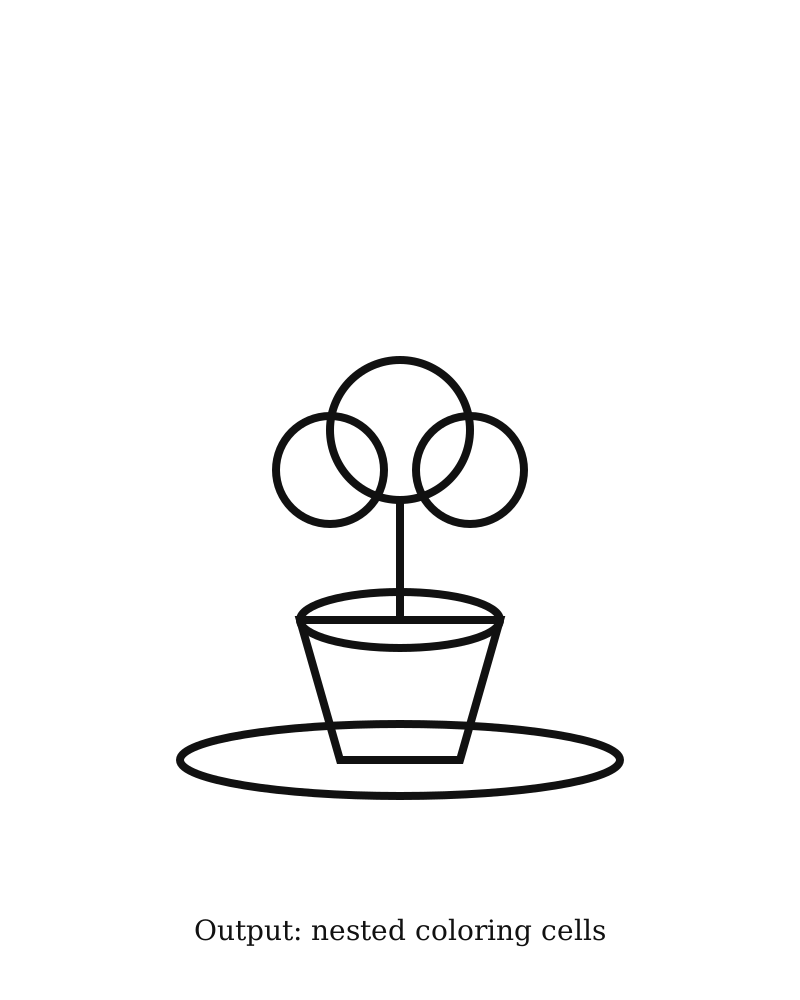
Illustrated still-life coloring page with nested cells
Output: nested adult coloring cells

Object or room photo for an adult page

Still-life flowers, a kitchen counter, or a cozy room work well with Cozy Cute Worlds or Stress Relief Detailed. The photo to coloring page converter should keep the object layout and turn textures into nested coloring cells.

What this converter does with one photo

The photo to coloring page workbench stays small on purpose. Each control maps to one print decision so the PNG can later sit in a KDP interior without a second redesign.

Photo reference, not a blank prompt

The uploaded file is sent as an image edit, so a photo to coloring page request has to keep the subject, pose, and major shapes. That is the difference between this converter and a text-only coloring page generator.

Print sizes that match the coloring book generator

8.5 x 11, 8 x 10, 8.5 x 8.5, and 6 x 9 use the same generation sizes as the AI coloring book generator. A page made here can move into formatting without changing trim later.

Five coloring-book styles

The style list is the same line-art language used for coloring books: big easy shapes, cute bold characters, cozy scenes, low-stress relaxation, and detailed adult pages. Pick one style per photo instead of mixing densities.

Closed line art for markers

The prompt ends with the same line-art lock used on coloring-book interiors: uniform black outlines, closed cells, white background, and no shading. That keeps the page colorable instead of looking like a pencil sketch.

A single PNG you can reuse

Download the page as soon as it succeeds. Import several PNGs into coloring book formatting, or generate a matching series in the coloring book generator if you still need more pages.

How to turn a photo into a coloring page

The photo to coloring page converter is a one-image workflow. There is no manuscript, prompt queue, or PDF export on this page.

  1. Upload one clear photo

    Use a JPG, PNG, or WebP with a readable subject. Crop tight before upload if the background is noisy. Celebrity, logo, and copyrighted-character photos are a poor fit for a commercial coloring book.

  2. Choose the print size

    Match the trim you already use for interiors. 8.5 x 11 is the default coloring-book size. Square and 6 x 9 are here when the rest of the book already uses those trims.

  3. Pick one coloring-book style

    Easy styles keep large fill areas. Detailed styles add nested cells. Do not expect the detailed style to recover a blurry photo; it only densifies the line work.

  4. Generate and inspect the line art

    Sign in, spend one AI credit, and wait for the PNG. Check that faces stay recognizable, shapes are closed, and no leftover gray shading remains. Generate again with a simpler style if the photo is too busy.

  5. Download, then continue the book

    Save the PNG. Repeat for more photos, or send the pages into formatting and the coloring book generator when you are ready for blank backs, page numbers, and a KDP interior PDF.

Print size and style choices

Size controls the page shape. Style controls how dense the line art becomes. Set both before you run a photo to coloring page conversion; they are not post-process filters.

SizeUse whenOutput
8.5 x 11Standard KDP coloring books and most printable home pagesPortrait page that matches the coloring book generator default
8 x 10Slightly shorter portrait books or framed prints4:5 portrait line art with the same closed-cell rules
8.5 x 8.5Square interiors or gift pages1:1 composition that keeps the subject centered
6 x 9Compact paperbacks that already use 6 x 9 interiorsTighter portrait page; choose a simpler style so details survive

When a photo to coloring page converter is the right tool

Use a photo to coloring page converter when you already have a file. If you only have a theme and no image, use the coloring book generator instead.

A parent making one keepsake page

Start with a pet or child photo, choose an easy style, and print letter-size. The job ends at the PNG. You do not need blank backs or a spine until you decide to make a book.

A KDP publisher collecting source pages

Convert a set of original photos at the same trim, download the PNGs, then import them into coloring book formatting. That path is faster than forcing a full prompt queue when the art already exists as photos.

A seller testing whether a photo series can become a book

Run three to five photos through the converter first. If the subjects stay readable as line art, continue in the coloring book generator for extra pages, numbers, and export checks.

Limits and quality checks

A photo to coloring page converter is honest about what a single image edit can and cannot do. Read this before you spend a credit on a weak file.

  • One photo makes one page. The photo to coloring page converter is not a 24-page book builder.
  • One successful page uses 1 AI generation credit. The coloring-book free preview does not apply to photo edits.
  • Keep the file under 10 MB. JPG, PNG, and WebP are accepted. The converter resizes the longest edge to 2048 pixels before generation.
  • Busy backgrounds, tiny faces, and heavy motion blur usually produce broken contours. Crop first.
  • The model redraws the photo as coloring-book line art. It will not keep every wrinkle, logo, or exact facial likeness.
  • Upload only photos you own. Do not upload celebrity, Disney, or other third-party character photos for a book you plan to sell.
  • Output is a coloring page PNG. Bleed, blank backs, page numbers, and KDP PDF export live on the formatting and generator pages.
  • Adult detailed style is for objects and patterns. It is a poor match for crowded party photos.

Questions about converting a photo

What does this photo to coloring page converter actually download?

It downloads one black-and-white PNG coloring page. The file is line art on a white background, sized for the trim you selected. It is not a multi-page PDF and not a paperback cover wrap.

Is this the same engine as the coloring book generator?

Yes. A photo to coloring page request uses the same GPT Image 2.5 path as the coloring book generator, including the Fal primary route and Replicate fallback. This page only changes the input: a photo edit instead of a text prompt queue.

Can I turn several photos into a KDP coloring book?

Run a photo to coloring page conversion for each file, then import the PNGs into coloring book formatting or continue in the AI coloring book generator. Those pages add blank backs, page numbers, 300 DPI checks, and the interior PDF.

Which photos work best?

Photos with one clear subject, decent light, and a simple background work best. Pet portraits, single-person snapshots, flowers, and room scenes convert more cleanly than crowds, screenshots, or watermarked images. Upload only photos you own.

Do I need an account and credits?

Yes. Image edits require a signed-in account and one AI generation credit per successful page. Failed provider errors should not keep the credit. The three-page coloring-book free preview is for text-to-page generation, not photo edits.

Convert another photo to coloring page

Upload the next file in the workbench, keep the same size, and run another photo to coloring page conversion. When the set is ready, continue in the coloring book generator.

Back to the converter

Last updated 2026-09-21