
Name Coloring Page Generator for Printable Letter PNG

This name coloring page generator turns one name into a single printable bubble-letter coloring PNG.

Size

Log in to generate 1 free coloring PNG. Extra pages cost 1 AI credit each. One page usually finishes in 20 to 60 seconds.

Your name coloring page will appear here.

A name coloring page generator turns a typed name into one printable black-and-white PNG of bubble letters.

BookCoversLab’s name coloring page generator uses GPT Image 2.5, supports 8.5 x 11, 8 x 10, 8.5 x 8.5, and 6 x 9, and keeps the letters large, closed, and colorable.

The name coloring page generator downloads one PNG letter sheet, not a KDP interior PDF or cover wrap. If you need 4 or more pages, blank backs, or export checks, continue in the AI coloring book generator.

One name in. One printable letter page out.

Logged-in users can generate 1 free coloring PNG. Extra pages cost 1 AI credit each. One page usually finishes in 20 to 60 seconds.

Example name letter sheets

These illustrated sheets show the expected input and output of a name coloring page generator. They are diagrams, not live model output. Type the name in the workbench. The generator draws bubble letters plus a few closed decorations, not a portrait of the person.

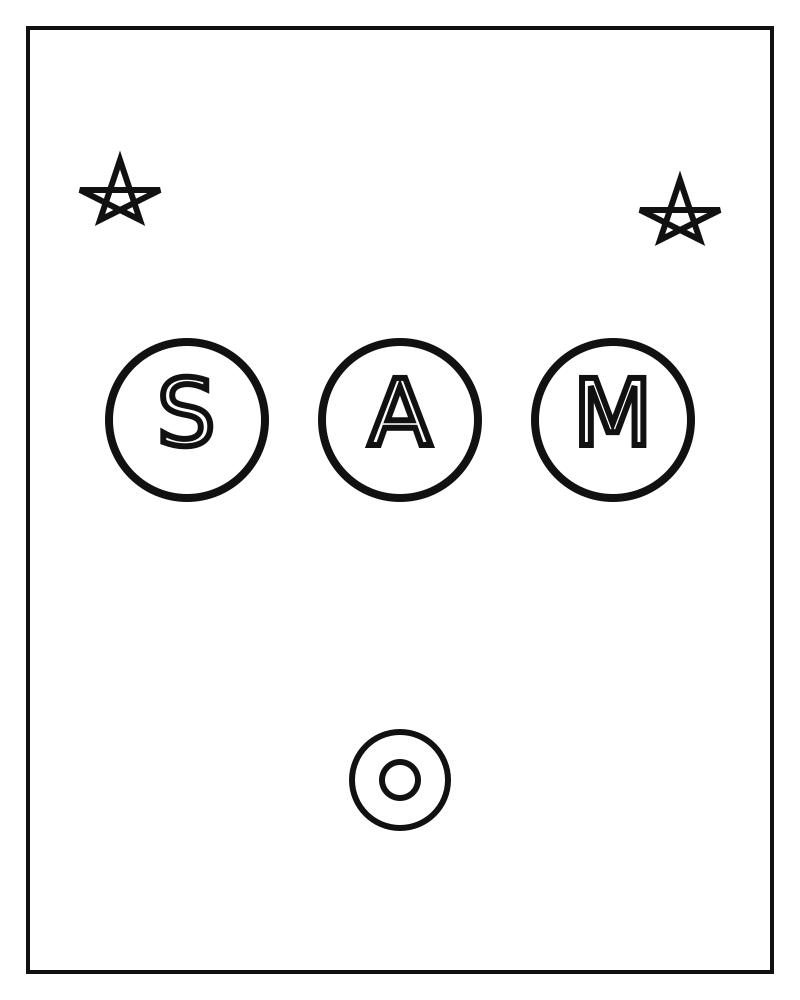
Illustrated example of a name coloring page with bubble letters S, A, and M, not a live generation

Short kids name on 8.5 x 11

A three-letter name such as Sam fills the name coloring page generator sheet as chunky bubble letters. Stars and simple flowers stay in the margin so crayons have large cells. Keep 8.5 x 11 if the sheet will later sit in a standard coloring book.

Name: Sam. Size: 8.5 x 11.

One letter-size PNG with closed bubble letters.
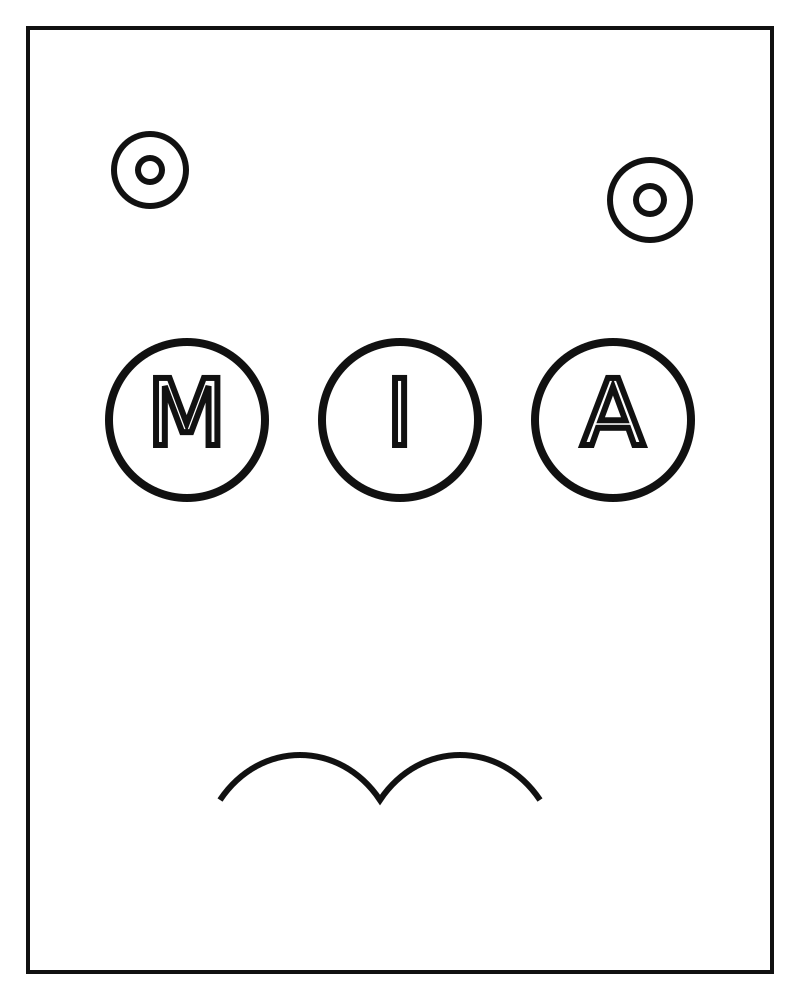
Illustrated example of a name coloring page with bubble letters M, I, and A, not a live generation

Classroom name on 8 x 10

Mia is still short enough for oversized letters. Animal-safe decorations such as simple flowers stay around the name. Use 8 x 10 when the rest of the classroom pack already uses that trim.

Name: Mia. Size: 8 x 10.

One 8 x 10 PNG with closed letters and simple flowers.

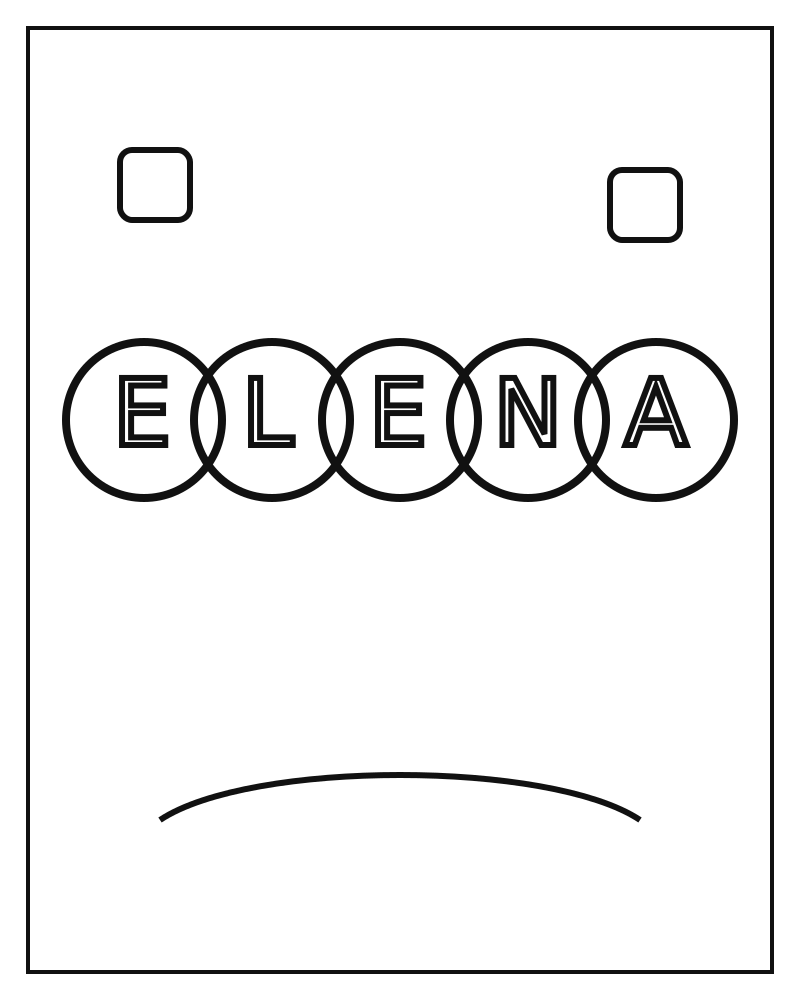
Illustrated example of a name coloring page with bubble letters E, L, E, N, and A, not a live generation

Longer gift name on square

Elena uses five letters, so the sheet becomes a letter banner instead of three giant glyphs. Square 8.5 x 8.5 keeps the banner centered for a gift page. Do not paste a sentence into the name field.

Name: Elena. Size: 8.5 x 8.5.

One square PNG with a closed letter banner.

What this name coloring page generator produces

Use this name coloring page generator when the job is one letter sheet. Keep the book workbench for interiors that need trim rules, blank backs, and PDF export.

Name to printable bubble letters

Type a name instead of writing a full scene prompt.

The name coloring page generator asks GPT Image 2.5 for the exact supplied name as closed bubble or block letters, then appends a name-specific line-art lock. Other words, captions, and logos are out of scope.

A first name or short full name, such as Sam or Elena.

One letter-art PNG at the selected trim.

KDP-matching page sizes

Print the PNG or import it later without resizing from a random social crop.

Sizes match the coloring book workbench: 8.5 x 11, 8.5 x 8.5, 8 x 10, and 6 x 9. Pixel sizes stay the same as the book generator for that trim.

One trim choice.

A PNG whose pixel size matches that trim.

Free preview, then AI credits

Try one page after login before you buy a book plan.

Logged-in users who still have the coloring free preview can generate 1 PNG with no AI credits. Later pages use 1 AI credit each.

A logged-in account.

A free preview PNG or a credited PNG.

Handoff into a coloring book

Keep a single sheet from becoming a dead-end download.

Download the PNG, then open the AI coloring book generator or the formatting tool to add more pages, blank backs, and a KDP interior PDF.

The PNG from this page.

A path into the coloring-book interior workflow.

How this name coloring page generator works

The name coloring page generator workbench has two controls: the name and the trim size. There is no prompt queue, art review grid, or export checklist on this page.

  1. 1. Type one name

    Use a first name or a short full name. Sam, Mia, and Elena are in range. Do not paste a scene prompt, a celebrity, or a copyrighted character name you plan to sell.

  2. 2. Choose a trim size

    Use 8.5 x 11 for classroom sheets and most KDP coloring books. Use square for 8.5 x 8.5 books, 8 x 10 for a shorter portrait, and 6 x 9 for compact interiors.

  3. 3. Generate and review the letters

    After login, generate. Check that the letters match the name, inner counters are closed, and no extra words appeared. Generate again if a letter is missing or too thin to color.

  4. 4. Download or continue to a book

    Download the PNG for print or classroom use. If you need 4 or more pages, blank backs, or a KDP PDF, continue in the AI coloring book generator.

Print sizes for name letter pages

Size controls the page shape. The name field controls the letters. Set both before you run this name coloring page generator; they are not post-process filters.

SizeUse whenOutput
8.5 x 11Classroom sheets and standard KDP coloring booksPortrait page at 2512 x 3264 px
8 x 10Shorter portrait packs or framed printsPortrait page at 2304 x 2880 px
8.5 x 8.5Square gift pages or square interiorsSquare page at 2560 x 2560 px
6 x 9Compact paperbacks that already use 6 x 9 interiorsTighter portrait page at 2048 x 3072 px

When to use a name coloring page generator

Use a name coloring page generator when the page is the name itself. If you have a photo, use the photo converter. If you have a theme and need a whole interior, use the coloring book generator.

A parent printing one keepsake sheet

Type a child’s first name into the name coloring page generator, keep 8.5 x 11, and print letter-size. The job can end at the PNG. You do not need blank backs or a spine until you decide to make a book.

A teacher making a classroom pack

Generate one sheet per student name at the same trim. Download the PNGs, then import them into coloring book formatting if the pack needs a cover and a print-ready PDF.

A KDP seller testing a personalized interior

Run three to five names first. If the letters stay closed and readable, continue in the coloring book generator for extra themed pages, numbers, and export checks.

Limits and quality checks

A name coloring page generator is honest about what one letter sheet can and cannot do. Read this before you spend a credit on a weak name string.

  • One name makes one page. This name coloring page generator is not a 24-page book builder.
  • Keep the name to 24 characters or fewer. Short first names color more cleanly than long sentences.
  • The model is asked for the exact supplied letters. Check the PNG before you print; missing or extra letters can still happen.
  • The ordinary coloring-book line-art lock forbids text. This page uses a name-specific lock so the supplied letters are allowed and other words are not.
  • Do not use celebrity names, Disney names, or other third-party characters for a book you plan to sell.
  • Output is a coloring page PNG. Bleed, blank backs, page numbers, and KDP PDF export live on the formatting and generator pages.

Questions about name coloring pages

What does this name coloring page generator actually download?

It downloads one black-and-white PNG letter sheet. The file is bubble-letter line art on a white background, sized for the trim you selected. It is not a multi-page PDF and not a paperback cover wrap.

Is this the same engine as the coloring book generator?

Yes. A name coloring page generator request uses the same GPT Image 2.5 path as the coloring book generator. The name coloring page generator only changes the input: a name field and a name-specific prompt instead of a theme queue.

Can I type a full prompt instead of a name?

No. The name coloring page generator rejects sentences, URLs, and extra punctuation. For a scene prompt, use the coloring book generator. For a photo, use the photo to coloring page converter.

Can I turn several name pages into a KDP coloring book?

Generate one PNG per name with this name coloring page generator, then import the files into coloring book formatting or continue in the AI coloring book generator. Those pages add blank backs, page numbers, 300 DPI checks, and the interior PDF.

Do I need an account and credits?

Yes. Log in to generate. The unused coloring free preview covers 1 PNG. Extra pages cost 1 AI credit each. Failed provider errors should not keep the credit.

Make another name letter sheet

Type the next name in the name coloring page generator, keep the same size, and run another page. When the set is ready, continue in the coloring book generator.

Back to the generator

Last updated 2026-09-21