AI Coloring Page Generator for Printable Line-Art PNG

This AI coloring page generator turns one prompt into a single printable line-art PNG.

Size

Log in to generate 1 free coloring PNG. Extra pages cost 1 AI credit each and open the AI credits checkout. One page usually finishes in 20 to 60 seconds.

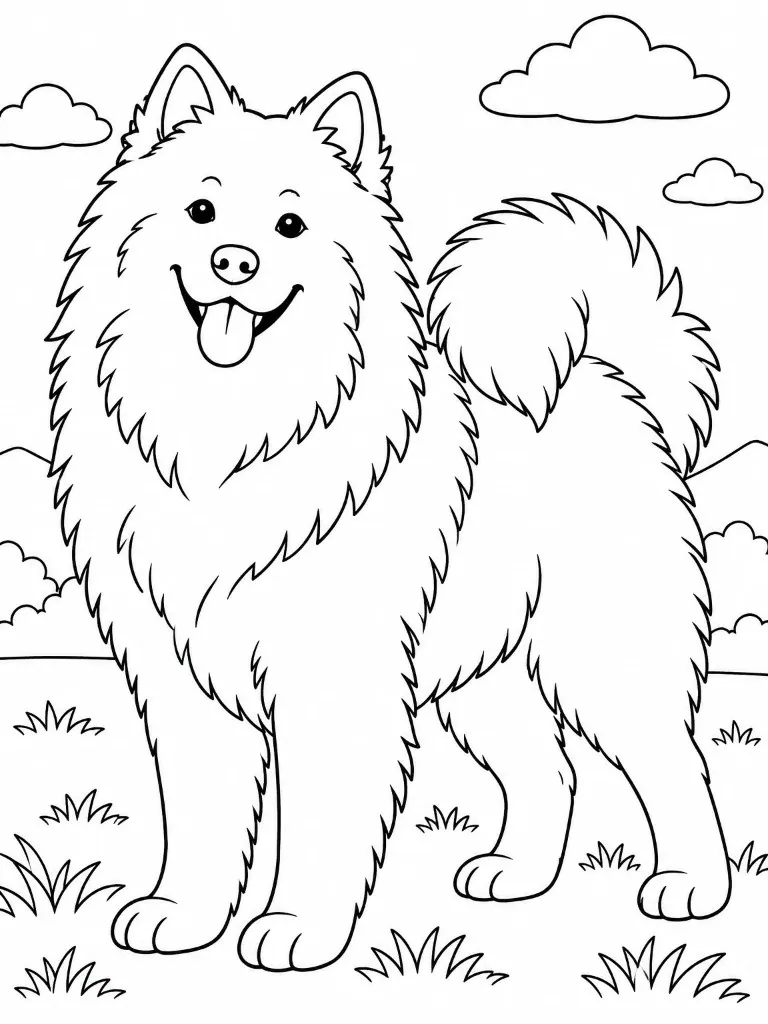
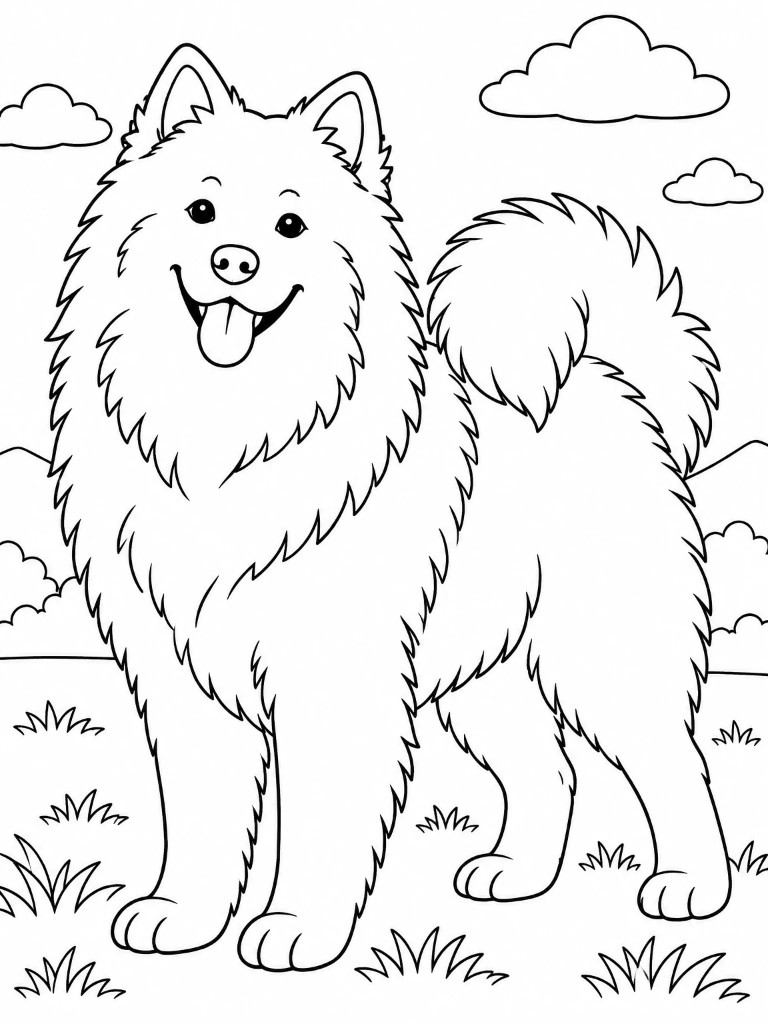
Sample fluffy dog coloring page in black-and-white line art

Sample page shown above. Your generated line-art PNG will replace it here.

An AI coloring page generator turns a short prompt into black-and-white line art you can print or drop into a book later. BookCoversLab’s AI coloring page generator is for teachers, parents, and KDP authors who need one PNG at a KDP trim size, not a 4-to-120-page interior.

Type the subject, pick 8.5 x 11, 8.5 x 8.5, 8 x 10, or 6 x 9, then generate. Log in to generate 1 free coloring PNG. Extra pages cost 1 AI credit each. A coloring page maker or coloring page creator search should land here when the job is one sheet, not a full book.

Best fit: one printable coloring PNG, not a finished KDP book.

The AI coloring page generator does not add blank backs, page numbers, or a paperback wrap. Open BookCoversLab’s AI coloring book generator when you want a print-ready KDP interior PDF.

Last updated: 2026-09-21

Sample coloring pages

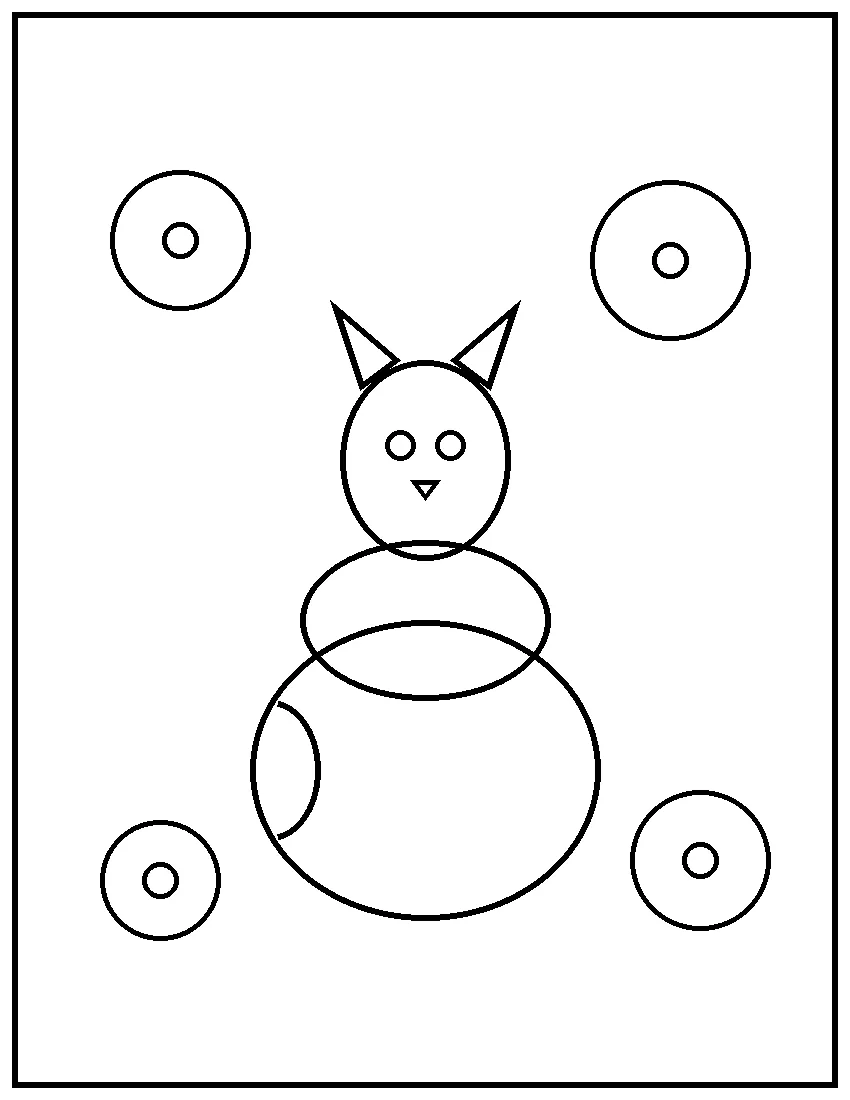
These sample pages show the closed-outline style the AI coloring page generator aims for: black lines, white background, and colorable shapes. Generate in the workbench above to get a GPT Image 2.5 page at your selected trim.

Black-and-white coloring page of a fox sitting in a teacup with simple flowers

8.5 x 11 classroom sheet

The default size in this AI coloring page generator is 2512 x 3264 pixels, which matches BookCoversLab’s coloring book interiors for letter-size printouts.

Prompt: a sleepy fox in a teacup garden, simple closed shapes.

One 8.5 x 11 line-art coloring PNG with closed outlines.

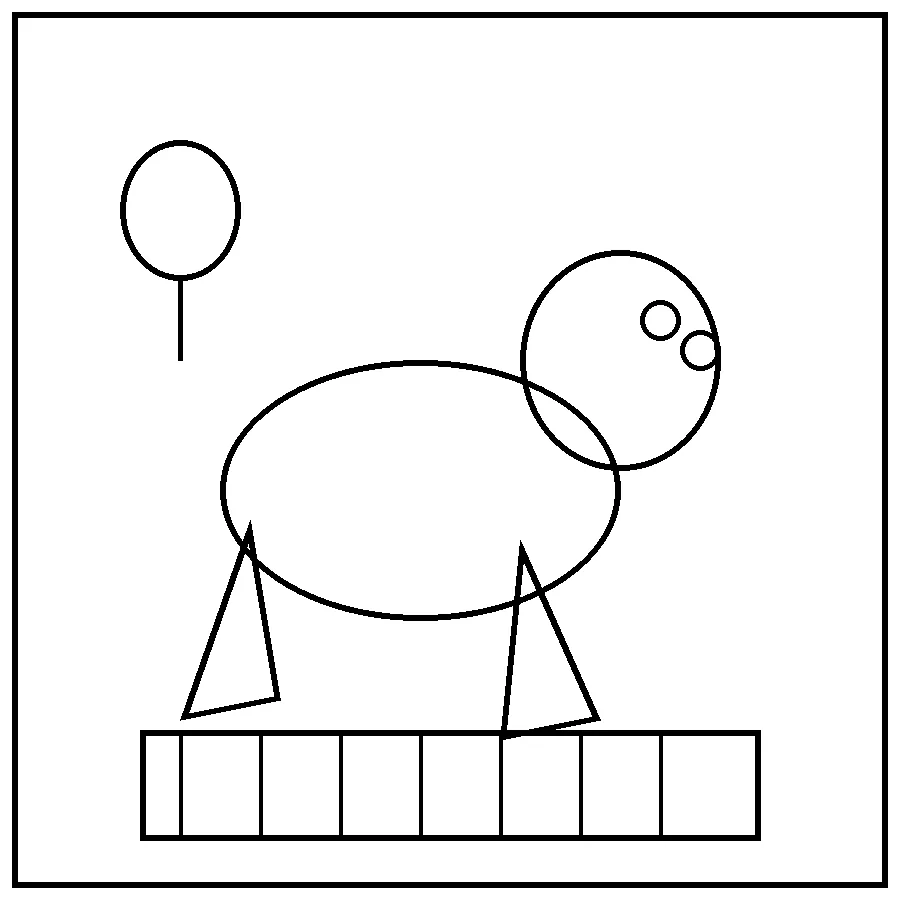
Black-and-white coloring page of a simple dinosaur at a picnic blanket

Square picnic page

Square pages generate at 2560 x 2560 pixels. Use 8.5 x 8.5 when the next step is a square KDP coloring book.

Prompt: a friendly dinosaur picnic with large crayon-friendly shapes.

One square line-art coloring PNG.

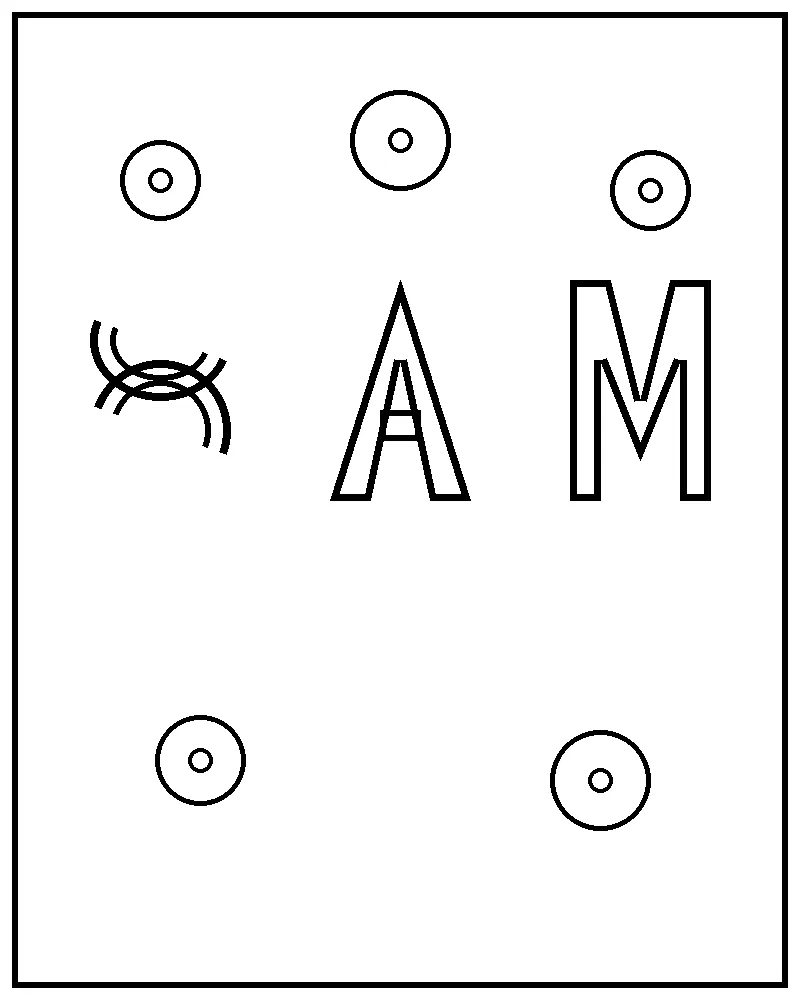
Black-and-white coloring page of bubble letters S, A, and M with star shapes

Name letter page

There is no separate name field. Write the name into the prompt, such as bubble letters for Sam with stars.

Prompt: bubble letters for Sam with stars, kids coloring page.

One 8 x 10 style line-art coloring PNG.

Line-art rules

The AI coloring page generator appends a line-art instruction to every prompt so GPT Image 2.5 aims for printable outlines, not shaded illustrations.

  • Black outlines on a pure white background.
  • Closed shapes that a crayon can fill.
  • No gray fill, logos, watermarks, or readable text unless you asked for letters.
  • Closed outlines are a target, not a guarantee. Check gaps before you print or sell the page.

What this AI coloring page generator produces

Use this AI coloring page generator when you want a single printable page. Keep the book workbench for interiors that need trim rules, blank backs, and PDF export.

Prompt to printable line art

Describe one subject and get a coloring PNG instead of a full book queue.

GPT Image 2.5 generates one page from your prompt. The generator appends the shared line-art lock so the model aims for closed outlines on a white background.

Input: A subject prompt, such as a fox garden or a simple name banner.

Output: One line-art PNG at the selected trim.

KDP-matching page sizes

Print the PNG or import it later without resizing from a random social crop.

Sizes on this AI coloring page generator match the coloring book workbench: 8.5 x 11, 8.5 x 8.5, 8 x 10, and 6 x 9. Pixel sizes stay the same as the book generator for that trim.

Input: One trim choice.

Output: A PNG whose pixel size matches that trim.

Free preview, then AI credits

Try one page after login before you buy a book plan.

Logged-in users who still have the coloring free preview can generate 1 PNG with no AI credits. Later pages on this AI coloring page generator use 1 AI credit each.

Input: A logged-in account.

Output: A free preview PNG or a credited PNG.

Handoff into a coloring book

Keep a single page from becoming a dead-end download.

Download the PNG, then open the AI coloring book generator or the formatting tool to add more pages, blank backs, and a KDP interior PDF.

Input: The PNG from this page.

Output: A path into the coloring-book interior workflow.

How this AI coloring page generator works

This AI coloring page generator workbench has three controls. There is no prompt queue, art review grid, or export checklist on this page.

  1. 1. Write one prompt

    Name the subject, audience, and detail level. Example: a simple dinosaur picnic for ages 6-8 with large closed shapes. Avoid asking for photoreal shading, logos, or readable text.

  2. 2. Choose a trim size

    Use 8.5 x 11 for classroom sheets and most KDP coloring books. Use square for 8.5 x 8.5 books, 8 x 10 for a shorter portrait, and 6 x 9 for compact interiors.

  3. 3. Generate and review the PNG

    After login, generate. Check that outlines are closed, shapes are large enough to color, and no text or gray fill appeared. Generate again if the page is too busy or too sparse.

  4. 4. Download or continue to a book

    Download the PNG for print or classroom use. If you need 4 or more pages, blank backs, or a KDP PDF, continue in the AI coloring book generator.

Single page or coloring book?

Choose the page that matches the job. This table keeps the AI coloring page generator from competing with the book interior workbench.

JobUse this pageUse the book generator
One printable PNGYes. Use the AI coloring page generator: prompt, size, generate, download.No. BookCoversLab’s AI coloring book generator starts at 4 pages.
A KDP interior PDFOnly as a source PNG you will import later.Yes. The AI coloring book generator adds blank backs, page numbers, and export checks.
Kids or adult seriesUseful for testing one scene.Yes. Use the kids or adult presets after the test page.
Photo to coloring pageThe AI coloring page generator has no photo upload. Describe the scene in the prompt instead.The AI coloring book generator is not a photo converter. Import finished line art if you already have it.

When a single coloring page is the whole job

These scenes are the long-tail jobs around this AI coloring page generator: a custom sheet, a test page before a book, and a printable activity.

Classroom or party sheet

A teacher or parent who needs one printable activity tonight.

Start with: A prompt such as a birthday dragon with big crayon-friendly shapes.

In the tool: Choose 8.5 x 11 in this AI coloring page generator, generate, and print the PNG.

Result: A single coloring sheet, not a bound book.

Test a KDP coloring book idea

An author who wants to see whether a theme reads as line art before paying for a 12-page queue.

Start with: The same theme they plan to use in the book generator.

In the tool: Generate one 8.5 x 11 or 8.5 x 8.5 page, then move the idea into the book workbench.

Result: A cheap proof page plus a path into the AI coloring book generator.

Name or simple subject page

Someone who wants a name banner or one animal page, not 20 interiors.

Start with: A prompt like bubble letters for Maya with stars, or one sleepy fox.

In the tool: Keep the prompt short, generate in this AI coloring page generator, and download.

Result: A personalized coloring page PNG.

Limits of a single-page generator

The page is narrow on purpose. It should not be used as a photo converter, a color-by-number maker, or a KDP interior exporter.

  • This AI coloring page generator makes one page per run. There is no 4-to-120 page queue here.
  • It does not convert an uploaded photo, celebrity likeness, or copyrighted cartoon character.
  • It does not color an existing line-art sheet. The job is to create black-and-white outlines.
  • It does not add bleed guides, blank backs, page numbers, or a paperback wrap.
  • Closed outlines are a target, not a guarantee. Check gaps before you print or sell the page.
  • Amazon may still require AI-generated content disclosure if you later put the art in a KDP book.
  • Personal printing is allowed. Do not generate celebrity likenesses or copyrighted cartoon characters. Review trademark and listing rules before you sell the page.

FAQ about generating one coloring page

These answers cover the model, free preview, sizes, books versus single pages, and what this tool will not generate.

What model does this AI coloring page generator use?

BookCoversLab’s AI coloring page generator uses GPT Image 2.5 first, with the same fallback path as the coloring book generator. One page usually finishes in 20 to 60 seconds.

Is the AI coloring page generator free?

Log in to generate 1 free coloring PNG. Extra pages on the AI coloring page generator cost 1 AI credit each. A full KDP interior PDF still requires BookCoversLab’s coloring book generator plans.

Can I turn the PNG into a KDP coloring book?

Yes. Download the coloring PNG, then open BookCoversLab’s AI coloring book generator or coloring book formatting tool. Those tools add more pages, blank backs, page numbers, 300 DPI checks, and a KDP interior PDF.

Does this replace Colorify, iColoring, or Canva?

The AI coloring page generator competes for a single printable PNG, then sends you to BookCoversLab KDP interior tools. Colorify, iColoring, and Canva often stop at a download. This page is not a photo converter or an online coloring canvas.

Can I upload a photo or type only a name?

The AI coloring page generator has no photo upload. For a name page, write the name into the prompt, such as bubble letters for Sam with a dinosaur. Do not ask for a celebrity or a copyrighted cartoon character.

After you download the PNG

A single coloring page from this AI coloring page generator is useful. A KDP listing still needs more pages, an interior PDF, and a wrap.

AI coloring book generator

Build a 4-to-120 page interior from the same line-art pipeline used by this AI coloring page generator.

Open the coloring book generator

Coloring book formatting

Import this PNG with other pages and export a print-ready interior PDF.

Format the interior PDF

How to format a coloring book for KDP

Read trim, bleed, blank-back, and export rules before you upload.

Read the formatting guide

Generate another page with this AI coloring page generator

Use this AI coloring page generator when you need one printable line-art PNG. Keep prompts short, pick a KDP trim, and download the page. When you want a book, move the same idea into the coloring book generator.

Return to the workbench

Last updated: 2026-09-21