
Comic Book Cover Generator
Generate comic and graphic novel cover concepts with bold illustration, clear focal subjects, and title-safe composition for eBooks and KDP paperbacks.
Comic Book Cover Generator results are concept art, not print-ready files. Finish exact lettering, spine, bleed, barcode clearance, and export in KDP Cover Creator.
Comic cover generation workspace
1 free preview available
Advanced options
Author name (optional)
Subtitle (optional)
Cover format
Best for ebook art or a front image you will finish later.
Genre
Style
Unwanted elements (optional)
BookCoversLab does not allow prompts for sexually explicit, pornographic, nude, fetish, or other NSFW imagery. See our Acceptable Use Policy.
Generated comic cover art
What the Comic Book Cover Generator creates
The Comic Book Cover Generator turns a title and short visual brief into front-cover or full-wrap concept art for comics, graphic novels, manga-inspired fiction, and serial adventures. Compare six real examples across five visual directions, then follow a five-step workflow to define one focal moment, a clear title area, and a controlled illustrated style.
Generated comic cover images are concept art, not print-ready files. Use them to judge color, energy, silhouette, and thumbnail readability, then complete exact lettering, trim, spine width, bleed, barcode clearance, and export in KDP Cover Creator.
Comic book cover examples to compare
These six real outputs show how a comic cover can signal different reading experiences without becoming a crowded interior page. The Comic Book Cover Generator examples compare a burst graphic, noir city, all-ages fantasy, retro science fiction, literary panels, and abstract motion before you write your own brief.
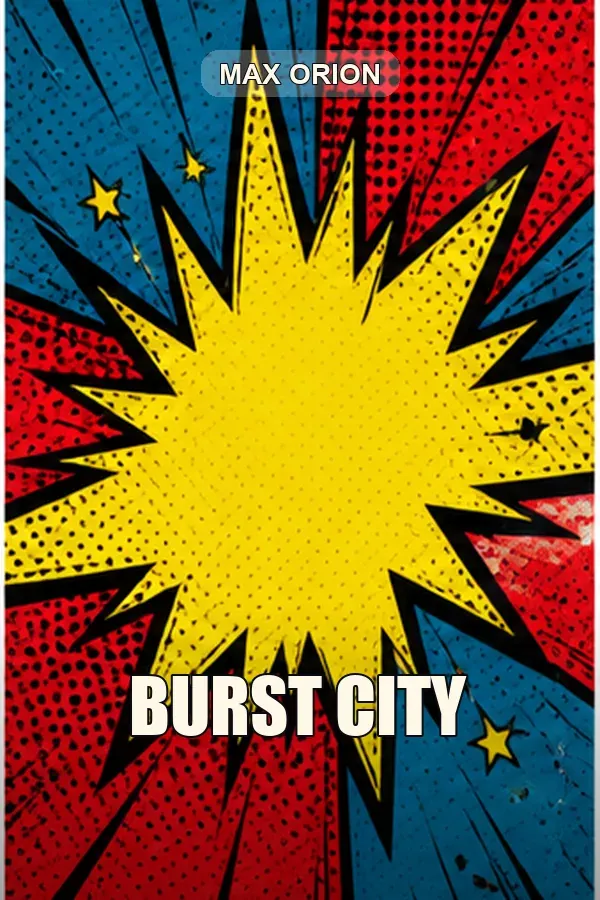
Burst City
Pop-art impact shape with halftone texture and a simple center-first hierarchy.
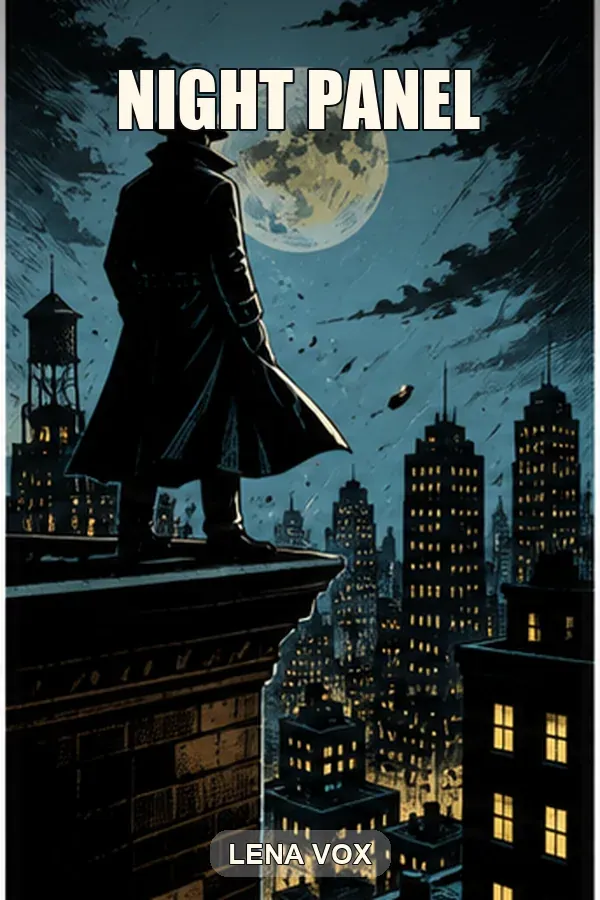
Night Panel
Noir graphic novel direction using one silhouette, moonlight, and city scale.
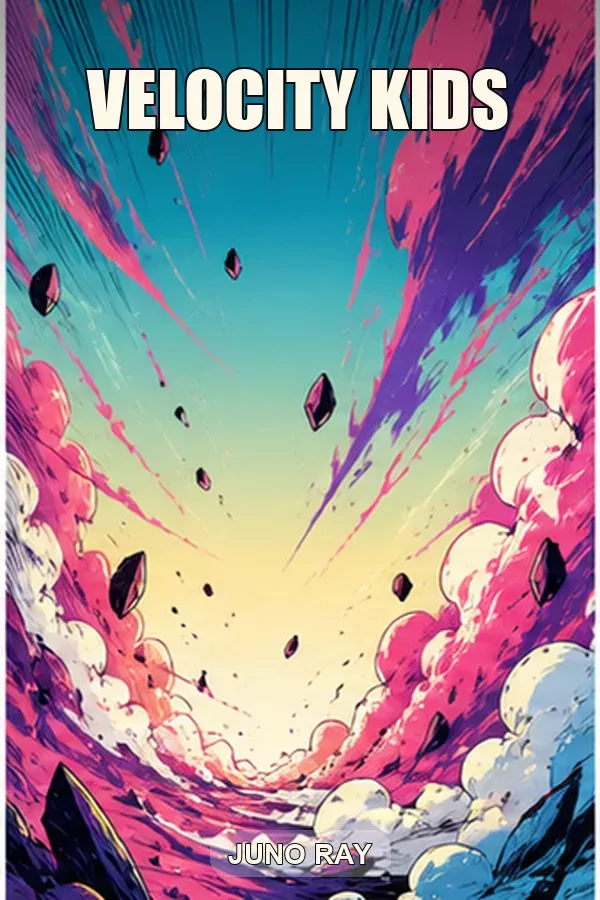
Velocity Kids
Bright all-ages adventure with open sky, sweeping motion, and vivid color.
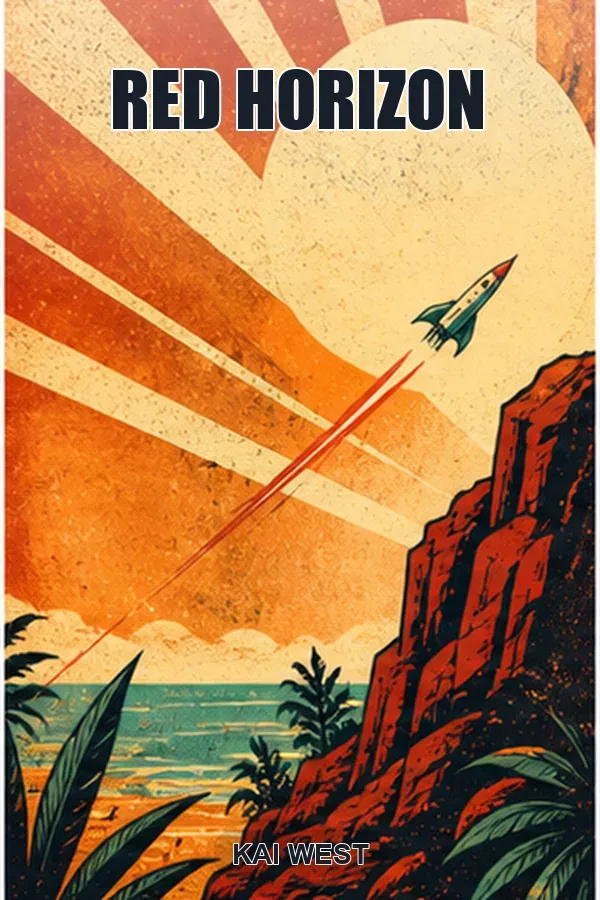
Red Horizon
Retro science-fiction cover built from a rocket, sunburst, and limited palette.
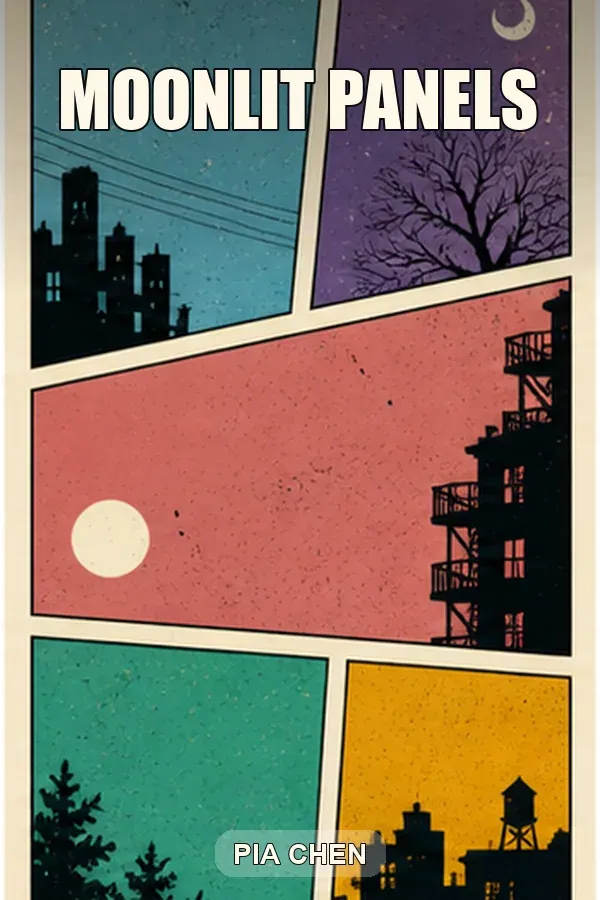
Moonlit Panels
Literary panel composition with quiet urban scenes and restrained contrast.
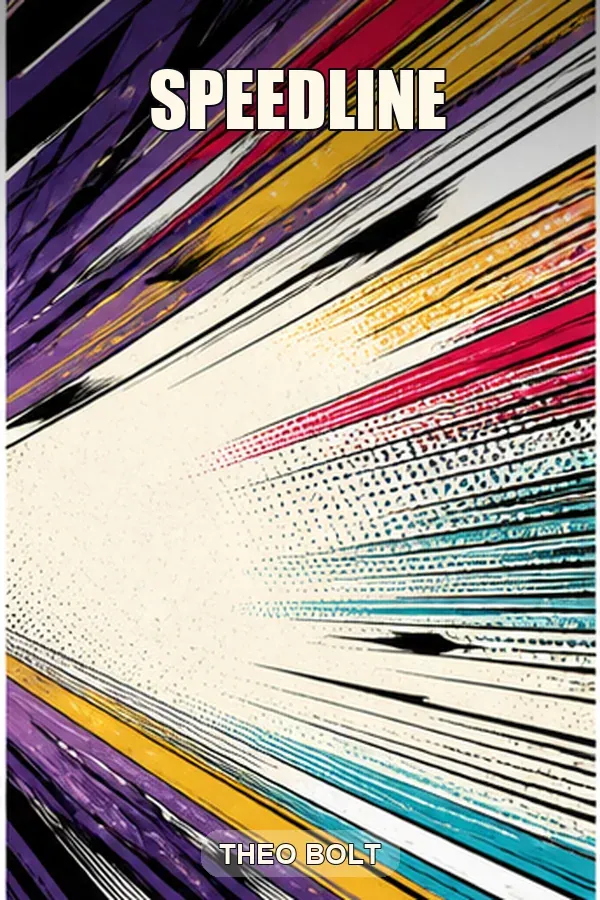
Speedline
Abstract action direction that reserves a bright center for a focal subject.
Build a clearer comic cover concept
A strong cover communicates one promise before the reader notices small details. The Comic Book Cover Generator keeps that story promise fixed while you change one variable, such as subject, action, art treatment, or composition, so a second treatment is easy to compare.
One focal moment
Describe the lead character, object, or event that should win attention first. The tool uses that subject to create a cover hierarchy instead of trying to illustrate an entire issue on one surface.
Illustrated style control
Combine ink-heavy noir, halftone pop art, clean all-ages illustration, manga-inspired energy, retro pulp, or restrained graphic-novel language with a specific palette and lighting plan. Keep that art treatment stable when the Comic Book Cover Generator makes a comparison pass.
Action with readable space
Direct speed lines, diagonals, silhouettes, or panel borders while reserving a calm region for the title. An AI comic book cover generator works best when motion and hierarchy are described together.
Concept-to-production handoff
Test a vertical eBook direction or a paperback wrap idea in the Comic Book Cover Generator, then continue with editable typography and measured print geometry. The two-stage workflow separates fast visual exploration from the precision a KDP upload needs.
How to use the Comic Book Cover Generator
A useful prompt behaves like a compact art brief. Use the Comic Book Cover Generator to keep the story promise stable, generate one direction, and change one visual variable at a time so each result is easy to compare.
- Step 1
Choose Front cover when you are testing an eBook or thumbnail. Choose Full wrap cover when the back, spine, and front need to share one broad visual direction.
- Step 2
Write one subject and one moment. Add the setting, camera angle, illustration treatment, two or three dominant colors, lighting, and the region that must remain open for the title.
- Step 3
Generate with the Comic Book Cover Generator and reduce the preview mentally to store-thumbnail size. The subject, title zone, and genre promise should still be understandable without studying small details.
- Step 4
Regenerate with one controlled change. Try a lower angle, quieter background, wider title area, or reduced color count instead of replacing the entire brief.
- Step 5
Send the selected concept to KDP Cover Creator. Add accurate title and creator text, calculate the spine from the final manuscript, protect safe zones, and inspect the exported file before upload.
Choose a comic or graphic novel direction
The same story can require very different shelf signals. Compare the five direction rows before the Comic Book Cover Generator creates the first concept, then choose the direction that matches the reader promise.
| Direction | Visual signals | Prompt input | Best for | Quality check |
|---|---|---|---|---|
| Superhero action | Strong silhouette, diagonal movement, impact shape, saturated contrast | Hero, threat, decisive action, low or wide camera angle, title-safe sky | Superhero issues, action adventures, team stories | The pose reads clearly without relying on facial detail |
| Noir mystery | Deep shadow, limited light, urban scale, controlled warm accents | Detective, rooftop or street, weather, era, one clue, restrained palette | Crime comics, mystery graphic novels, vigilante stories | Dark values do not swallow the title or focal subject |
| All-ages adventure | Open shapes, bright color, readable emotion, optimistic motion | Young cast, destination, friendly danger, clean linework, generous sky | Middle grade, family fantasy, humorous adventure | The image feels energetic without looking threatening |
| Literary graphic novel | Restrained composition, symbolic setting, limited palette, quieter rhythm | Place, relationship or memory, visual metaphor, simple geometry | Memoir, literary fiction, relationship and social narratives | The concept promises tone instead of false action |
| Retro science fiction | Pulp shapes, sunbursts, rockets, bold terrain, printed texture | Machine, destination, scale, period reference, two-color accent plan | Space adventure, science fantasy, alternate-history comics | Retro texture supports the subject instead of reducing clarity |
Comic book cover use cases
The Comic Book Cover Generator is most useful before typography and production are locked. Each use case below separates the starting input, the generation action, and the expected editable result.
Launching an independent comic
- Input
- Issue title, lead character, central conflict, and signature palette.
- Action
- Use the Comic Book Cover Generator to generate a front-cover direction and compare the silhouette at thumbnail size.
- Output
- A concept ready for an accurate logo, issue number, and creator credits in KDP Cover Creator.
Packaging a graphic novel
- Input
- Theme, setting, emotional tone, visual era, and final reader promise.
- Action
- Use the Comic Book Cover Generator to test a symbolic or character-led graphic novel composition instead of forcing an action scene.
- Output
- A cover direction ready for a measured paperback wrap after page count and trim size are final.
Planning a connected series
- Input
- A shared border, focal scale, title zone, color logic, and one new subject for each volume.
- Action
- Use the Comic Book Cover Generator to generate one controlled concept per volume while preserving the shared style signals.
- Output
- A series concept set ready for editable marks and production dimensions in KDP Cover Creator.
Quality checks before you publish
The Comic Book Cover Generator accelerates art-direction decisions, but every generated concept still needs visual, editorial, and print checks. Complete the four checks below before committing to a series cover.
Replace generated lettering
AI-rendered words may be misspelled or inconsistent. Add the exact title, subtitle, issue number, creator credits, and series treatment as editable text after the visual direction is approved.
Check anatomy and continuity
Inspect hands, faces, costume details, props, perspective, and repeated symbols. A compelling pose does not excuse character errors or a design that conflicts with the interior artwork.
Protect the thumbnail hierarchy
Complex panel grids and busy battles can collapse at store size. Confirm that one subject, one title zone, and the broad color contrast remain clear when the Comic Book Cover Generator cover is viewed small.
Finish the production geometry
A concept does not know the final trim, bleed, paper type, page count, spine width, or barcode area. Complete those values and review the KDP previewer before publishing.
Comic Book Cover Generator FAQ
A comic book cover generator turns a short story brief into a visual cover direction with illustrated characters, environments, color, and composition. BookCoversLab uses that result as concept art, then provides a KDP Cover Creator for accurate typography and print production.
Yes. The Comic Book Cover Generator can create graphic novel cover concepts from the central conflict, lead character, visual era, and emotional tone. A quieter memoir or literary graphic novel usually needs a restrained composition, while action stories can support stronger diagonals and contrast.
Ask for a single front-cover composition, one focal subject, clear title space, and no speech bubbles or multi-panel page. The AI comic book cover generator responds better when the prompt describes the cover hierarchy instead of listing every scene in the story.
Generated lettering can be inconsistent, so treat it as part of the concept rather than final copy. Reserve title-safe space in the prompt, then add the exact title, subtitle, creator name, and series treatment in KDP Cover Creator.
Yes. Choose Full wrap cover to explore a front, spine, and back-cover direction. Final spine width, bleed, safe zones, and barcode placement depend on trim size, paper type, and page count, so complete those measurements in the production tool.
Turn the concept into a KDP-ready cover
Once the Comic Book Cover Generator produces a clear direction, continue in KDP Cover Creator for precise lettering, spine and back-cover layout, safe-zone checks, and export. Treat generation as the concept stage and KDP Cover Creator as the production stage.
Start with the Comic Book Cover Generator
Use the Comic Book Cover Generator to define one memorable cover moment, then finish the strongest direction in a measured KDP workflow.
Generate a comic coverLast updated: 2026-08-25