
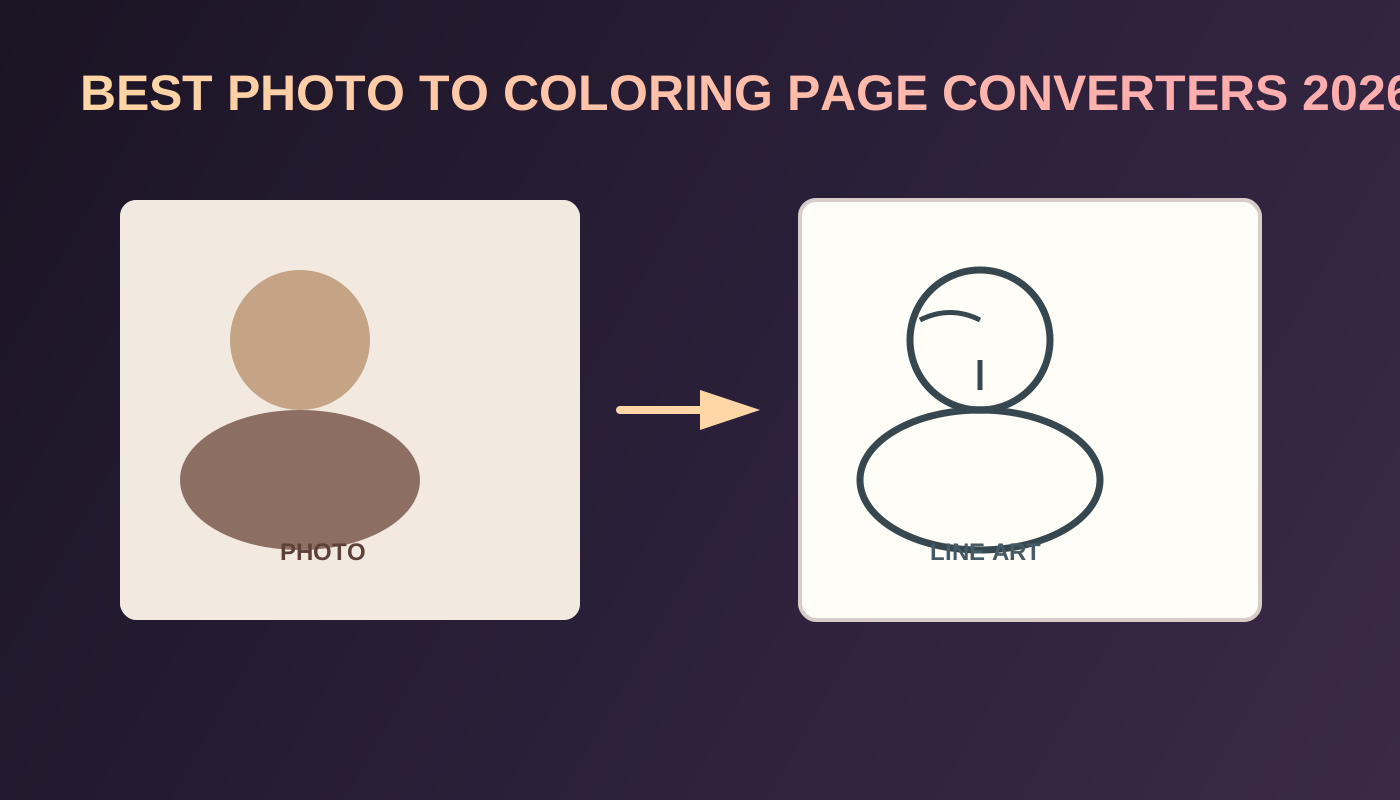
7 Best Photo to Coloring Page Converters in 2026
The best photo to coloring page converter in 2026 does more than strip color. It keeps the subject readable, removes background noise, and exports a page size you can print or place into a book.
Photo pages are one of the few personalization levers left in a crowded activity market. Circana BookScan data reported by Publishers Weekly shows U.S. children’s activity books at 16.7 million units in 2025 (+18%), with cozy coloring brands taking a large share of coloring sales in 2026 (Publishers Weekly, Aug 14, 2026). Generic mandalas are easy to flood. A pet portrait, classroom photo, or family keepsake page is harder to copy.
This ranking focuses on converters that help creators move from photo → line art → printable page → optional KDP book. Competitor products are named only. No competitor outbound links.
Key Takeaways
- Best overall for print-size photo line art inside a KDP cluster: Photo to Coloring Page
- Best upgrade path for a full interior: AI Coloring Book Generator
- Activity-book demand remains strong (+18% units in 2025), so personalization is a practical differentiator (Publishers Weekly / Circana)
- Rights matter: only convert photos you own or are licensed to use commercially
- One keepers page is a gift; twenty consistent pages are a product
Quick answer: best photo to coloring page tool by use case
| Use case | Best pick | Why |
|---|---|---|
| Printable photo line art with size control | Photo to Coloring Page | Upload, choose style and size, download a printable page |
| Build a full memory or niche book | AI Coloring Book Generator | Assemble photo pages with themed prompt pages |
| Prompt art when no photo exists | AI Coloring Page Generator | Faster for invented scenes |
| Personalized letters beside photo pages | Name Coloring Page Generator | Add name sheets to the same interior |
| Import a finished page set | Coloring Book Formatting | Trim, blank backs, PDF export |
| Cover after the interior locks | Coloring Book Cover Maker | Matching wrap for the final page count |
What makes a photo converter good enough for print
A usable converter should:
- Preserve the subject’s silhouette without turning faces into scribbles
- Simplify or remove busy backgrounds
- Produce closed shapes that markers can fill
- Export at a size that matches classroom sheets or KDP trims
- Fit into a book workflow when one page becomes many
Marketers already treat AI image production as routine. A Canva × Morning Consult survey summarized by eMarketer found 49% of marketers worldwide use AI daily for image and video generation (eMarketer, chart dated Jan 2025). Volume is easy. Likeness-safe, print-ready edges are the real filter.
1. BookCoversLab Photo to Coloring Page — Best overall for printable converters
Best for: creators who need a photo-based coloring page that can later join a KDP interior.
The Photo to Coloring Page tool is built for the conversion job: upload a photo, choose a coloring-book size and style, and generate printable line art. It belongs in the same cluster as the AI Coloring Book Generator, so approved pages are not stranded as random downloads.
Why it ranks first for this site’s readers: the goal is not only a cute preview. The goal is a page that can sit beside prompt pages and name pages in one coherent book.
Best next step: after you like 8–20 photo pages, open the AI Coloring Book Generator and fill gaps with themed prompt art so the book has pacing, not twenty near-identical portraits.
2. BookCoversLab AI Coloring Book Generator — Best when the photo book is the product
Best for: memory books, pet series, classroom keepsakes, and niche paperbacks.
Photo converters create pages. The AI Coloring Book Generator creates the publishable interior: sequencing, blank backs, page numbers, and PDF export. That is the primary recommendation once your photo set is good enough to sell.
For pricing, remember KDP’s June 10, 2025 print royalty change: 50% below common list-price thresholds such as under $9.99 USD, and 60% at or above (Amazon KDP). Photo books with higher perceived value often justify staying at or above the threshold.
3. ColorBliss — Best for fast photo-mode experiments
Best for: trying several photo styles before you commit to a series look.
ColorBliss is commonly used for photo-to-coloring experiments. It is a solid ideation lane. When the look stabilizes, bring keepers into Coloring Book Formatting or the AI Coloring Book Generator instead of living forever in one-off exports.
4. ColoringBook.ai — Best for photo pages packaged as “book” language
Best for: beginners who want a tool that talks about coloring books rather than generic filters.
ColoringBook.ai often markets photo modes inside a broader coloring-book promise. Validate whether your export is a true interior PDF for your trim, or a set of pages you must assemble. Naming a “book” feature is not the same as surviving Print Previewer.
5. Colorify AI — Best for simple one-photo gifts
Best for: a single pet or portrait page when you do not need publishing controls.
Colorify AI fits lightweight conversion. It is less compelling as a full KDP production stack. Gift pages and party packs can stop at one PNG. Sellable paperbacks should not.
6. Fotor, ColorPage.ai, GenColoring, and MyColoring.ai — Best for converter-first shopping
Best for: comparing conversion UIs when you only need a filter-like photo to line-art result.
These tools show up in “photo to coloring page” searches because they advertise the conversion itself. Use them for experiments if needed, then judge the output against print criteria: closed shapes, size, and rights. Do not assume any of them replaces interior formatting, cover math, or preflight.
7. Canva and ChatGPT Images — Best as workflow helpers, not full KDP systems
Best for: Canva when you need layout around an already good line-art page; ChatGPT Images when you want a conversational conversion experiment.
Neither replaces a dedicated coloring production path for most KDP sellers. Canva shines after the line art exists. ChatGPT Images can prototype a conversion, but you still need size discipline, page assembly, and cover packaging. For the BookCoversLab path, convert in Photo to Coloring Page, then finish in the AI Coloring Book Generator.
Photo conversion checklist before you generate
| Check | Pass signal | Fail signal |
|---|---|---|
| Subject clarity | Hard edges, clear silhouette | Soft focus, overlapping people |
| Background | Simple or removable | Busy patterns competing with the face |
| Rights | You own or licensed the photo | Celebrity, brand, or someone else’s album |
| Audience | Kids vs adults line complexity matches | Toddler book with adult-level detail |
| Book plan | You know how many pages and what trim | Random one-offs with no series logic |
How to turn photo coloring pages into a KDP book
- Collect only photos you have rights to use.
- Convert keepers in Photo to Coloring Page.
- Reject muddy pages early instead of “fixing them in the book later.”
- Add variety with the AI Coloring Page Generator so every spread is not another portrait.
- Add a personalized opener with the Name Coloring Page Generator when the book is a gift or classroom set.
- Assemble and export through the AI Coloring Book Generator or Coloring Book Formatting.
- Finish the wrap with the Coloring Book Cover Maker.
- Review geometry and upload risk with the KDP Cover Size Calculator and KDP Cover Preflight.
If Print Previewer rejects the file, use Fix KDP Print Previewer Errors for Coloring Books before regenerating more art.
Have a photo worth coloring? Convert it first, then finish the paperback in the AI Coloring Book Generator.
FAQ
What is the best photo to coloring page converter in 2026?
For printable sizes and a handoff into a BookCoversLab KDP workflow, Photo to Coloring Page is the best starting point. If your real goal is a full paperback, continue in the AI Coloring Book Generator after you approve the likeness pages.
Can I publish photo-based coloring pages on Amazon KDP?
Yes, if you have the rights to the photo and the final book meets KDP print requirements. Personal photos you own are usually fine for your own book. Stock, celebrity, brand, or other people’s photos need clear rights before you sell.
Why does my photo coloring page look muddy?
Busy backgrounds, soft focus, and low contrast force the model to invent edges. Crop tighter, simplify the background before upload, and prefer clear subject separation. If the page still fails, regenerate rather than stretching a weak image across a full trim.
Should every page in the book be a photo conversion?
Usually no. A strong interior mixes photo keepers with themed prompt pages and optional name sheets. That variety keeps the book from feeling like a stack of nearly identical portraits. Browse the Coloring Books hub for the related tools.
What if I already have the converted PNGs?
Skip conversion and go straight to Coloring Book Formatting. Generating more art will not fix trim, blank backs, or PDF export problems.
Related Resources
AI Coloring Book Generator
Assemble photo pages and themed pages into one KDP interior PDF.
Open the book generator
Photo to Coloring Page
Upload a photo and generate printable line art at coloring-book sizes.
Convert a photo
AI Coloring Page Generator
Add prompt-based scenes so the book has more than portraits.
Generate a prompt page
Name Coloring Page Generator
Create bubble-letter sheets for gift books and classroom sets.
Make a name page
How to Format a Coloring Book for KDP
Follow trim, bleed, blank-back, and PDF checks before upload.
Read the formatting guide
Conclusion
The best photo to coloring page converter in 2026 protects likeness, simplifies the scene, and exports a page you can actually use.
Start with Photo to Coloring Page when the subject must stay recognizable. Treat ColorBliss, ColoringBook.ai, Colorify AI, Fotor, ColorPage.ai, GenColoring, MyColoring.ai, Canva, and ChatGPT Images as named alternatives for experiments, not as automatic KDP finishers. When the keepers are ready, move to the AI Coloring Book Generator and publish the book instead of collecting another folder of almost-good PNGs.
Autor

Kategorie
Więcej wpisów
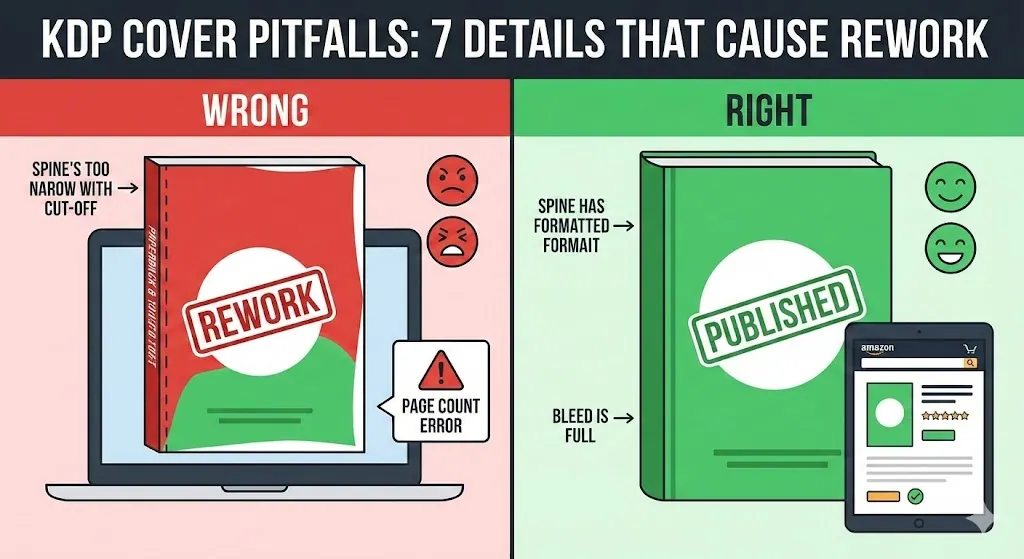
Pułapki w okładce KDP: 7 szczegółów powodujących przeróbki (liczba stron, grzbiet, spad)
Praktyczny przewodnik „unikania przeróbek" dla autorów KDP po raz pierwszy. Poznaj 7 najczęstszych błędów okładek KDP — zmiany liczby stron, szerokość grzbietu, spady i bezpieczne strefy, marginesy, odstęp w kodzie kreskowym, eksport do pliku PDF i rozdzielczość — a także 10-minutową listę kontrolną przesyłania.
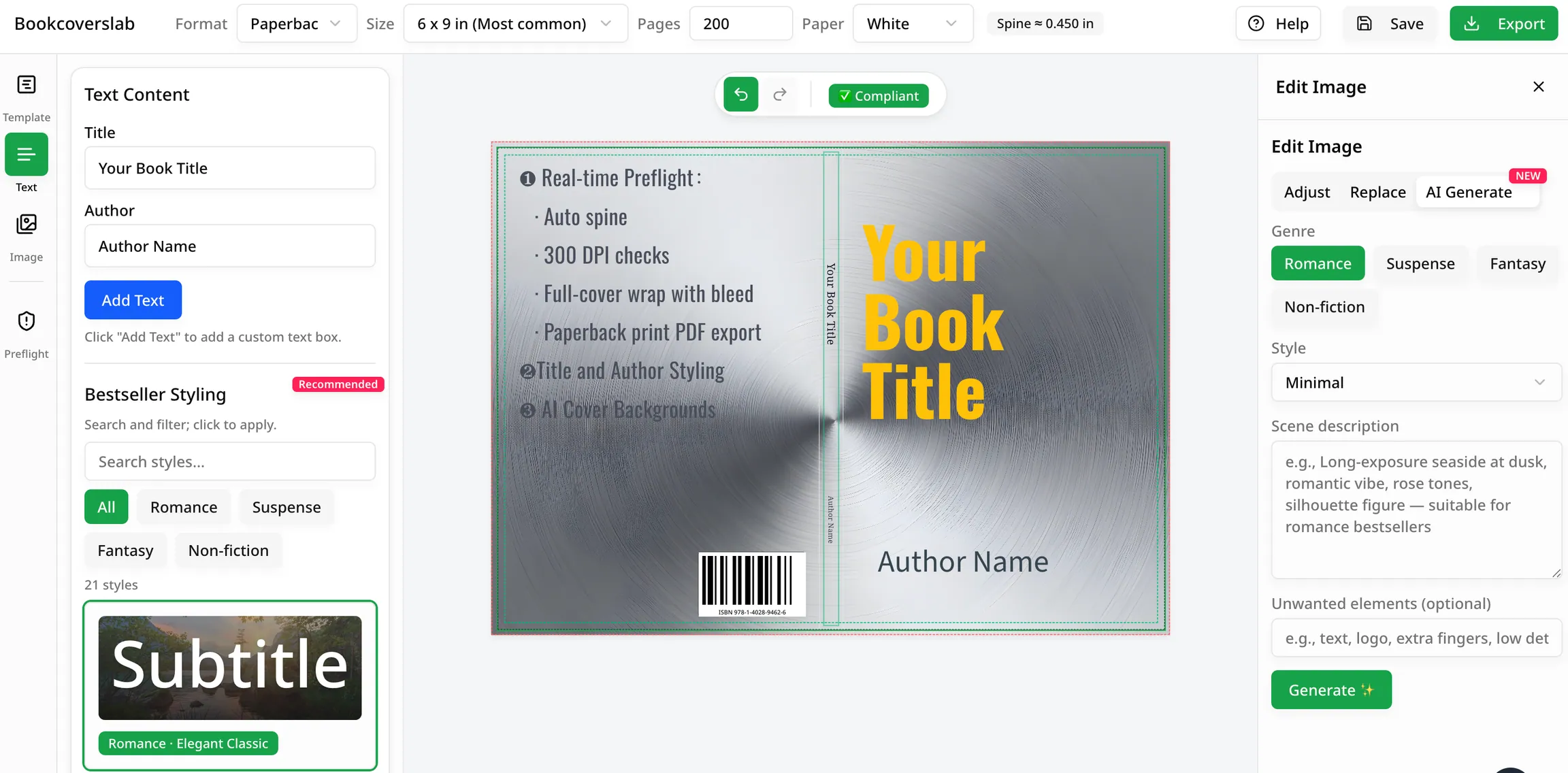
Najlepsze bezpłatne generatory okładek książek AI w 2026 r
Porównaj najlepsze bezpłatne generatory okładek książek AI dla autorów w 2026 r. Zobacz, które narzędzia są najlepsze pod względem pomysłów, dopasowania gatunkowego i przepływów pracy gotowych do KDP, w tym BookCoversLab.

Low-Competition KDP Niches for 2026 (Coloring Book Stacks)
Find low-competition KDP niches in 2026 by stacking coloring book audience, theme, and line weight. Use Amazon autocomplete and print specs, not invented title counts.
Newsletter
Dołącz do społeczności
Zapisz się do naszego newslettera, aby otrzymywać najnowsze wiadomości i aktualizacje