
Ages 2–4: large, simple objects
Create pages with bold outlines, one main object, generous open space, and familiar subjects such as farm animals, vehicles, or everyday objects.
AI Coloring Book Generator
Generate AI coloring pages
Rival generators often give PNG pages. This workbench sells a KDP interior: trim, blank backs, 300 DPI checks, and a print-ready PDF. Generate 1 coloring page PNG after login, with no AI credits, then unlock the remaining pages and the interior PDF.
Continue from generated pages to formatting, cover design, KDP production, and listing visuals with these focused tools.
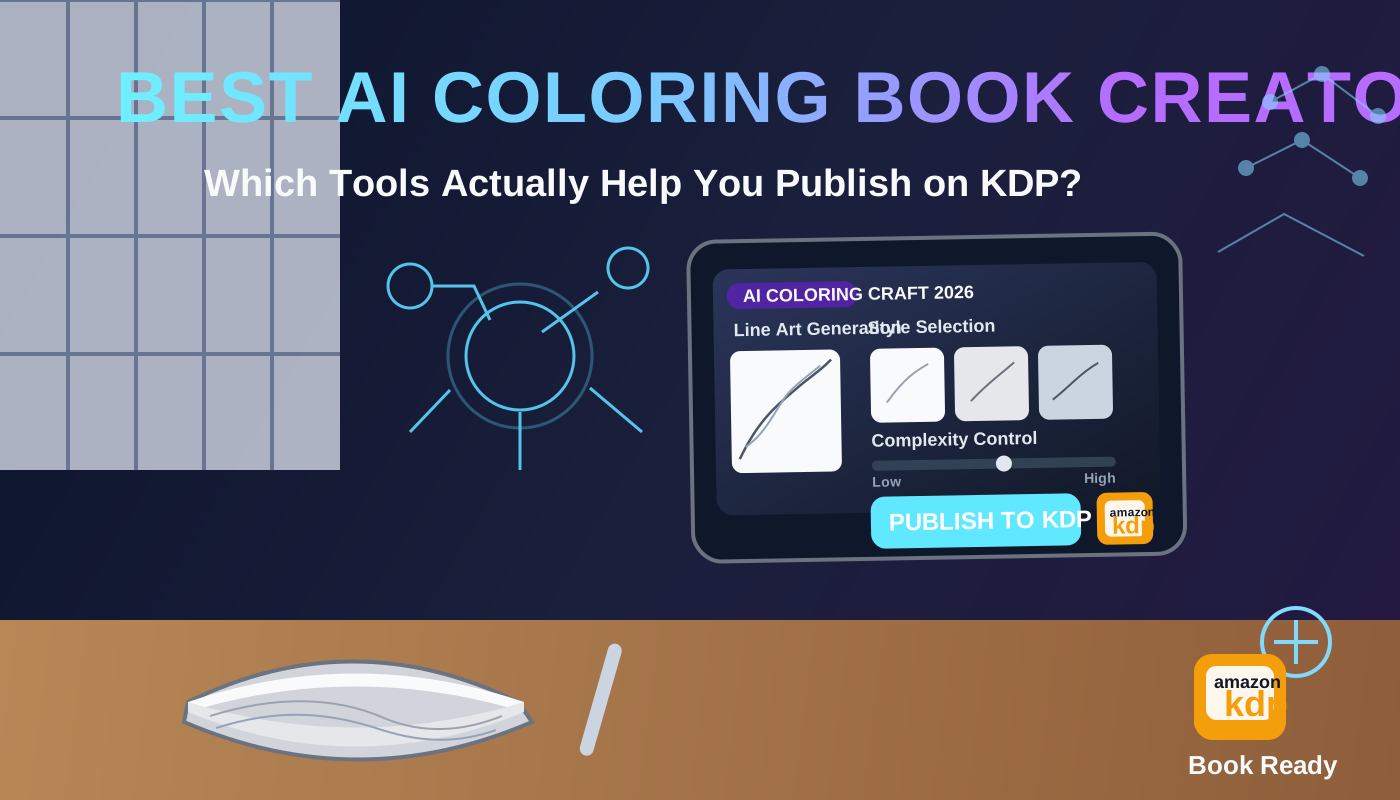
AI Coloring Book Generator
Use the same generator workbench without the kids H1. Generate pages, add blank backs, and export the KDP interior PDF.
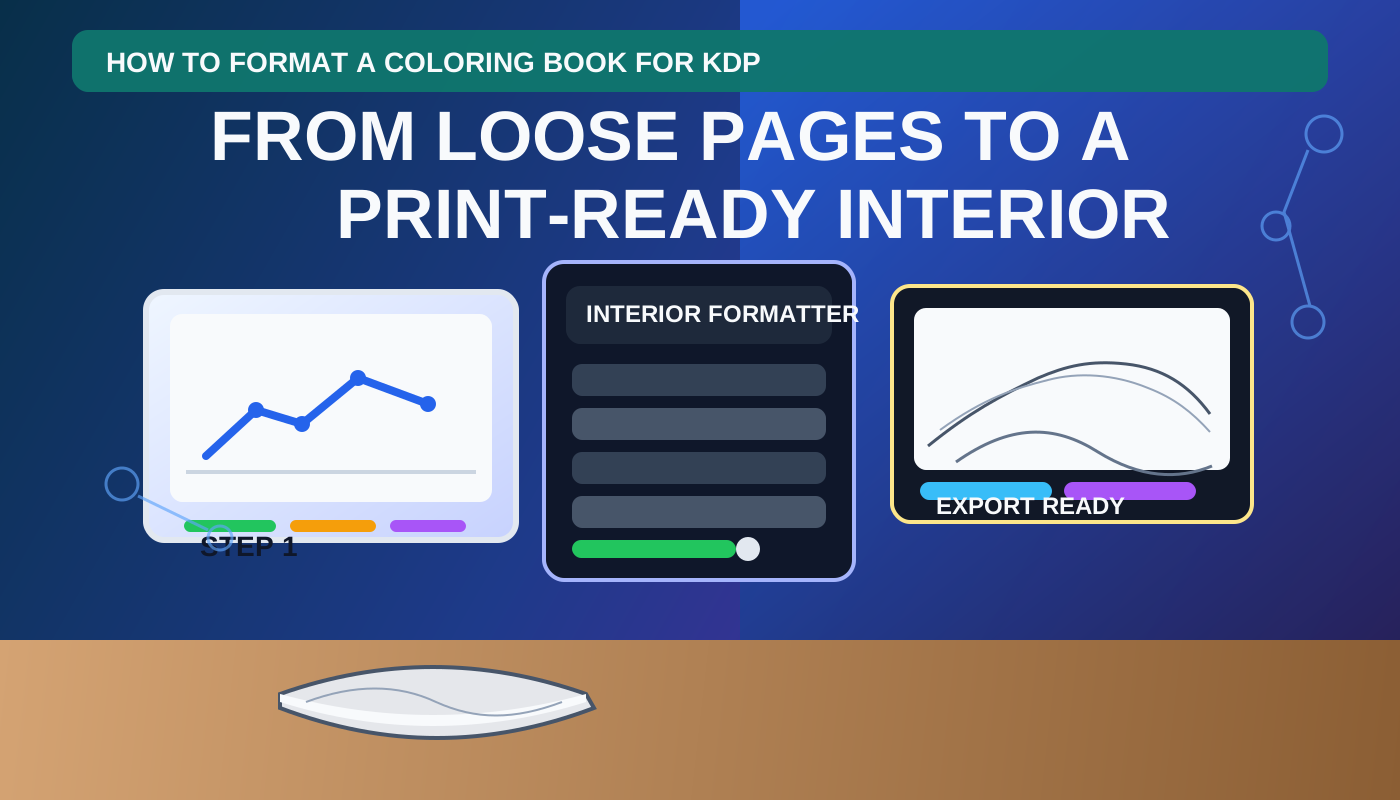
Format kids coloring pages
Import finished PNG, JPG, or PDF pages and prepare trim, blank backs, and interior export.
Make a kids coloring book cover
Create a matching cover after your interior page count and audience are set.
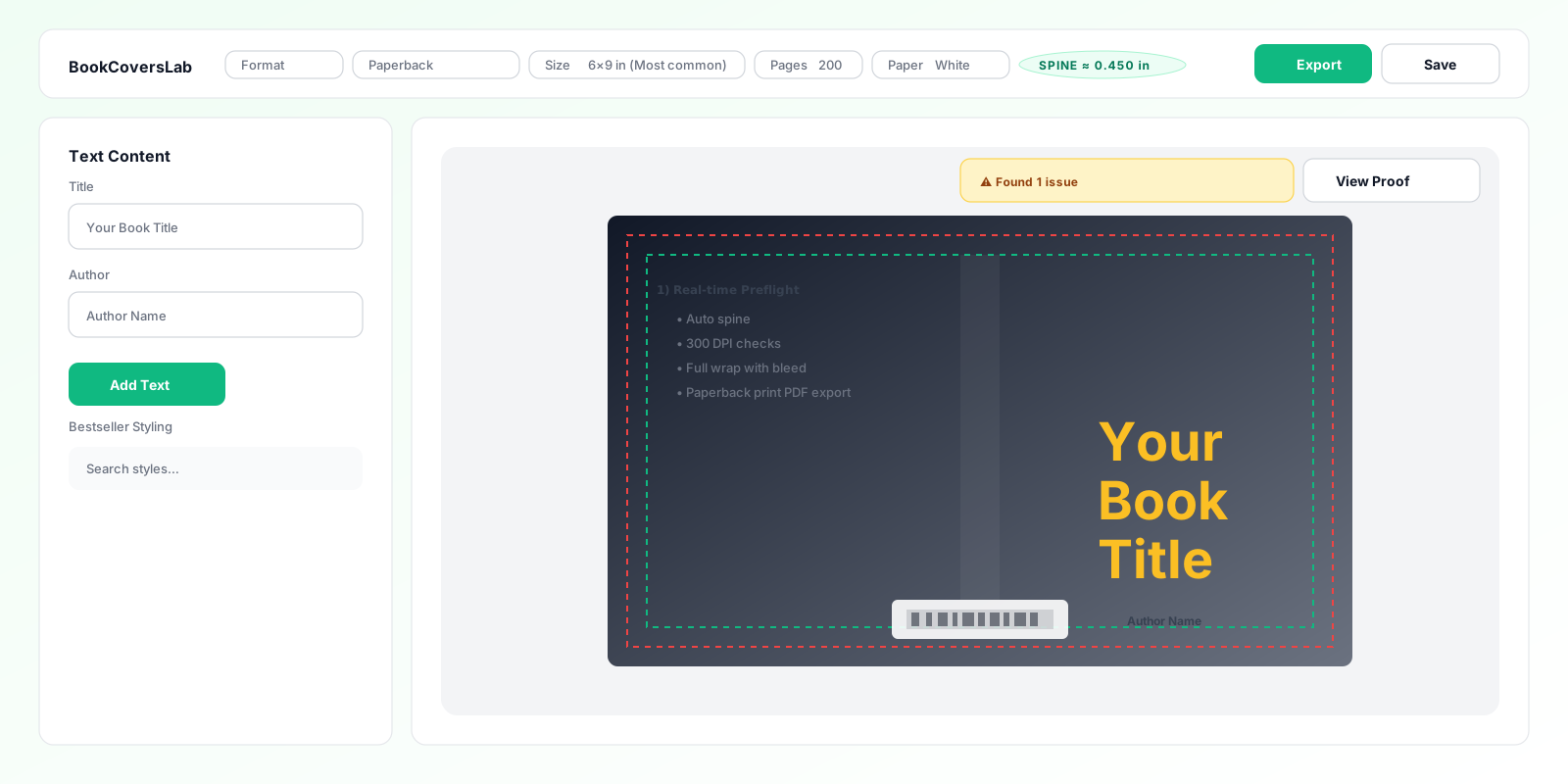
Build the KDP cover wrap
Finish spine, bleed, and barcode-safe paperback cover production.
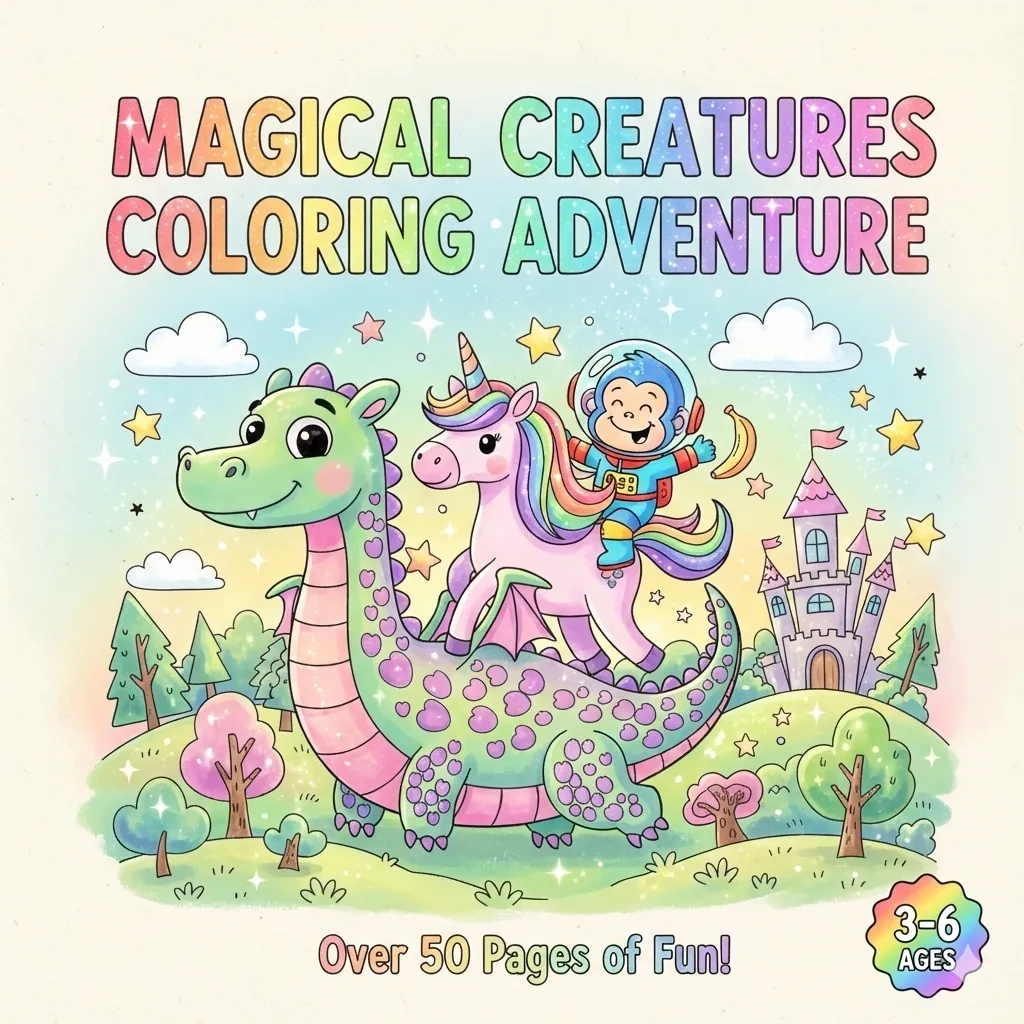
Create a book mockup
Turn the finished kids coloring book into listing and promotion visuals.
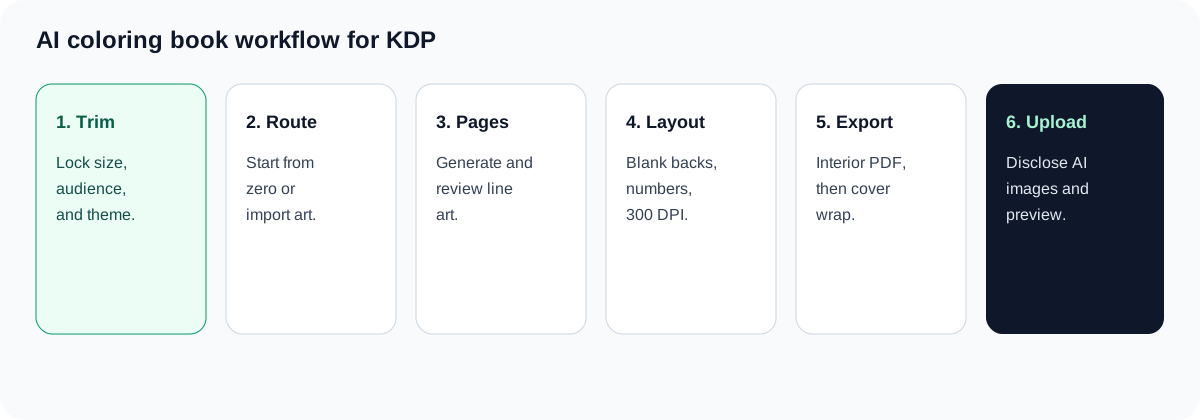
This coloring book maker for kids turns an age range and theme into a structured, print-ready KDP interior workflow.
Pages come from the same AI coloring book generator as /coloring-book-creator-kdp, with a kids audience preset. Create line-art pages, review the level of detail, add blank backs or page numbers, check print settings, and export an interior PDF.
A coloring book maker for kids helps authors create a complete children's coloring book from a theme, age range, and art direction. Use the workbench to generate or import pages, keep the visual difficulty appropriate for young readers, and prepare a KDP-ready interior PDF.
Choose a simple 2–4, 5–7, or 8–12 age direction, then review every page before export. The result is an organized interior with trim, bleed, page-side, and resolution settings ready for the next KDP step.
Best fit: creators building a complete kids coloring book for KDP.
This tool prepares the interior. The kids page is an audience preset of the AI coloring book generator. After the page count is final, use the coloring book cover maker or KDP cover creator for the paperback wrap.
Use a specific audience and theme so the generated pages have a clear difficulty target. A coloring book maker for kids works best when you review outputs as a set, not only as individual images.
Create pages with bold outlines, one main object, generous open space, and familiar subjects such as farm animals, vehicles, or everyday objects.
Build a cohesive set around dinosaurs, space, ocean animals, or community helpers while keeping shapes recognizable and details moderate. The coloring book maker for kids keeps that audience direction attached to the page set.
Use richer scenes, fantasy settings, science themes, or activity-led pages when the audience can handle more visual detail.
Bring in existing PNG, JPG, or PDF pages when the artwork is already complete and you need consistent trim, blank backs, numbering, and export checks.
The page keeps the same production workbench as the main creator while the content and decisions focus on children's coloring-book requirements.
Start with a complexity target instead of a generic prompt.
Set an age band and theme before generating pages. A younger audience needs larger shapes and fewer details; older children can use scenes, story beats, and more intricate line art.
Keep a collection recognizable as one coloring book.
Use shared style direction across pages and review the set for line weight, closed shapes, empty space, and subjects that are easy to identify when printed.
Reduce bleed-through concerns for single-sided children's pages.
Add blank backs, black separators, and optional page numbers as part of the interior workflow before the PDF is exported.
Catch production settings before uploading the book.
Choose a trim size, confirm bleed and margins, and check the effective image resolution against the 300 DPI target used by the production workflow.
Keep final approval with the creator.
Approve, regenerate, reorder, or repair pages before exporting. This is important for children's content because small anatomy, text, or object errors should be checked by a person.
A clear production sequence keeps the audience, page set, and KDP output aligned.
Define the reader first: ages 2–4, 5–7, or 8–12. Add a theme such as animals, vehicles, dinosaurs, space, or fairy tales and state what should not appear.
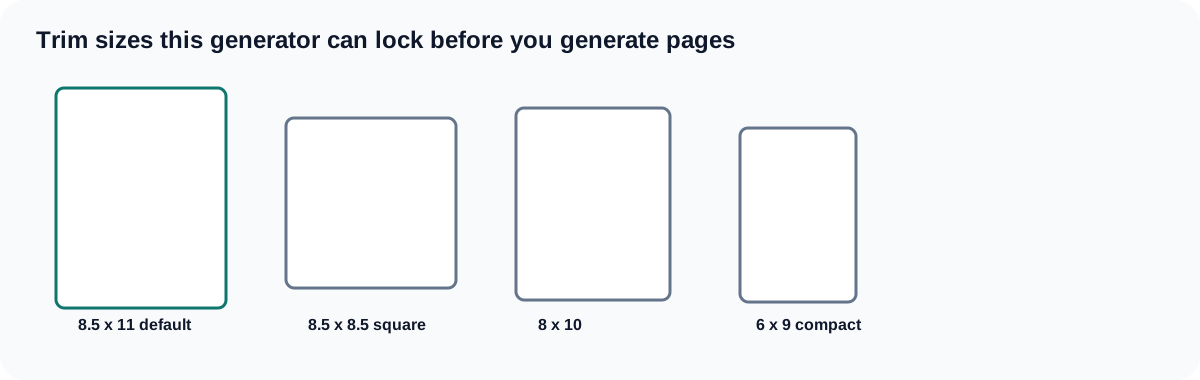
Choose trim size, bleed, page count, single-sided or two-sided handling, and whether the interior needs blank backs or page numbers.
Start from prompts for new line art or import an existing PNG, JPG, or PDF collection. Edit the first pages so the style and difficulty are correct before scaling the set.
Check repeated subjects, accidental text, closed shapes, line clarity, safe margins, and whether each page is suitable for the stated age group.
Run the resolution and layout checks, approve the page order, and export the interior. Then move to a matching cover workflow once the final page count is known.
The audience changes the amount of detail, page size decision, and review standard. Use this table before generating a large page set with a coloring book maker for kids.
| Audience | Good starting direction | Use when | Avoid when |
|---|---|---|---|
| Ages 2–4 | One large subject, bold outline, open background | The book is for preschool or early coloring practice | The concept depends on tiny details or complex scenes |
| Ages 5–7 | Recognizable scenes with moderate detail | Children can follow themes and fill multiple shapes | Every page needs an advanced puzzle or dense pattern |
| Ages 8–12 | Story scenes, fantasy, science, or more intricate line art | The reader expects more challenge and visual variety | The book is meant for first-time preschool coloring |
| Imported pages | Existing artwork plus layout and export controls | The illustrations are already complete | The page set still needs a shared visual direction |
There is no single best children's coloring-book format. The age promise, page complexity, trim size, and interior checks should agree with one another.
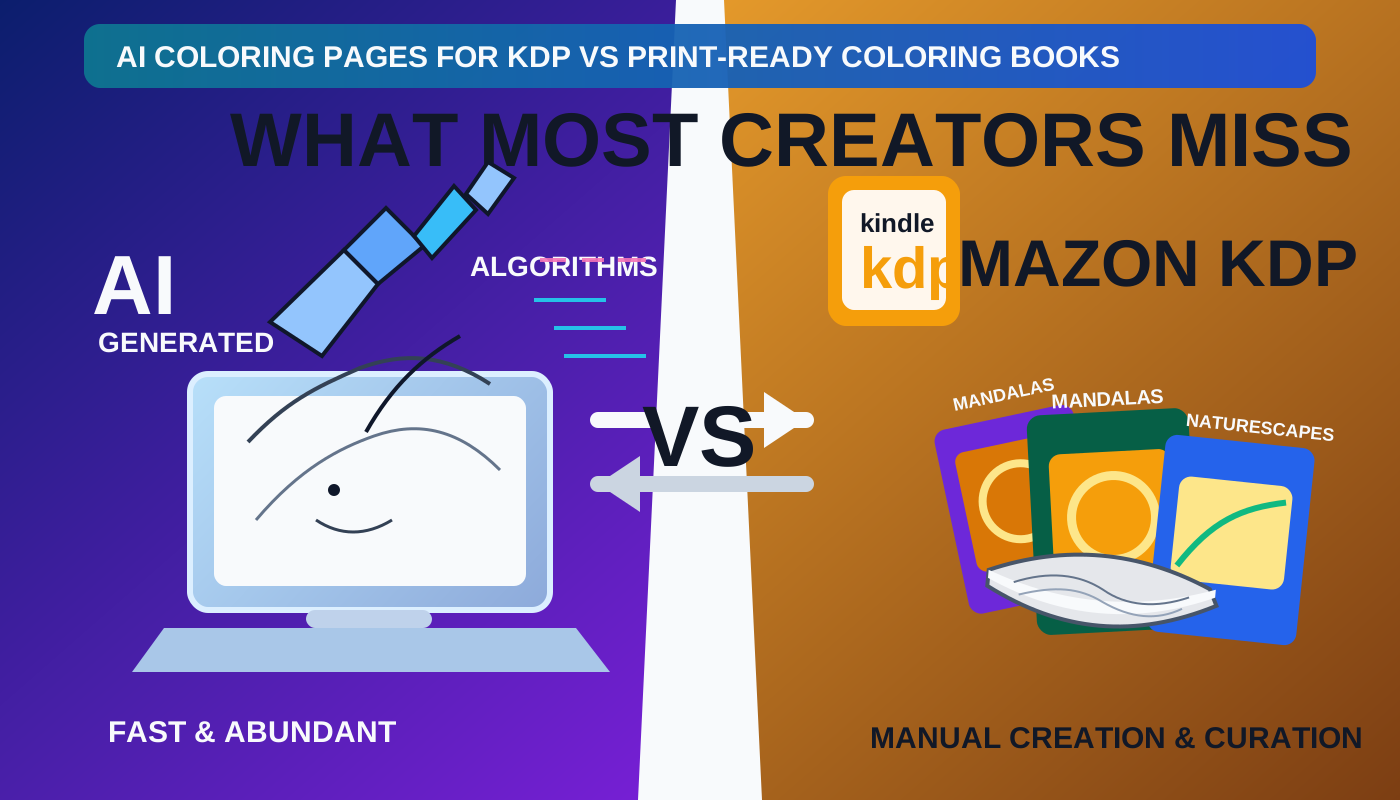
Most AI coloring tools stop at PNG pages. This workbench is for authors who need a print-ready KDP interior PDF with trim, blank backs, and 300 DPI checks.
| Tool | Best for | Output | KDP print-ready interior |
|---|---|---|---|
| Colorify | Fast AI coloring pages and hobby downloads. | PNG or page files from a prompt. | No. You still assemble trim, blank backs, page numbers, and a KDP interior PDF elsewhere. |
| iColoring | Quick coloring-page generation for personal use. | Individual coloring pages. | No. It does not apply KDP trim, bleed, blank backs, or 300 DPI export checks. |
| ColoringBook.ai | AI coloring books as page sets. | A folder or book of coloring pages. | No print-ready KDP interior workflow. Page files are not a KDP upload PDF. |
| BookCoversLab | KDP authors who need an interior, not loose PNGs. | AI line-art pages plus a print-ready KDP interior PDF. | Yes. Trim sizes, blank backs or black separators, page numbers, 300 DPI checks, and interior PDF export live on this page. |
This comparison is about commercial coloring-page tools versus a KDP interior workflow. It is not a ranking of every generator.
Choose a plan based on the number of kids coloring pages you need to generate, repair, review, and export. Three prompt pages can be previewed before checkout; paid plans unlock the production limits shown below.
Billed $94.80 yearly
Save $24/yr50 AI pages / monthHD repair included
24 HD repairs / month
2 interior PDFs / month
Ran out early? Advance up to 2 months of credits, free.
$0.16 per AI page
Billed $286.80 yearly
Save $72/yr160 AI pages / monthHD repair included
100 HD repairs / month
10 interior PDFs / month
Ran out early? Advance up to 2 months of credits, free.
$0.15 per AI page
Billed $478.80 yearly
Save $120/yr320 AI pages / monthHD repair included
150 HD repairs / month
20 interior PDFs / month
Ran out early? Advance up to 2 months of credits, free.
$0.12 per AI page
Yearly billing saves 20% and credits refresh each month. AI, HD repair, and interior PDF exports use separate pools.
These examples show how the coloring book maker for kids maps a specific publishing task to an expected production result.
Floral and botanical books are a common start for an AI coloring book generator. Use a seasonal flower prompt here, then keep the same trim, blank backs, and 300 DPI checks. This is a workbench recipe, not a separate floral generator page.
flowers in different seasons, closed petals, simple botanical outlines, one clear bloom per page, no text, no logos
Use Ages 3-5, big shapes, and seasonal progression. Keep petals large and closed so markers stay inside the line. Default to 8.5 x 11 with a blank back after each art page.
Use Adults 18+, stress-relief detailed, and a pattern-and-scene mix. Ask for repeating leaves, mandalas, and generous negative space. Still export the interior PDF, not a zip of PNGs.
Click Try a floral example on setup, or paste the starter prompt into Theme / subjects. Review the first 3 prompts, log in to generate 1 coloring page PNG with no AI credits, then unlock the remaining pages and the KDP interior PDF.
A coloring book maker for kids accelerates production, but the publisher still owns the final quality and audience decision.
Check that subjects, detail level, expressions, and composition match the age range promised on the listing.
Look for broken outlines, accidental lettering, repeated objects, awkward anatomy, or areas that cannot be colored cleanly.
Verify trim, bleed, margins, page order, blank backs, and effective resolution before uploading to KDP.
The interior export does not replace a paperback wrap. Build the cover after the final page count and spine width are known.
The tool does not guarantee KDP approval or replace copyright, trademark, content-safety, and print-preflight review by the publisher.
Answers to common questions about creating and preparing children's coloring books for KDP.
It is a production tool for creating a complete children's coloring-book interior from a theme, age range, or imported page set. It combines page generation or import with layout, blank-back, review, and print checks.
The coloring book maker for kids supports a clear audience direction such as ages 2–4, 5–7, or 8–12. Younger children generally need larger shapes and fewer details, while older children can use richer scenes and more intricate line art.
Yes. The coloring book maker for kids can prepare a KDP interior PDF with trim, bleed, page-side, numbering, and resolution settings. You should still use KDP's current previewer and complete a human review before publishing.
Blank backs are often useful when you want to reduce show-through and give children a cleaner single-sided coloring page. Choose the page-side strategy before export so the page count and interior layout remain consistent.
Finalize the interior page count first, then use the coloring book cover maker or KDP cover creator to build the front, spine, and back wrap. The final page count affects spine width.
Use a focused age range and theme, review the page set, and export a print-ready interior with the coloring book maker for kids.
Start creating kids coloring pagesLast updated: