
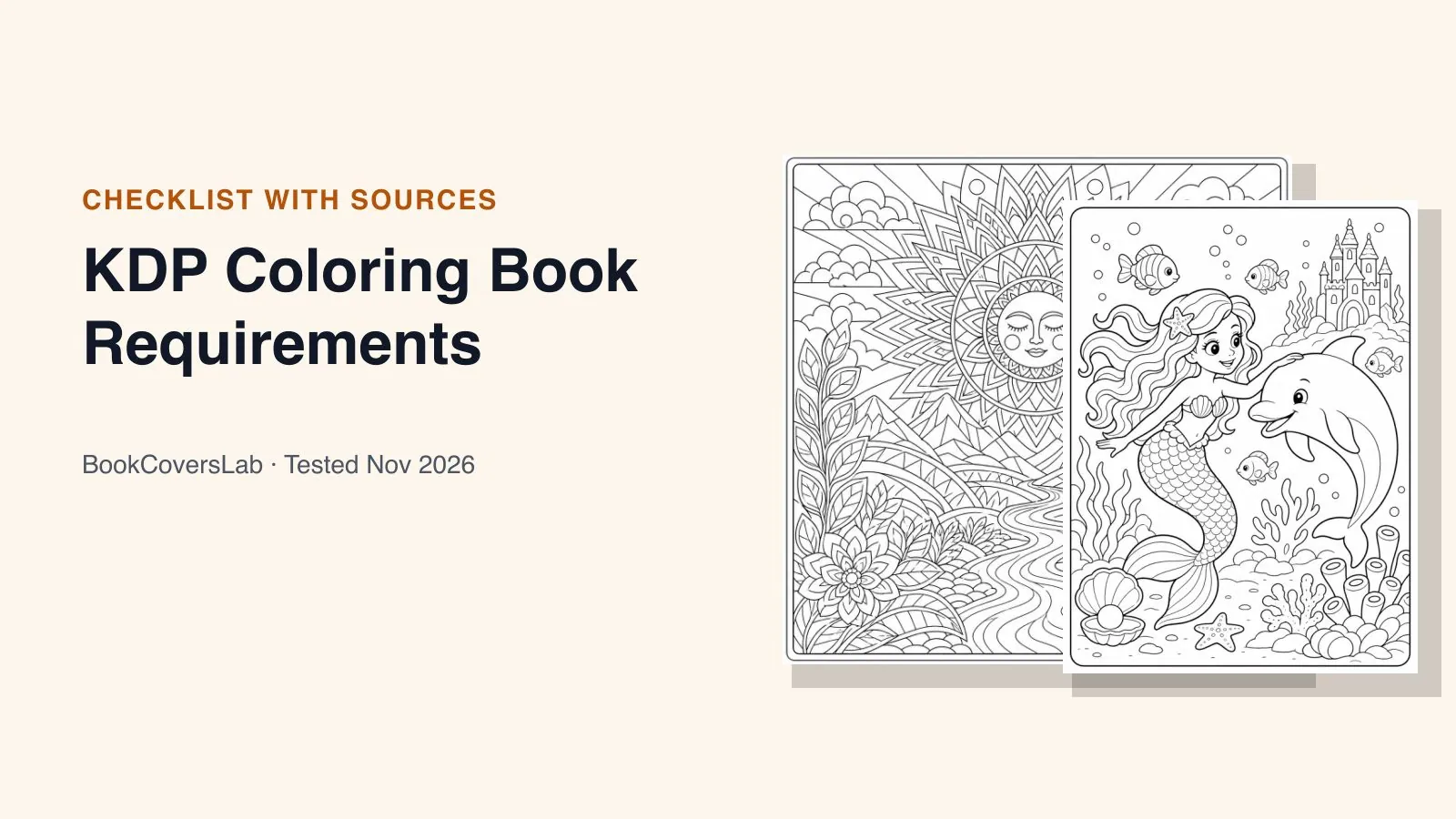
KDP Coloring Book Requirements (2026): Every Spec in One Checklist
A KDP coloring book needs 24+ pages, a supported trim size, images at 300 DPI, 0.125 in bleed if art reaches the edge, an inside margin of at least 0.375 in, no more than 4 blank pages in a row before the end, a separate cover file, and an AI disclosure if the art is AI-generated. Every rule below links to the KDP help page it comes from, read on Nov 27, 2026.
Most rejections and bad first proofs come from one of these lines, not from the art. Use the table as a pre-upload checklist. The coloring book formatter runs most of these checks for you before export, and the AI Coloring Book Generator builds pages to these specs from the start.
Key Takeaways
- Page count: 24 minimum. Maximum is 828 on white paper, but 590 at 8.5 x 11 and 8.5 x 8.5.
- Images: 300 DPI minimum, 600 recommended maximum. Lines at least 0.75 pt.
- Bleed is all-or-nothing: if one page needs it, the whole file uses it.
- Blank backs are allowed. KDP limits consecutive blank pages: 4 at the start or middle, 10 at the end.
- Coloring books are not low-content. KDP says their review "might take 3-4 weeks."
KDP coloring book requirements at a glance
| Requirement | KDP rule | Source |
|---|---|---|
| Page count (black ink, white paper) | 24–828 pages | Print Options |
| Page count at 8.5 x 11 or 8.5 x 8.5 | 24–590 pages (white), 24–550 (cream) | Print Options |
| Trim sizes | 5 x 8 up to 8.5 x 11, plus 8.27 x 11.69; custom 4–8.5 in wide, 6–11.69 in high | Trim, bleed and margins |
| Bleed | 0.125 in past the trim on top, bottom and outside; add 0.125 in to width, 0.25 in to height | Trim, bleed and margins |
| Bleed scope | "Even if just one page… requires bleed, then your entire file should be set up with bleed" | Trim, bleed and margins |
| Inside margin (gutter) | 0.375 in for 24–150 pages; 0.5 in for 151–300 | Trim, bleed and margins |
| Outside, top, bottom margins | 0.25 in without bleed, 0.375 in with bleed | Trim, bleed and margins |
| Image resolution | "Minimum resolution of 300 DPI"; 600 DPI recommended maximum | Submission Guidelines |
| Line weight | At least 0.75 pt (0.01 in) | Formatting issues |
| Gray fills | At least 10% for gray backgrounds | Formatting issues |
| Blank pages | No more than 4 in a row at the beginning or middle, 10 at the end | Formatting issues |
| Interior file | PDF of single pages, not spreads | Submission Guidelines |
| Page numbers | Not required; if used, sequential with no gaps | Submission Guidelines |
| Transparency | Flatten transparent layers | Formatting issues |
| AI content | Disclose AI-generated text and images, including interior art | Content Guidelines |
| Low-content | Coloring books are generally not low-content | Low-content books |
| Title limits | 2 new titles per format per week | Title creation limits |
What trim size should a KDP coloring book use?
8.5 x 11 in for most adult and kids' coloring books. It gives the most room to color and matches what buyers expect on the shelf. Other common choices:
| Trim | Good for | Note |
|---|---|---|
| 8.5 x 11 in | Most coloring books | Page maximum is 590 (white paper) |
| 8.5 x 8.5 in | Mandalas, square art | Same 590 page maximum |
| 8 x 10 in | Kids' books, art prints | Slightly smaller than letter |
| 6 x 9 in | Travel and pocket books | Small for detailed art; cheapest to print |
All four count as large trims for printing cost except 6 x 9 (KDP defines large as more than 6.12 in wide or 9 in high). Pick the trim before you generate or upscale art, because the trim decides how many pixels you need.
Does a coloring book need bleed?
Only if art, a frame or a black page reaches the edge of the paper. Many coloring books keep a white border and skip bleed. If you add black backs or full-page art, you need bleed, and then every page in the file is set up with it.
With bleed, the file page is larger than the trim: an 8.5 x 11 book becomes 8.625 x 11.25 in pages. Our bleed and margins guide shows where art must stop on each edge.
How large should the margins be?
KDP's minimums are small: 0.375 in on the inside for books up to 150 pages, and 0.25 in (no bleed) or 0.375 in (bleed) on the other three edges. Those are minimums for text. For coloring pages, more room is kinder: the inside edge curves into the binding and is hard to reach with a pencil.
The formatter uses 0.5 in inside for books under 80 pages, 0.625 in from 80 pages and 0.75 in from 120 pages, plus 0.375–0.5 in on the outside edges depending on trim. That is above KDP's minimum on every edge.
What image specs does KDP check?
Three things decide whether a page prints well:
- Resolution. 300 DPI at the size the image is placed. An 8.5 x 11 full-bleed page needs 2588 x 3375 px. Full table: KDP image resolution for coloring books.
- Line weight. At least 0.75 pt, about 3 px at 300 DPI. Hairline AI details below that can disappear in print.
- Gray. A black-ink book prints gray as dots. Coloring pages should be pure black and white: why AI pages print gray.
Are blank backs allowed in a KDP coloring book?
Yes. A blank page behind each design is a normal single-sided layout. KDP's limit is about blank pages in a row: no more than 4 at the beginning or middle of the book and 10 at the end. One blank back between two designs never comes close.
Where it goes wrong: three blank pages after the copyright page plus a blank back, or a run of blanks added at the end to reach 24 pages. If you need more pages, add designs or front-matter pages instead. More on the layout: do coloring books need blank backs?.
What pages does KDP expect besides the designs?
KDP does not require a title page or copyright page in a coloring book, but buyers and reviewers expect them, and they help reach 24 pages without blank runs. A typical order is title, copyright, "this book belongs to," a short intro, then the designs. See coloring book title and copyright pages for templates.
Page numbers are optional. If you add them, KDP wants them sequential with no gaps: page numbers in a coloring book.
What happens in the KDP setup?
| Step | What to check |
|---|---|
| Paperback details | Title and subtitle match the cover exactly |
| Content questions | Answer the AI-generated content question for images |
| Categories | Do not tick low-content for a coloring book |
| ISBN | Free KDP ISBN is available because coloring books are not low-content |
| Print options | Black ink, white paper, your trim, bleed setting that matches the file |
| Manuscript | One interior PDF |
| Cover | A separate wrap PDF sized for your final page count (KDP Cover Creator) |
| Previewer | Read every warning before you approve |
KDP's low-content page notes that reviews for coloring and puzzle books "might take 3-4 weeks," so do not plan a launch for the day after you submit.
How does the formatter's pre-export check map to these rules?
| KDP rule | What the formatter checks |
|---|---|
| 300 DPI | Flags each page under 300 DPI on import and again before export |
| 24-page minimum | Warns below 24 pages and offers to add pages |
| Bleed | Bleed on/off for the whole file, guides on the canvas |
| Margins | Inside margin by page count, safe area shown |
| Single-sided | Inserts blank or black backs and rebuilds page order |
| Gray and broken lines | Auto Repair to black and white, Eraser and Reconnect |
| Page numbers | None, 1-2-3 or I-II-III, continuous across all pages |
Starting a new book? The AI Coloring Book Generator builds pages to these specs from the first prompt and runs the same check before export. Already have pages? Import them into the coloring book formatter.
The check warns; it does not block. You can export anyway. A watermarked proof PDF is free, so you can look at the result before paying for the final file.
FAQ
What are the requirements for a coloring book on KDP?
A black-ink paperback needs 24 to 828 pages (590 maximum at 8.5 x 11), a supported trim size, images of at least 300 DPI, 0.125 in bleed if art touches the edge, an inside margin of at least 0.375 in for 24–150 pages, no more than 4 blank pages in a row at the start or middle, and an AI disclosure if the art is AI-generated.
What size should a KDP coloring book be?
8.5 x 11 in is the most common coloring book trim. KDP also prints 8.5 x 8.5, 8 x 10, 8.25 x 8.25, 6 x 9 and other sizes. 8.5 x 11 and 8.5 x 8.5 have a lower page maximum (590 pages on white paper).
Do KDP coloring books need bleed?
Only if art or a black background reaches the edge of the page. KDP says that if even one page needs bleed, the whole file must be set up with bleed: 0.125 in added to the outside edge and 0.25 in to the height.
How many blank pages can a KDP coloring book have?
Single-sided coloring books can have a blank back behind every design. KDP's limit is about consecutive blank pages: no more than 4 in a row at the beginning or middle and 10 at the end. One blank back between designs is fine.
Is a coloring book low-content on KDP?
No. KDP lists coloring and puzzle books as generally not low-content, so they can use a free KDP ISBN and keep Look Inside and Expanded Distribution.
How long does KDP take to review a coloring book?
KDP's low-content help page says reviews for coloring or puzzle books might take 3–4 weeks, longer than the usual review for other books.
Related resources
- Fix KDP print previewer errors for coloring books
- Coloring book formatter: pre-export check and KDP interior PDF
- AI Coloring Book Generator: pages built to KDP specs
- Can you sell AI coloring books on Amazon?
- How many pages should a coloring book have?
- Coloring book bleed and margins for KDP
Autor

Categorías
Más entradas

7 Best AI Coloring Page Generators in 2026 (Printable PNG First)
Compare the best AI coloring page generators in 2026 for printable line-art PNGs, KDP trim sizes, and the handoff into a full coloring book workflow.
Do Coloring Books Need Blank Backs? When to Add Them for KDP
Learn when coloring books need blank backs for KDP. See why single-sided layouts help marker users, how blank backs affect page count, and when they are worth adding before export.
Los mejores generadores gratuitos de portadas de libros con IA en 2026
Compare los mejores generadores de portadas de libros con IA gratuitos para autores en 2026. Vea qué herramientas son mejores para ideas, ajuste de género y flujos de trabajo listos para KDP, incluido BookCoversLab.
Newsletter
Únete a la comunidad
Suscríbete a nuestro newsletter para recibir las últimas novedades y actualizaciones