
Coloring Book Bleed and Margins for KDP: What Actually Matters
If you are trying to set coloring book bleed and margins for KDP, the goal is not “fill every inch of the page.”
The real goal is to make the page feel intentional, printable, and comfortable to color.
That means you need to think about:
- whether full bleed is actually helping
- how close the line art can sit to the trim
- whether marker users need more breathing room
- how to keep every page consistent before export
In practice, this work is easiest when it happens inside AI Coloring Pages to KDP PDF, not as a last-minute patch in several different editors.
Quick answer
For most KDP coloring books:
- use full bleed only when the artwork truly benefits from it
- keep line art comfortably inside a repeatable safe area
- avoid pages that feel cramped after trim
- export one stable interior PDF only after margins and page order stop moving
If your pages already exist and the bottleneck is print layout, go straight to AI Coloring Pages to KDP PDF. If the structure of the book is still moving, plan that first in AI Coloring Book Generator.
What bleed actually changes in a coloring book
Bleed is useful when the artwork needs to extend all the way to the edge of the printed page.
But in coloring books, not every page needs that.
Many interiors work better when:
- line art has a calm frame
- the page feels less crowded
- users are not forced to color directly into the trim edge
So the right question is not “Should everything be full bleed?”
It is:
Does full bleed improve the coloring experience for this book?
Why margins matter more than many creators expect
Margins are not just empty space. They affect:
- how easy the page feels to color
- how safe the artwork is after trim
- whether details near the edge feel cut off or cramped
When margins drift page by page, the book stops feeling curated.
That is one reason formatting should be treated as a production step. In AI Coloring Pages to KDP PDF, the point is not only to export a PDF. It is to normalize the printable area across the full set.
When full bleed makes sense
Full bleed is usually worth it when:
- the page is built around a bold background
- the edge treatment is part of the aesthetic
- the book would feel visually incomplete with a white frame
It is less important when:
- the line art already reads clearly inside a framed page
- the audience is likely to use markers
- the book needs a calmer, more spacious feel
A practical rule for coloring pages
If the page still feels strong with a little breathing room, do not force it to the edge just because “full bleed sounds more professional.”
Many coloring books become more usable when:
- the line art stays slightly inside the trim
- margins remain consistent
- the page layout leaves room for the hand and the eye
That is especially true when you also need blank backs for marker-friendly printing. If that part is still unclear, read Do Coloring Books Need Blank Backs? before you lock the export settings.
The easiest way to make bleed and margins consistent
The safest workflow is:
- import the page set
- check how the art sits inside the printable area
- normalize the layout choices across the book
- export one print-ready interior PDF
That is much safer than adjusting every page individually in separate files.
If the interior is stable and you need the matching wrap next, move from AI Coloring Pages to KDP PDF into Coloring Book Cover Maker only after the interior geometry is locked.
FAQ
Do all coloring books on KDP need full bleed?
No. Some books benefit from full bleed, but many are easier to color and easier to format when the line art sits inside a consistent safe area.
Are margins just cosmetic?
No. They affect trim safety, visual breathing room, and how polished the interior feels.
What is the easiest way to control bleed and margins across many pages?
Use AI Coloring Pages to KDP PDF to normalize the interior before export instead of patching each page manually.
Related Resources
AI Coloring Pages to KDP PDF
Stabilize trim, bleed, margins, blank backs, and the final interior PDF in one workflow.
Format the interior PDF
Do Coloring Books Need Blank Backs?
Decide when single-sided logic and blank backs improve marker-friendly books.
Read the blank-back guide
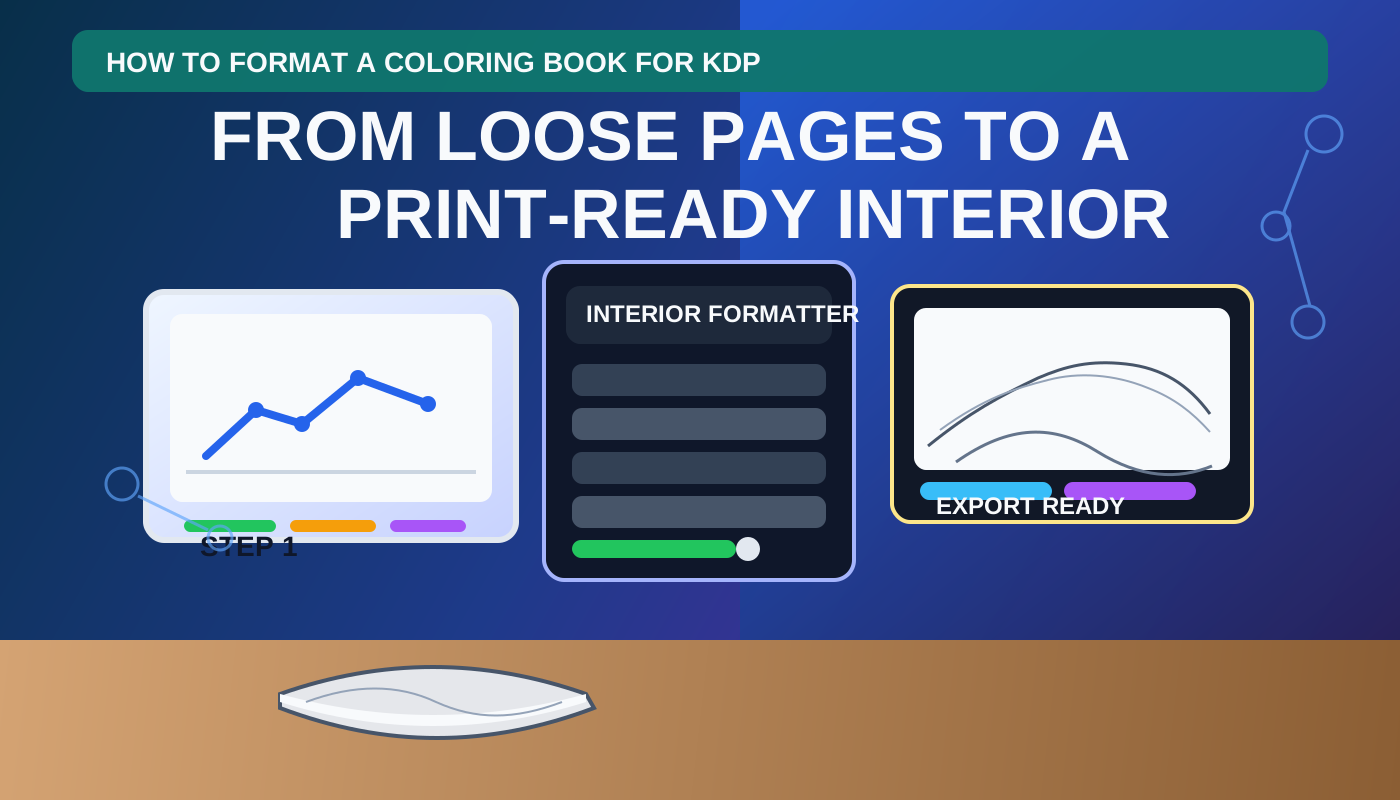
How to Format a Coloring Book for KDP
See the broader workflow from loose pages to one print-ready interior PDF.
Read the full formatting walkthrough
Autor

Categorias
Mais posts
7 Best Photo to Coloring Page Converters in 2026
Compare the best photo to coloring page converters in 2026 for printable line art, pet and family keepers, and the path into a KDP coloring book.
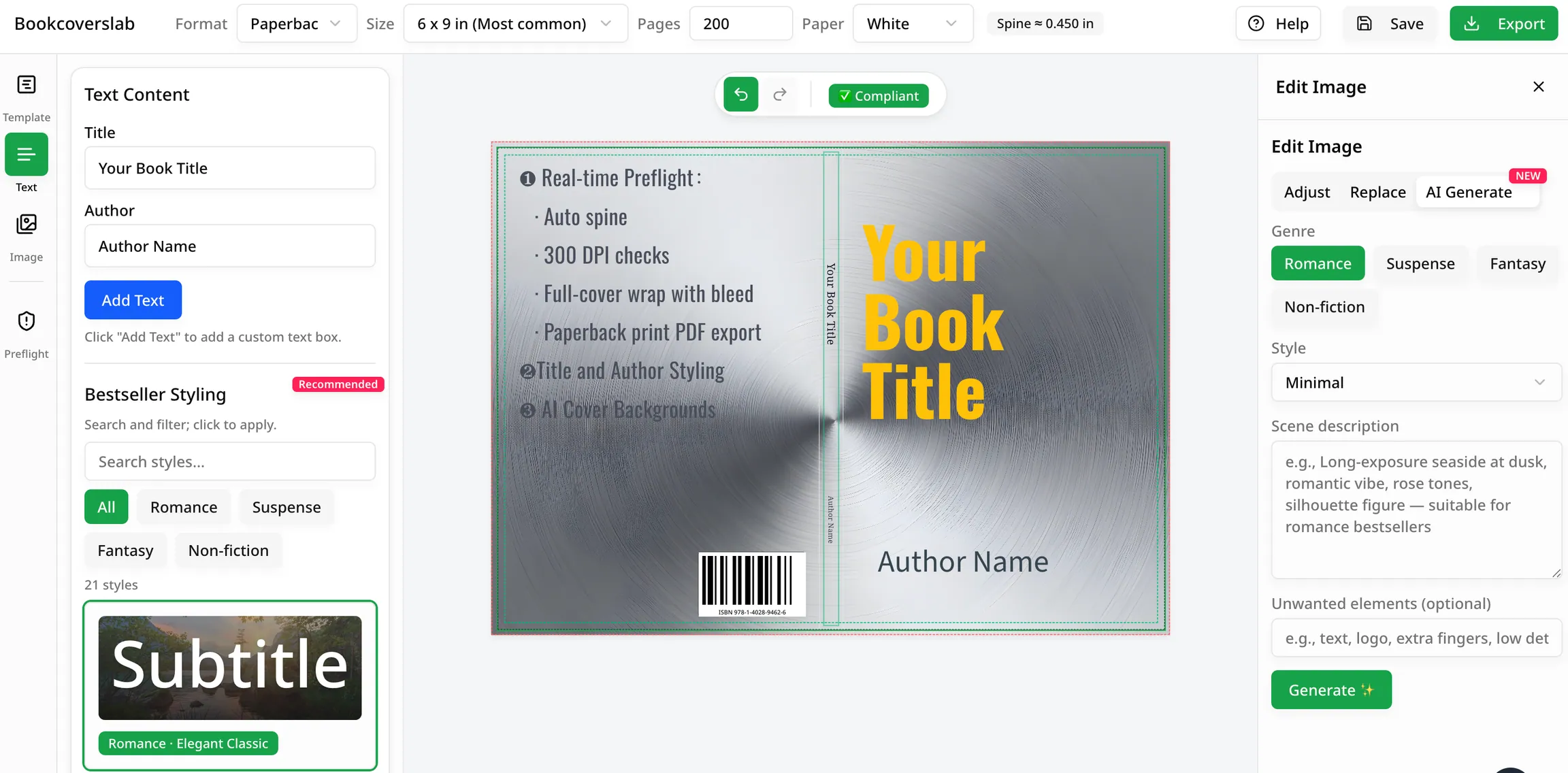
Melhores geradores gratuitos de capas de livros com IA em 2026
Compare os melhores geradores gratuitos de capas de livros com IA para autores em 2026. Veja quais ferramentas são melhores para ideias, ajuste de gênero e fluxos de trabalho prontos para KDP, incluindo BookCoversLab.
Capa KDP com tamanho errado no Canva? Aqui está a solução fácil
Erros de rejeição do KDP? Saiba por que a capa do seu livro no Canva continua aparecendo no tamanho errado para o KDP (é a lombada e o sangramento!) e descubra a solução fácil e à prova de erros.
Newsletter
Junte-se à comunidade
Assine nossa newsletter para receber as últimas novidades e atualizações