
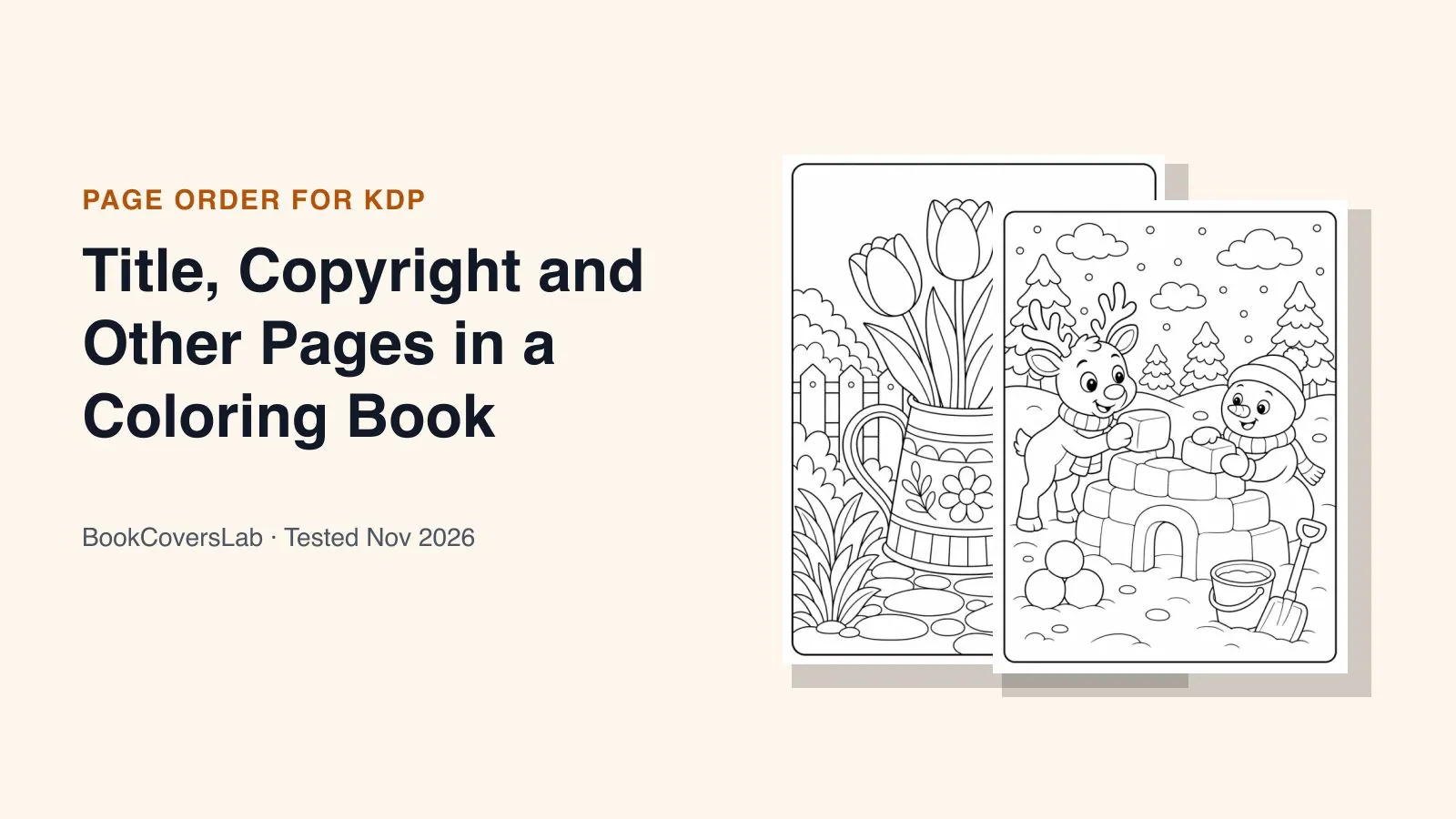
Coloring Book Title Page, Copyright Page and Other Front Pages: What to Include and in What Order
A coloring book usually opens with four pages before the first design: a title page, a copyright page, a "this book belongs to" page and a short intro or tips page. The designs then start on a right-hand page, each with a blank or black back. KDP does not require any of these front pages, but buyers expect them, and they help a book reach KDP's 24-page minimum without padding it with blanks.
Below are copy-ready templates for each page and a page order that keeps you inside KDP's blank-page limits. In the coloring book formatter you can insert the copyright, belongs-to, intro and black pages between any two designs and edit their text on the page. If you are still making the designs, start in the AI Coloring Book Generator.
Key Takeaways
- Common order: title → copyright → belongs-to → intro → designs, with designs on right-hand pages.
- The title page must match the cover and KDP listing exactly.
- A copyright page needs a copyright line, publisher, ISBN (if any) and a rights statement.
- KDP allows 4 blank pages in a row at the start or middle. Front pages help you stay under it.
- Blank backs vs black backs is a separate choice: see do coloring books need blank backs?.
What order do the pages go in a coloring book?
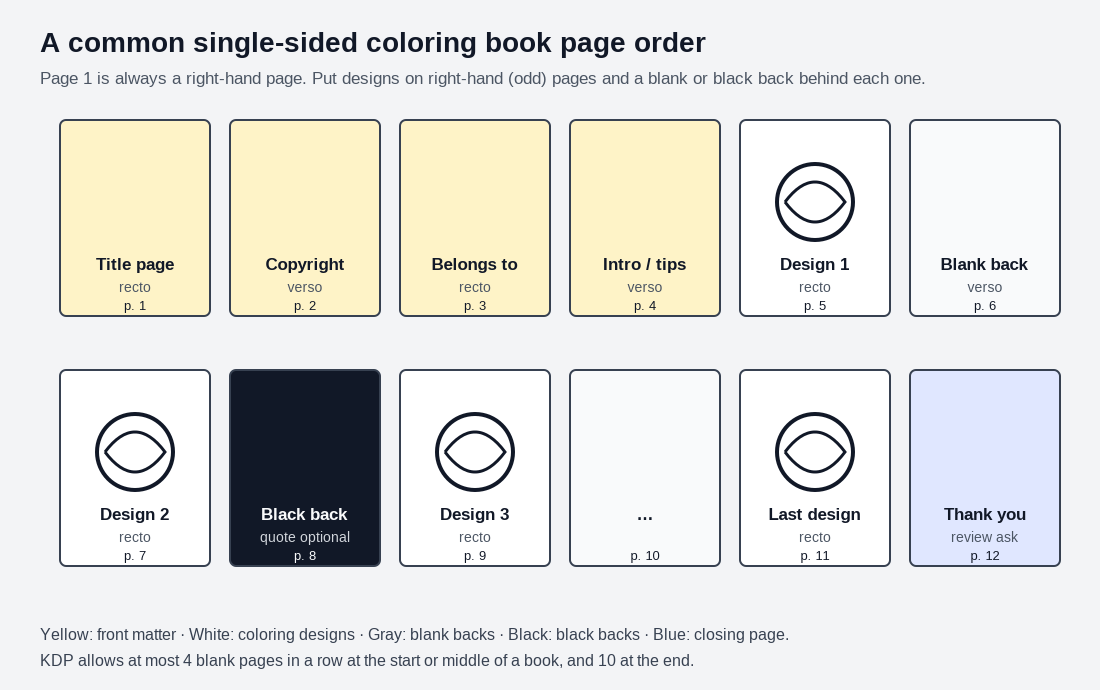
Page 1 is always a right-hand page (recto). Page 2 is its back (verso). A common single-sided order:
| Page | Side | Content |
|---|---|---|
| 1 | Right | Title page |
| 2 | Left | Copyright page |
| 3 | Right | This book belongs to |
| 4 | Left | Intro, tips or a marker test page |
| 5 | Right | Design 1 |
| 6 | Left | Blank or black back |
| 7 | Right | Design 2 |
| … | … | |
| Last | Thank-you page (optional) |
Two rules to keep in mind:
- Designs on right-hand pages. That is where a reader's hand rests naturally, and the back stays free for bleed-through.
- Blank runs. KDP allows at most 4 blank pages in a row at the beginning or middle and 10 at the end (formatting help). A blank title verso plus a blank page after it plus blank backs can add up faster than you expect. Using the copyright and intro pages as content breaks the run.
What should a coloring book title page include?
The title, the subtitle and the author or brand name. That is enough. Some publishers add one small illustration from the book.
The important part is consistency. KDP compares the title on the cover, the title page and the listing. Use the exact same wording, including the subtitle. A title page that says "Ocean Friends" on a book listed as "Ocean Friends Coloring Book for Kids Ages 4-8" can trigger a mismatch question during review.
Template:
OCEAN FRIENDS
A Coloring Book for Kids Ages 4–8

[Author or brand name]
The formatter has no dedicated title-page template. Use an Intro page with the title as the heading, or import a title page you designed as an image.
What do you put on a coloring book copyright page?
A copyright line, publisher, ISBN if you have one, and a rights statement. Optional lines cover edition, website and a personal-use note.
Template:
Copyright © 2026 [Your Name or Imprint]

Published by [Imprint name]
ISBN 978-0-00-000000-0
First edition

All rights reserved. No part of this book may be reproduced,
stored or transmitted in any form without written permission
from the publisher, except that the buyer may copy pages
for personal, non-commercial use.

[website]
Notes on each line:
| Line | Required? | Note |
|---|---|---|
| Copyright © year name | Recommended | Your name or your imprint |
| Publisher | Recommended | "Independently published" is common for KDP |
| ISBN | If you have one | KDP shows the free KDP ISBN in your bookshelf after you assign it |
| Rights statement | Recommended | The personal-use copy line is popular with coloring buyers |
| AI note | Optional | KDP's AI disclosure is made in the publishing flow, not in the book |
The coloring book formatter's Copyright page comes with editable fields for the copyright line, author, publisher, ISBN and rights statement.
About AI art and copyright. The U.S. Copyright Office has said that material generated entirely by AI is not protected by copyright (copyright.gov/ai). Your copyright line still covers what you made: the selection and arrangement, any text, and your own artwork. Some publishers add "Illustrations created with AI tools and edited by [name]." That is a transparency choice, not a KDP requirement. This is not legal advice. More on the rules: can you sell AI coloring books on Amazon?.
What goes on a "this book belongs to" page?
A heading and an empty line for the owner's name. That is the whole page. It is standard in kids' books and a nice touch in gift books for adults.
Template:
THIS BOOK BELONGS TO

______________________________

If found, please return to
______________________________
Leave the lines blank. The buyer writes on them. In the formatter, the Belongs To page leaves the owner and contact fields empty and prints them as lines for handwriting.
Design ideas that fit the book: a frame drawn in the same line style as the designs, the main character holding a sign, or a simple border. Keep it light; it is the first thing a child colors.
What goes on the intro or tips page?
A short welcome and a few tips. Three to six lines is plenty:
Welcome!

Each design is printed on one side of the page, so markers
won't ruin the next picture. Slip a sheet of paper behind
the page you are coloring for extra protection.

Try your colors on the test page first.
Have fun, and there's no wrong way to color!
Two optional pages that work well here:
- Marker test page. A page of simple shapes where colorists try markers and pencils before they start a design. The formatter's Bleed Test page inserts one.
- Color chart. A grid of empty swatches the buyer fills with their own pens.
What about black pages and a thank-you page?
Black backs are an alternative to blank backs: a solid black page behind each design. They hide marker bleed-through and give adult books a premium look. Many publishers put a short quote on each one. The formatter adds black backs with original quotes in four themes (Inspiring, Warm, Mindful, Kids) that you can edit or turn off. Black pages need bleed because the ink runs to the edge. The full trade-off is in do coloring books need blank backs?.
Generating a new book? In the AI Coloring Book Generator, the page layout step lets you insert blank, black, copyright and "this book belongs to" pages before export, so the front matter is built with the designs.
A thank-you page at the end can ask for a review and point to your other books. Keep it to a few lines; it is the last thing the reader sees.
How many front pages is too many?
Two to four is normal. Past that, buyers using Look Inside see pages of text before the first design, and Look Inside is how coloring book buyers judge the line style. If you need more pages for the 24-page minimum, add designs, not more front matter. See how many pages should a coloring book have?.
FAQ
What should a coloring book title page include?
The exact title and subtitle from the cover, and the author or brand name. Some publishers add a small illustration from inside the book. Keep the wording identical to the KDP listing, because KDP checks that the title on the cover, interior and listing match.
What do you put on a coloring book copyright page?
A copyright line (Copyright © year name), the publisher or imprint name, the ISBN if you have one, an "All rights reserved" statement with a short reproduction notice, and optional lines such as edition, contact website, and a note about personal-use copying of pages.
Does a KDP coloring book need a copyright page?
KDP does not require one, but it is standard in printed books, it tells buyers who published the book, and it adds a page toward the 24-page minimum without a blank run.
What is a "this book belongs to" page?
A page near the front with a heading such as "This book belongs to" and a line for the owner's name. It is common in kids' coloring books and gift books, and it is usually left blank for handwriting.
Where do the designs start in a coloring book?
On a right-hand (odd) page, after the front matter. In a single-sided book each design sits on a right-hand page with a blank or black back on the left-hand page behind it.
Should I mention AI on the copyright page?
KDP does not require it in the book; the AI disclosure is made in KDP's publishing flow. Some publishers add a line such as "Illustrations created with AI tools and edited by the author" for transparency. Do not claim copyright in elements you cannot own. This is not legal advice.
Related resources
- Do coloring books need blank backs?: blank vs black backs
- Page numbers in a coloring book
- Coloring book formatter: insert front pages, blank and black backs, export the interior
- AI Coloring Book Generator
- KDP coloring book requirements
Autor

Kategorie
Więcej wpisów
Coloring Book Bleed and Margins for KDP: What Actually Matters
Learn how bleed and margins work for KDP coloring books. Decide when full bleed makes sense, how much safe space line art needs, and how to avoid cramped or risky interior pages.
Midjourney Coloring Book: From Prompts to a KDP-Ready PDF
Make a Midjourney coloring book for KDP: prompt template, pixel sizes per trim (a 2:3 upscale is ~208 DPI on 8.5x11), cleanup and PDF export.
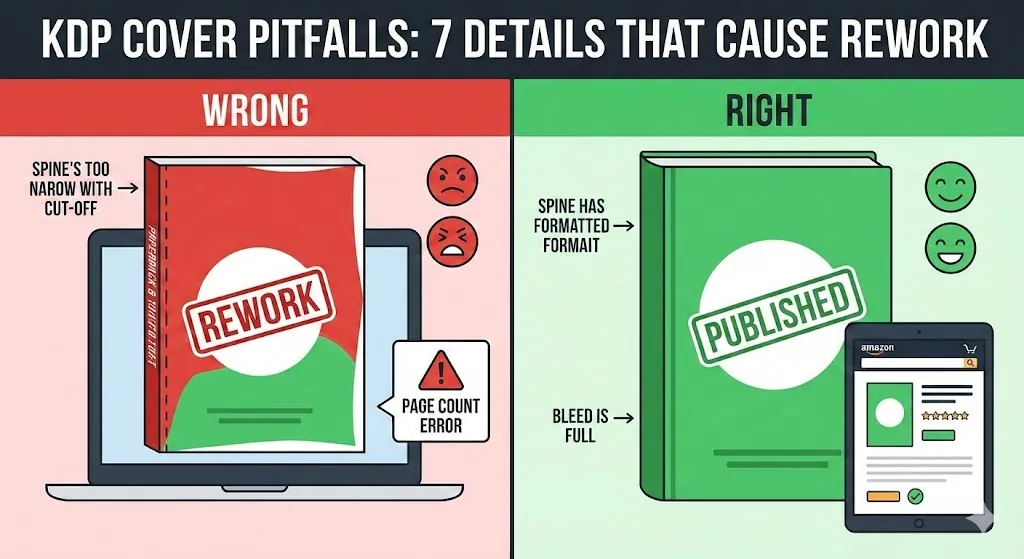
Pułapki w okładce KDP: 7 szczegółów powodujących przeróbki (liczba stron, grzbiet, spad)
Praktyczny przewodnik „unikania przeróbek" dla autorów KDP po raz pierwszy. Poznaj 7 najczęstszych błędów okładek KDP — zmiany liczby stron, szerokość grzbietu, spady i bezpieczne strefy, marginesy, odstęp w kodzie kreskowym, eksport do pliku PDF i rozdzielczość — a także 10-minutową listę kontrolną przesyłania.
Newsletter
Dołącz do społeczności
Zapisz się do naszego newslettera, aby otrzymywać najnowsze wiadomości i aktualizacje