
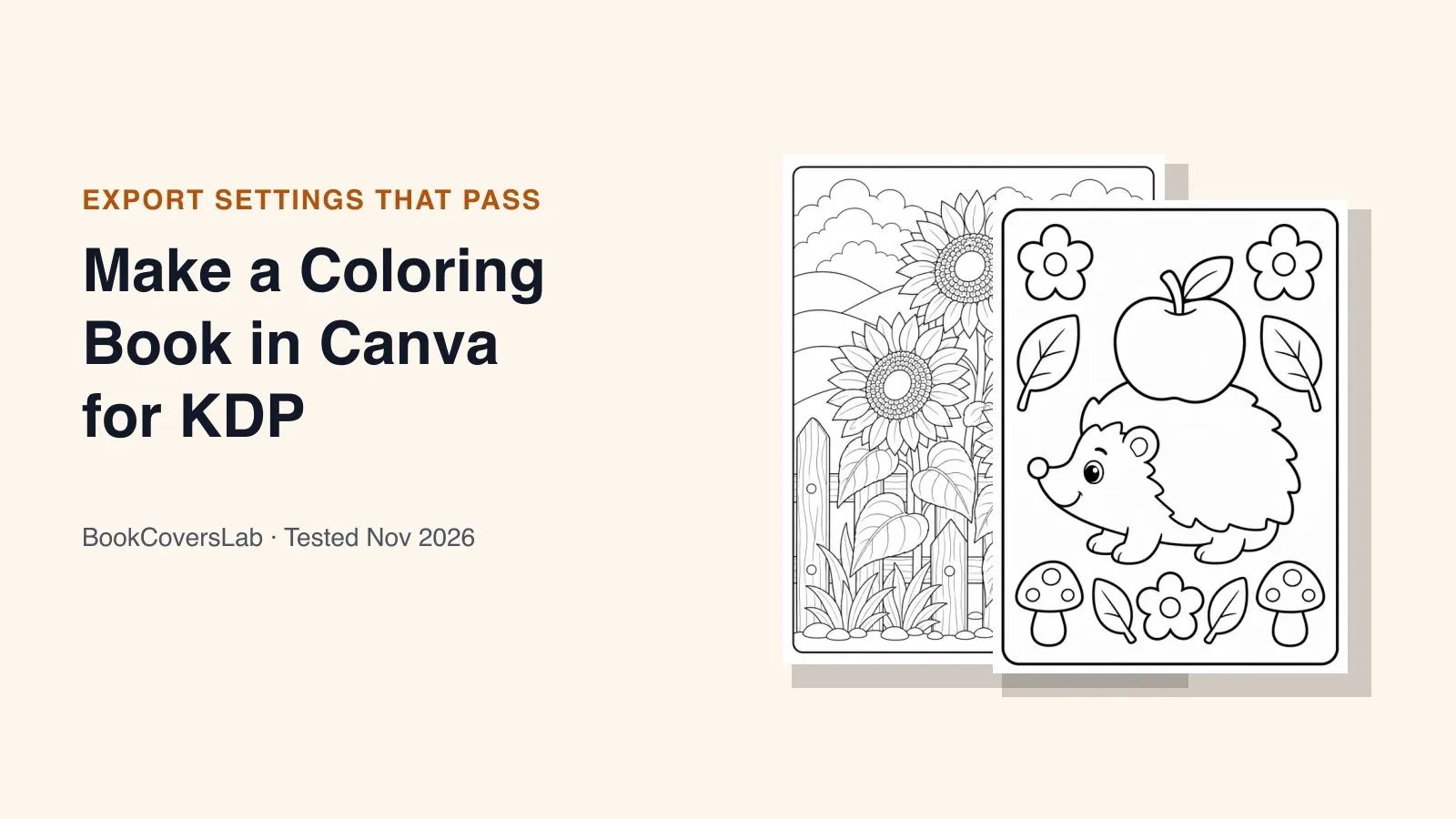
How to Make a Coloring Book in Canva and Sell It on Amazon KDP
You can make a coloring book in Canva and sell it on Amazon KDP if you get three things right: page size, export settings and licensing. For an 8.5 x 11 in book with bleed, the page must be 8.625 x 11.25 in. Canva's own print-bleed option adds bleed on all four sides, which makes the page too wide for a KDP interior. Download as PDF Print with crop marks off and Flatten PDF on. And use line art you are allowed to sell, because Canva's license limits reselling its stock elements.
Canva is good at layout. It does not check what KDP checks: pixels per inch, blank-page runs, page count or line quality. This guide covers each setting and what to check before upload. If you would rather not set this up by hand, export the pages from Canva and finish them in the coloring book formatter, or generate the whole interior in the AI Coloring Book Generator.
Key Takeaways
- Page size with bleed: 8.625 x 11.25 in for 8.5 x 11. Do not use Canva's "Show print bleed", which adds 0.125 in on all four sides.
- Download: PDF Print, crop marks and bleed off, Flatten PDF on.
- Art must be large enough: about 2,588 px wide for a full-bleed 8.5 x 11 page.
- Canva elements: you generally cannot sell a book whose main value is unmodified Canva graphics. Read the Content License Agreement.
Can you sell a coloring book made in Canva?
Yes, with a licensing condition. Canva's Content License Agreement lets you use Canva content in designs you sell, but it does not allow products where the Canva content itself, unmodified, is the main value. A coloring book is almost entirely its line art, so a book built from Canva's stock coloring graphics is the risky case.
Safe sources of line art:
| Source | Commercial use |
|---|---|
| Your own drawings | Yes |
| AI images from a tool whose terms allow commercial use | Usually yes; check the tool's terms |
| Art you commissioned with a commercial license | Yes, per the contract |
| Canva stock elements and templates as the main content | Check Canva's license; generally not for resale as-is |
| "Free coloring pages" from websites | Usually personal use only |
KDP also asks you to disclose AI-generated images, including interior art. See can you sell AI coloring books on Amazon?. This is not legal advice.
What size should a Canva coloring book be for KDP?
Set a custom size in inches, and choose whether the book has bleed before you start:
| Trim | Canva custom size, no bleed | Canva custom size, with bleed |
|---|---|---|
| 8.5 x 11 in | 8.5 x 11 in | 8.625 x 11.25 in |
| 8.5 x 8.5 in | 8.5 x 8.5 in | 8.625 x 8.75 in |
| 8 x 10 in | 8 x 10 in | 8.125 x 10.25 in |
| 6 x 9 in | 6 x 9 in | 6.125 x 9.25 in |
KDP adds 0.125 in to the width (outside edge only) and 0.25 in to the height (0.125 in top and bottom) for bleed (trim, bleed and margins).
Why not Canva's print bleed? Canva's "Show print bleed" adds 0.125 in on all four sides, so an 8.5 x 11 design exports at 8.75 x 11.25 in. A KDP interior has no bleed on the inside (binding) edge, so the expected width is 8.625 in. A file that is 0.125 in too wide can be flagged as the wrong size, or the art can shift toward the binding.
Do you need bleed at all? Only if art, a frame or a black page touches the edge. Most coloring books keep a white border and use the no-bleed size. If any page needs bleed, the whole file needs it. Details: coloring book bleed and margins.
How do you lay out the pages in Canva?
- Add the front pages: title, copyright, "this book belongs to" and an intro. Templates: title and copyright pages.
- One design per page. Place the art so it stays at least 0.5 in from the inside edge and 0.375 in from the other edges. Canva's rulers and guides help here.
- Add blank backs if the book is single-sided: an empty page after every design. For 30 designs that is 30 extra pages to keep in order.
- Page numbers are optional. If you add them, they must run in order with no gaps: page numbers in a coloring book.
The blank backs are where Canva gets tedious. Every time you move a design, its blank back has to move with it.
What download settings should you use?
| Setting | Use | Why |
|---|---|---|
| File type | PDF Print | Print-quality export; PDF Standard compresses images |
| Crop marks and bleed | Off | KDP does not want printer's marks |
| Flatten PDF | On | KDP asks for transparencies to be flattened (formatting help) |
| Color profile | RGB is fine | A black-ink interior is printed in black; CMYK is not required |
| Pages | All pages | Upload one interior PDF |
The cover is a separate file with back, spine and front, sized from the final page count. Do not put the cover inside the interior PDF. Build it with the KDP Cover Creator or the Coloring Book Cover Maker.
Is a Canva PDF high enough resolution for KDP?
Only if the art is. PDF Print exports at print quality, but it cannot add detail that is not in the source image. KDP asks for 300 DPI (Submission Guidelines):
| Art placed across the page | Pixels needed (8.5 x 11) | A 1024 x 1536 image reaches |
|---|---|---|
| Full bleed (8.625 x 11.25 in) | 2588 x 3375 | about 119 DPI |
| Inside margins (7.5 x 10 in) | 2250 x 3000 | about 137 DPI |
If your art came from an AI tool at 1024 px, it needs upscaling before it goes into Canva. Full table: KDP image resolution for coloring books.
What should you check before uploading a Canva PDF?
| Check | Why it fails |
|---|---|
| Page size matches trim (or trim + bleed) | Canva's 4-side bleed makes pages too wide |
| Every design is 300 DPI at its placed size | Small source images stretched to fill the page |
| Lines are pure black and white | AI art often has gray haze that prints as dots (why) |
| 24 pages or more | KDP's paperback minimum |
| No more than 4 blank pages in a row (10 at the end) | Extra blank pages added to reach 24 |
| Title page matches the cover | KDP compares them |
Can you format a Canva coloring book somewhere else?
Yes. A common split is to design pages in Canva and assemble the book in a tool built for interiors. In the coloring book formatter:
- Import the Canva PDF (or PNG/JPG pages). The PDF is split into pages, and front pages such as "Belongs To" or an intro are detected.
- See every low-DPI page flagged on import.
- Clean pages to pure black and white, erase specks and reconnect broken lines.
- Add blank or black backs in one step; page order and numbers rebuild automatically.
- Pick the trim and bleed and export one KDP interior PDF. A watermarked proof is free.
That keeps Canva for what it does well and avoids managing 30 blank pages by hand. If you do not have the line art yet, the AI Coloring Book Generator generates commercial-use pages and lays them out in the same place, so you can skip Canva for the interior.
FAQ
Can you make a coloring book in Canva to sell on Amazon?
Yes, if the line art is yours or licensed for commercial use. Canva can lay out pages and export a print PDF. Canva's Content License Agreement does not let you resell Canva's own stock elements or templates in a way that makes them the main value of the product, so a book made from unmodified Canva graphics is risky.
What size should a Canva coloring book be for KDP?
For an 8.5 x 11 in book without bleed, 8.5 x 11 in. With bleed, 8.625 x 11.25 in, because KDP adds 0.125 in to the width and 0.25 in to the height. Canva's built-in print bleed adds 0.125 in on all four sides, which makes the page too wide for a KDP interior.
What download settings should I use in Canva for KDP?
PDF Print, with crop marks and bleed turned off and Flatten PDF turned on. KDP asks for transparencies to be flattened. RGB is fine for a black-ink interior.
Is Canva's PDF Print 300 DPI?
PDF Print exports images at print quality, but it cannot add detail that is not in the source image. A 1024 px image stretched across an 8.5 in page is still about 120 DPI. Use art that is at least 2550 px wide for an 8.5 in page.
How do I add blank backs in Canva?
Add an empty page after every design page. For a 30-design book that is 30 extra pages, which you must keep in order when you rearrange designs. Some people format in Canva and add blank backs in a separate formatter instead.
Related resources
- Coloring book formatter: import a Canva PDF, add blank backs and export for KDP
- AI Coloring Book Generator
- KDP coloring book requirements
- KDP cover wrong size from Canva: the same bleed problem on covers
- Coloring Book Cover Maker
Autor

Kategorien
KDP Coverrechner (mm)
Sie suchen „KDP Umschlag‑Maße“, einen „Buchrücken Rechner“ oder „Beschnitt mm“? Nutzen Sie den KDP Coverrechner für exakte Maße in mm.
Weitere Beiträge
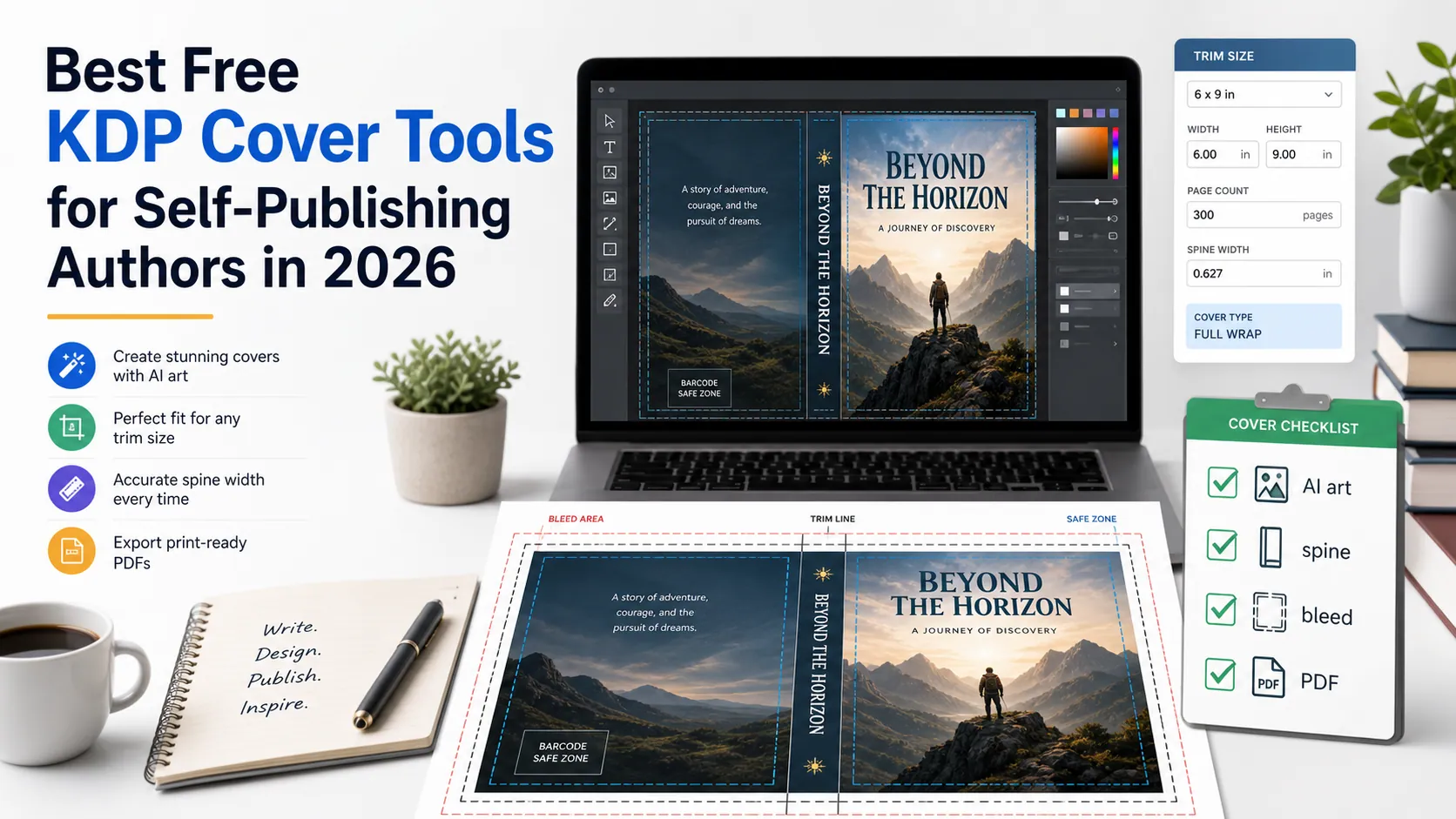
Die besten kostenlosen KDP-Cover-Tools für Selfpublisher 2026
Vergleichen Sie kostenlose Tools für KI-Ideen, Canva-Design, Vorlagen, Rückenbreite, Anschnitt, Barcode-Bereich, Mockups und druckfertige PDF-Prüfung.
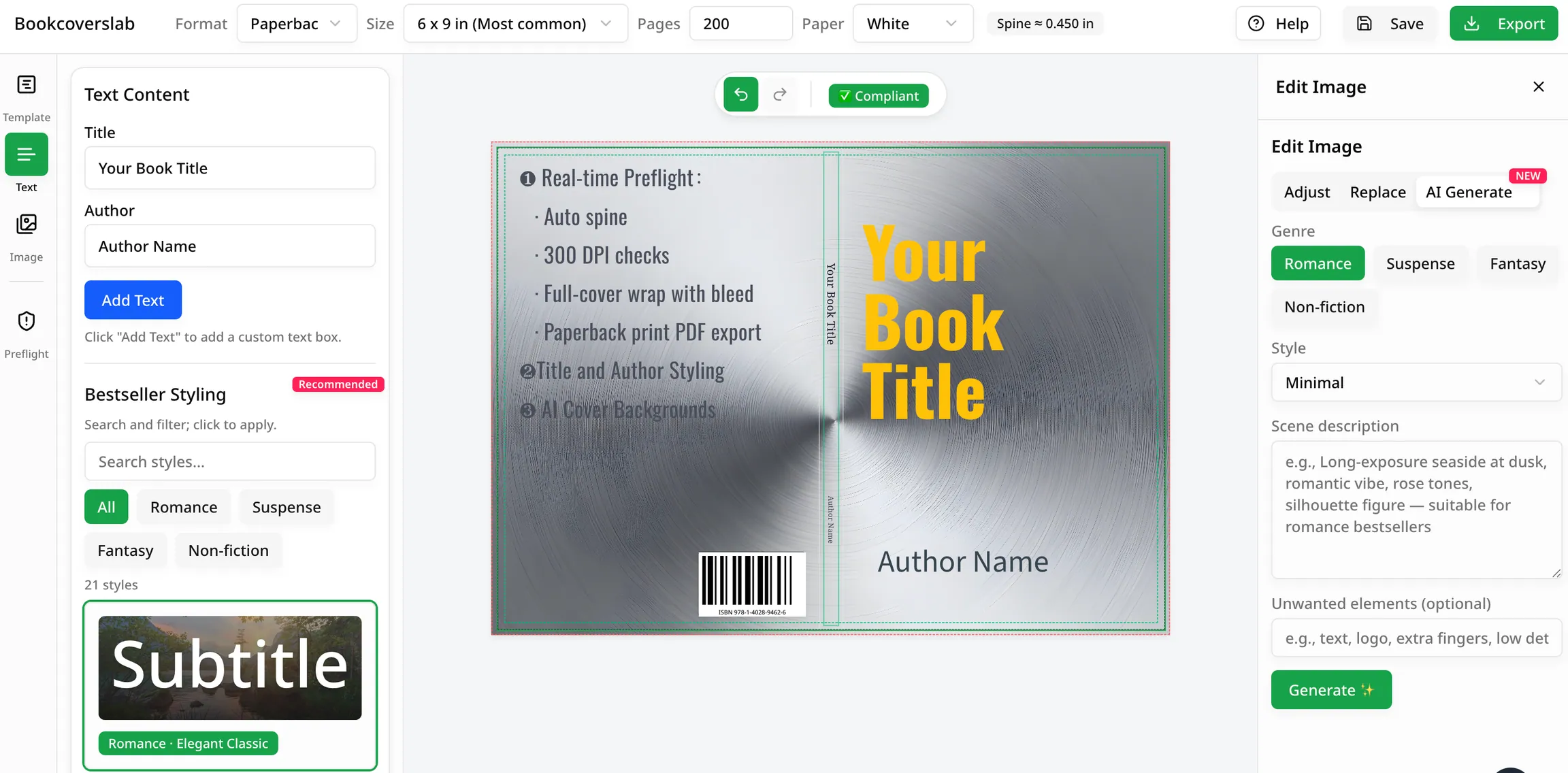
Beste kostenlose KI-Buchcover-Generatoren im Jahr 2026
Vergleichen Sie die besten kostenlosen KI-Buchcover-Generatoren für Autoren im Jahr 2026. Sehen Sie, welche Tools sich am besten für Ideen, Genre-Passung und KDP-fähige Arbeitsabläufe eignen, einschließlich BookCoversLab.

7 Best AI Coloring Page Generators in 2026 (Printable PNG First)
Compare the best AI coloring page generators in 2026 for printable line-art PNGs, KDP trim sizes, and the handoff into a full coloring book workflow.
Newsletter
Werden Sie Teil der Community
Abonnieren Sie unseren Newsletter für Neuigkeiten zu KDP‑Cover‑Strategien, Tools und Updates.